

Welcome to “Write to Earn” Bootcamp, a short series of practical lessons to help you get more out of “Write to Earn” on Binance Square — a program that rewards up to 50% commission on eligible trades driven by your content.
Lesson 2 is all about Trade Widgets. They’re one of the fastest ways to show proof, add context, and make it easier for readers to take action.
One key point: commission only counts when users click your trade widget and then place an eligible trade.
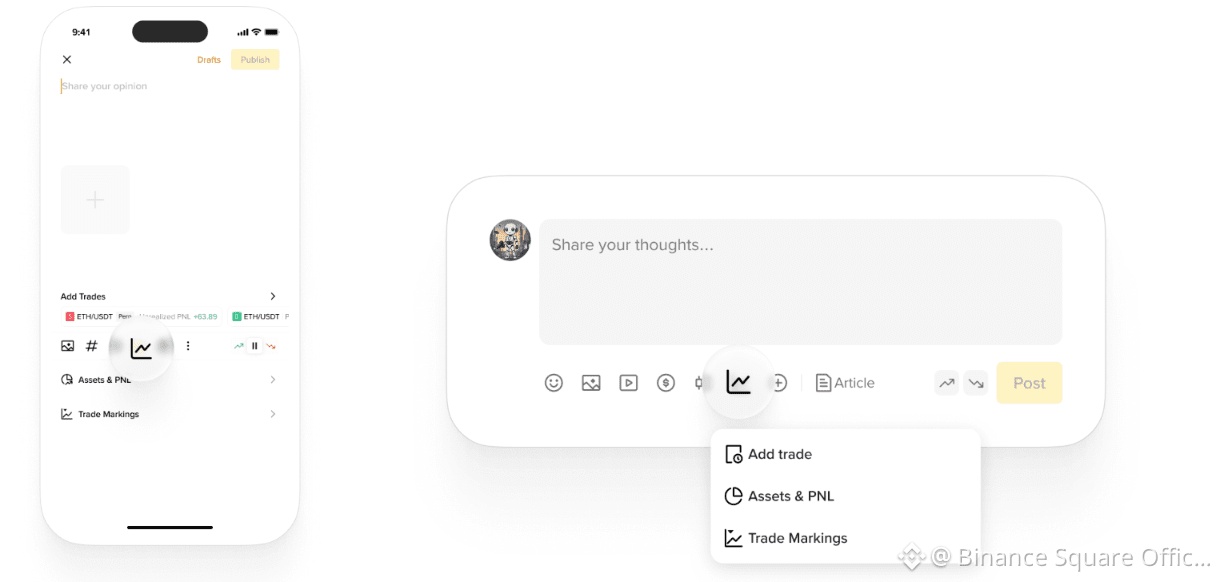
3 Trade Widget Tips to Save:
1. Show a Real Trade: Link your recent Spot, Futures, Alpha, or Convert trades to your post. Real trades build trust and give readers a clear reason to click your trade widget and place an eligible trade.
2. Share Assets & PNL: Share your account portfolio and PnL. A strong performance snapshot grabs attention.
3. Use Trade Markings Charts: Display your trading history for specific tokens on a K-line chart. Clear visuals help readers understand your strategy and make it easier for them to act through your trade widget.
App Web
Check out examples from creators: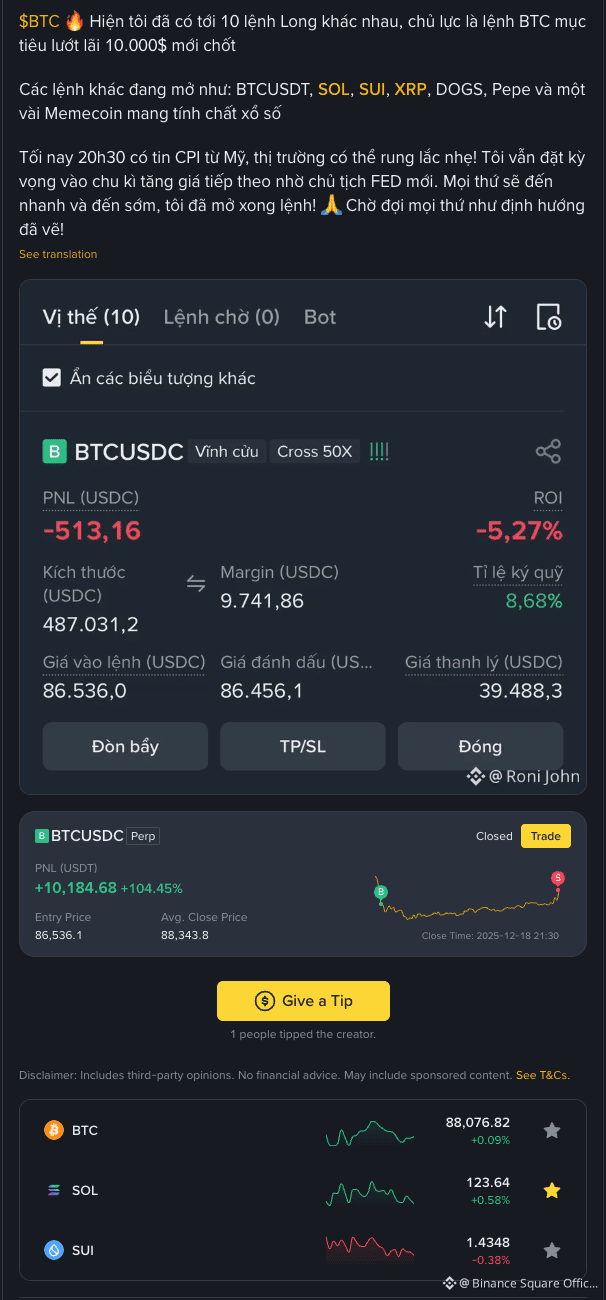
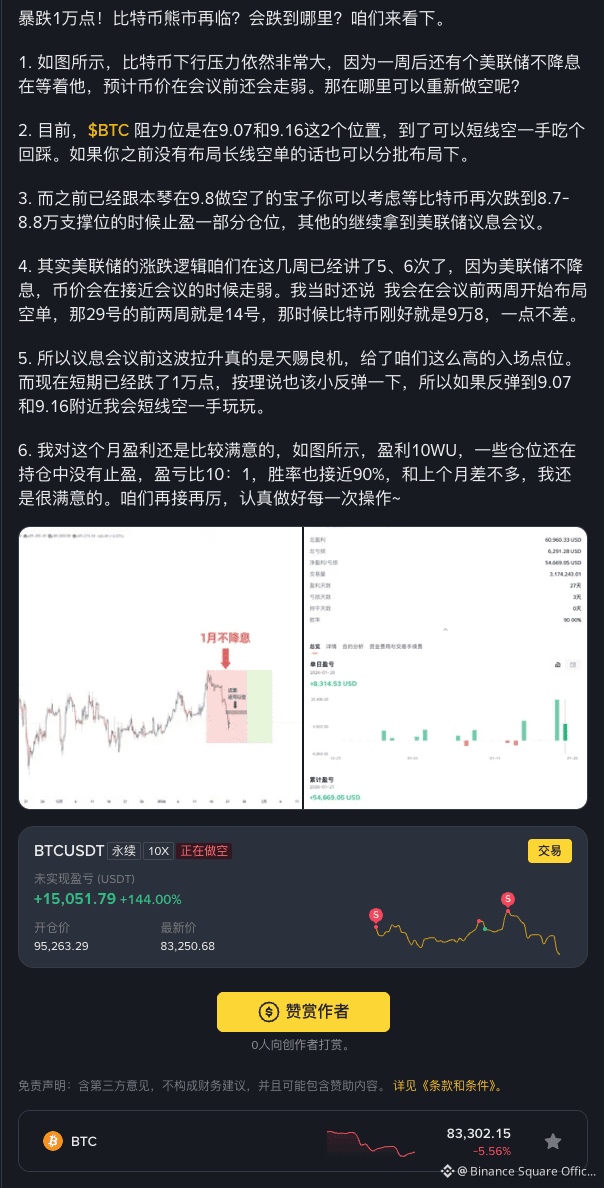
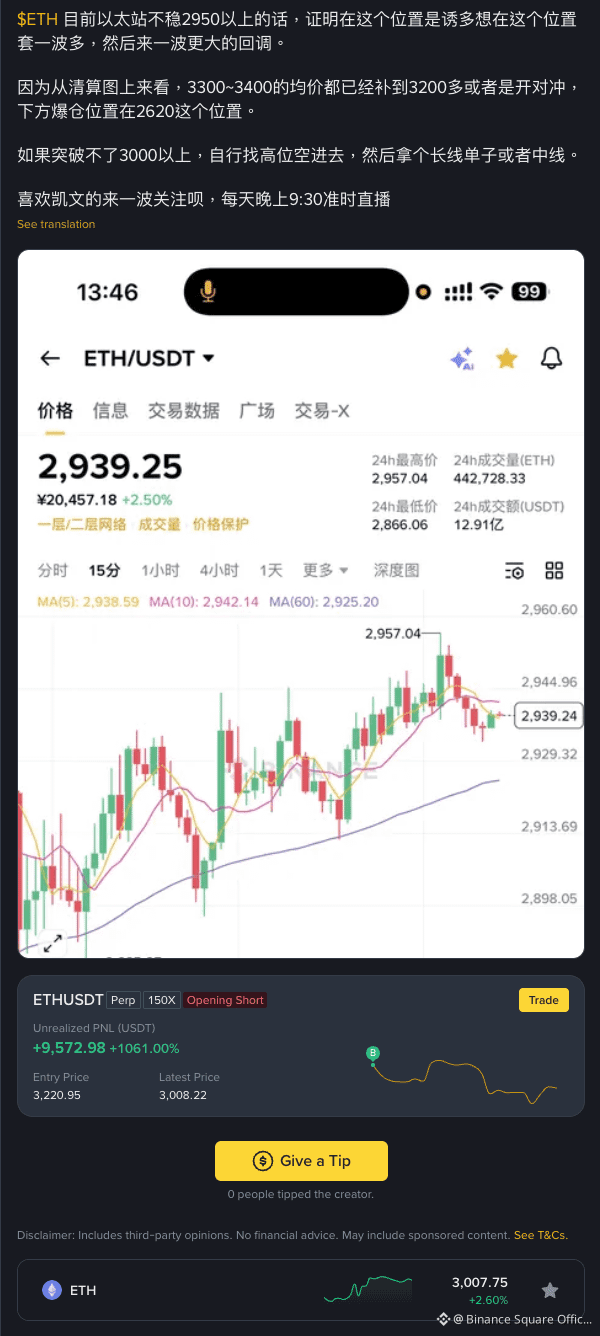 *The content is for display purposes only and does not constitute endorsement of any actions
Now, here are some common mistakes to avoid:
Using old or irrelevant trades that don’t match the post
Using mismatched charts that only cause confusion
Try these tips on your next post and track what improves: clicks → eligible trades → commission. Want the next lesson to cover a specific topic (hooks, formatting, timing, content ideas)? Comment below.