
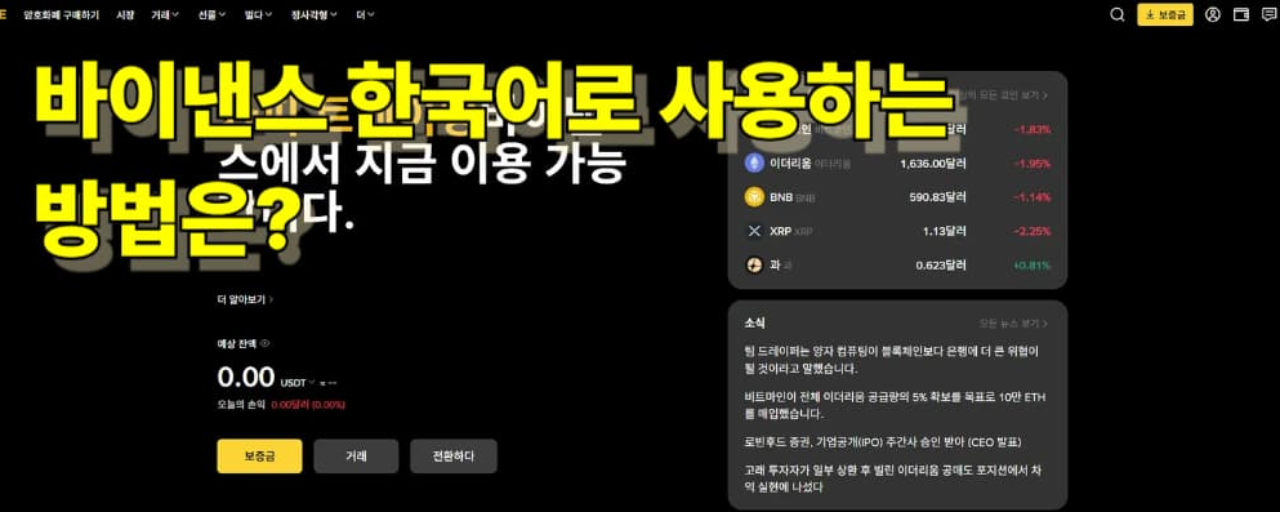
I want to use Binance in Korean, but the menu often shows in English, which can be overwhelming. Today, I'll break down how to switch to Korean on the Binance app and website, how to handle situations where only some parts are in Korean, and cover registration and security checks based on 2026 standards.
Is Binance available in Korean?
Binance supports multiple languages, and depending on your setup, the Korean option might appear or only some screens may be translated. The way it displays can change based on updates or your region/version (app, mobile web, PC web), so checking the settings in the order below is the quickest way.
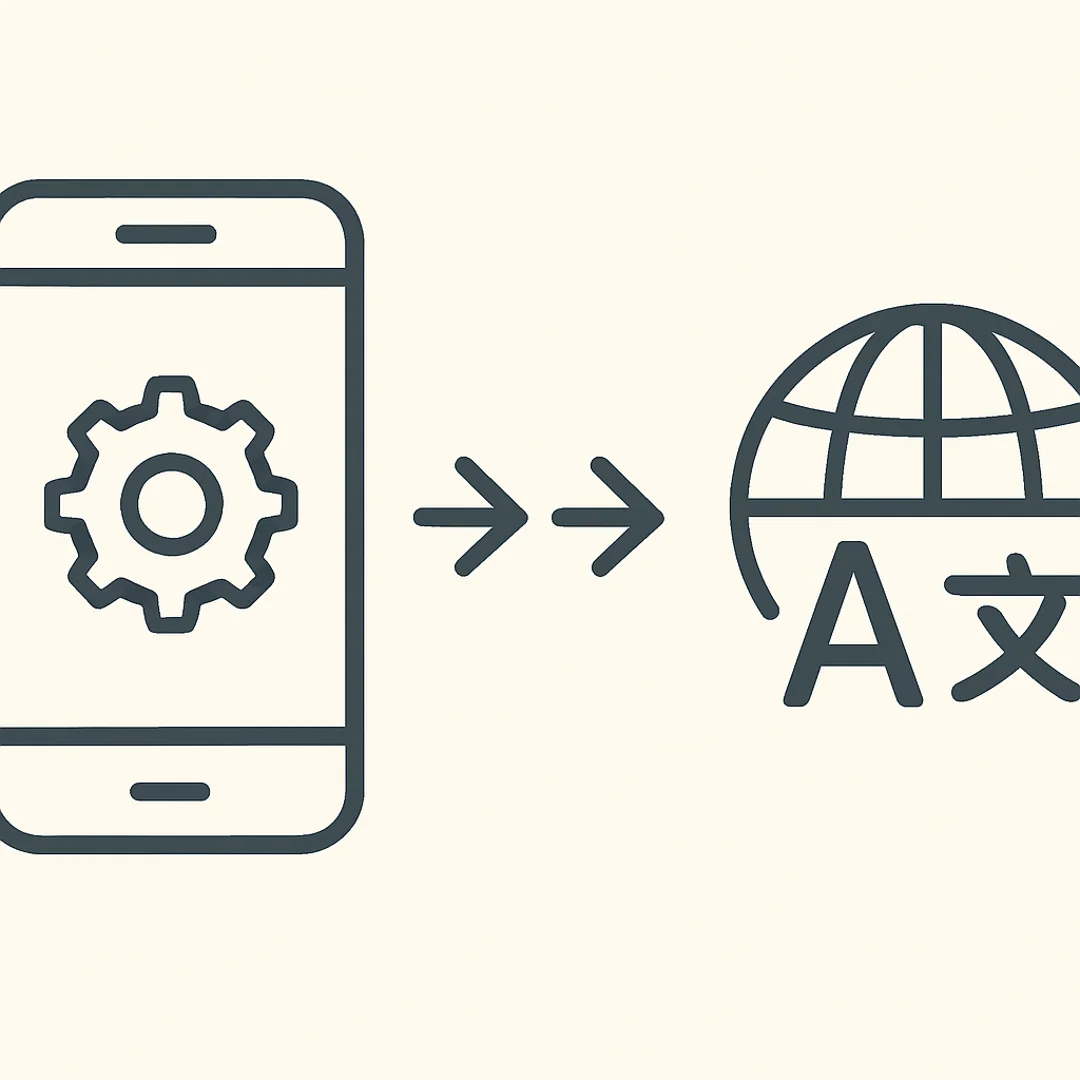
How to change to Korean on the Binance app
After launching the Binance app, go to the profile (person icon) on the top right or the menu.
Look for the Settings or Preferences section.
Select Korean from the Language options.
Often, exiting the app once after applying changes and then reopening it ensures the menu reflects properly.
Additional tips
If Korean isn’t listed or doesn’t apply, please update the app to the latest version.
Even if your device language is set to Korean, you may need to adjust the internal app language separately.
How to switch to Korean on the PC web/mobile web
Log in to the Binance website.
Find the Language selection menu (globe icon, etc.) at the bottom or right menu of the screen.
Select Korean.
Common issues encountered on the web
Certain pages (like advanced trading screens, announcements/research, etc.) may show some English mixed in.
Using browser translation features (like Chrome Translate) can make terms awkward, so it's best to stick to one method on essential trading/settings screens.
When Korean is only partially displayed: Four key checks
App/browser cache issues
If the language doesn't change after switching, try restarting the app, logging out/in, or clearing your browser cache.
Differences in screen modes
The menu structure may differ between Lite (simple) mode and Pro (advanced) mode, leading to different language reflections.
Language support varies by feature
Some new features or derivatives/advanced menus may have delayed translations. In such cases, focusing on core terms (Deposit, Withdraw, Spot, Futures, etc.) can reduce mistakes.
Beware of phishing sites/fake apps
If the language appears 'too natural' or the links look odd, be cautious. Make it a habit to check if the domain in the address bar is binance.com and that the app is from the official store.
(Note) Latest sign-up flow and security checks in 2026
The sign-up process may change the UI based on timing, but the main flow remains similar. Follow the Binance official guide (reference note link) in order: email/phone verification → password setup → security settings (2FA).
Two-factor authentication (2FA): Recommended to use Google Authenticator, etc.
Withdrawal whitelist (if applicable): Restrict withdrawals to registered addresses only
Phishing prevention code: Set a personal code displayed in emails to distinguish forged emails
FAQ
Q1. What should I do if I don’t see the Korean setting on Binance? A. Try updating the app and check again. If it's still not visible, changing the language menu on the PC web first, then re-logging into the app may help.
Q2. Will changing to Korean fully translate all menus? A. Some English may still mix in depending on the page/function. Particularly, advanced features or new menus may have delayed translations.
Q3. Is it okay to use Chrome's automatic translation? A. It can help with understanding concepts, but for crucial screens like verifying deposit/withdrawal addresses and order buttons, it’s advisable to turn off automatic translation and check the original text.
Q4. Where can I inquire about Korean language support/settings? A. You can reach out to Binance's Help Center regarding language or usability issues. It helps to have your app version, device OS, and screenshots ready for quicker resolution.
How to sign up for Binance in 2026: https://www.binance.com/en-NG/square/post/331566563160049
Finding the language menu for Binance's Korean setting is key on both the app and web. However, some screens might still show English, so it’s wise to check terms accurately on vital functions (deposit/withdrawal/orders/security) and ensure security settings are reviewed.
This article is for informational purposes only and not an investment solicitation. Due to high volatility in cryptocurrencies, please verify independently before investing.
#Binance #BinanceKorean #CryptoExchange #ExchangeUsage #AppSettings #LanguageSettings #SignUpMethod #SecuritySettings #FAQ