This Page is for general information and educational purposes only. It does not constitute legal terms or any form of legal agreement between you and Binance. It should not be construed as financial, legal or other professional advice. The information on this page may be outdated. For legal terms applicable to Spot Trading Services, please refer to the Terms of Use, the Exchange Rules and the Clearing Rules. Additional terms and conditions will also be set out in the Spot Copy Trading Services Terms (as applicable to Spot Copy Trading Services).
You can create your spot grid trading strategy on Binance by setting parameters or copying existing ones from the Bot Marketplace. Follow the step-by-step guide below to start spot grid trading on the website.
1. Log in to your Binance account and go to [Trade] - [Trading Bots].

2. Go to [Create Strategy] - [Create].

3. You will be redirected to the Spot Grid Trading interface. Go to the market you want to trade, for example, BTC/USDT.

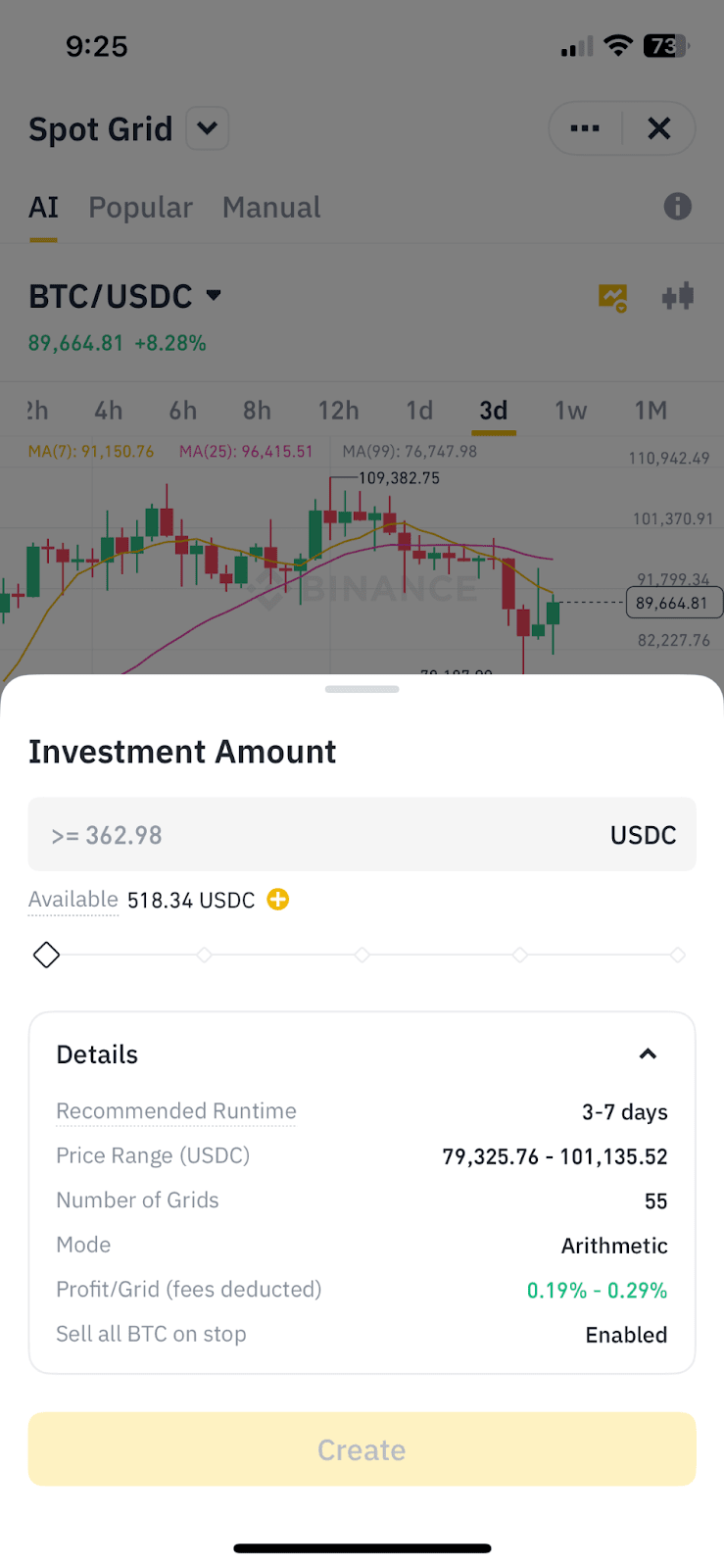
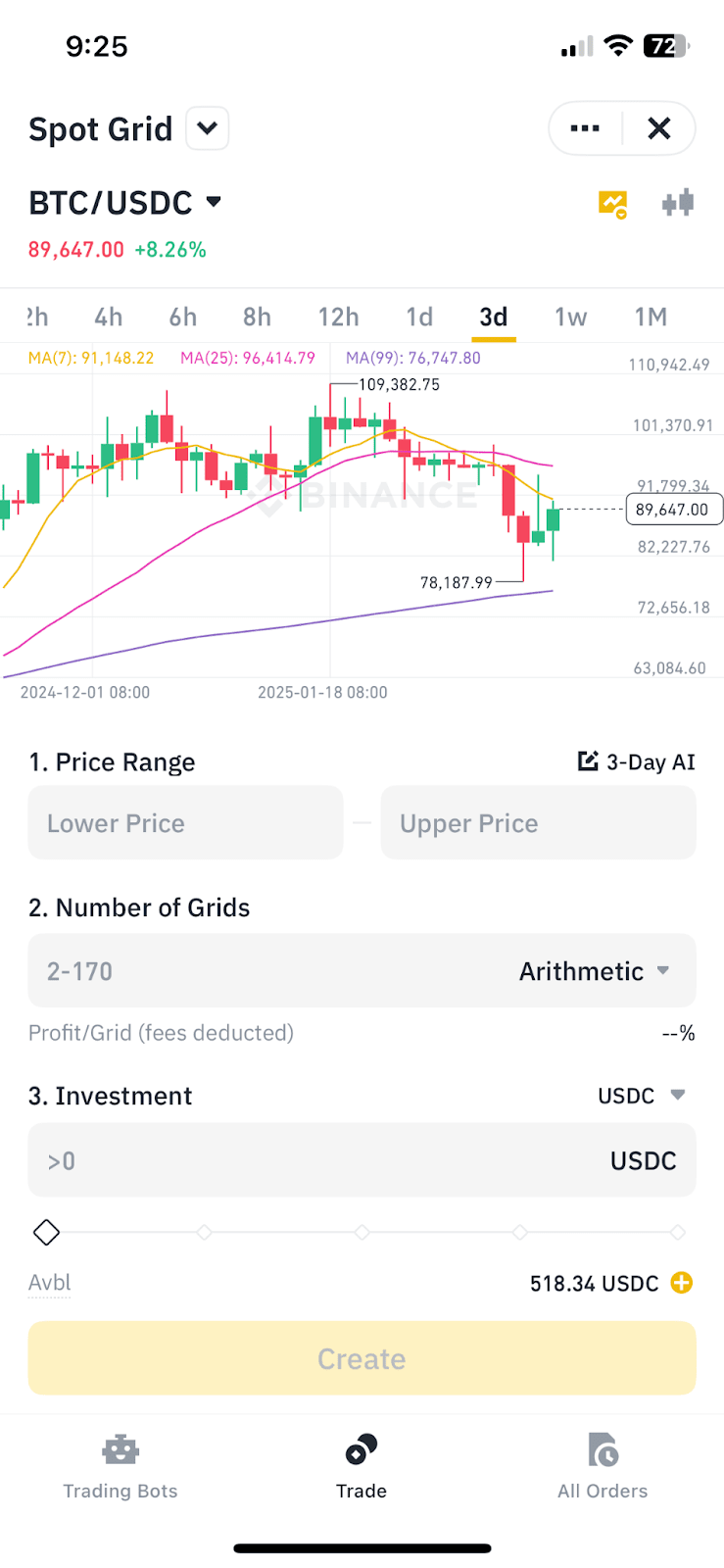
4. Select [AI], [Popular], or [Manual].

Please note that the system will use market prices in different time intervals to calculate the most suitable strategy parameters for you, but there is no guarantee how long your grid strategy will run. The recommended parameters will vary depending on the time period you select.


For more details, please refer to How to Use Spot Grid Trading Auto Parameters.
1. Log in to your Binance account and go to [Trade] - [Trading Bots].
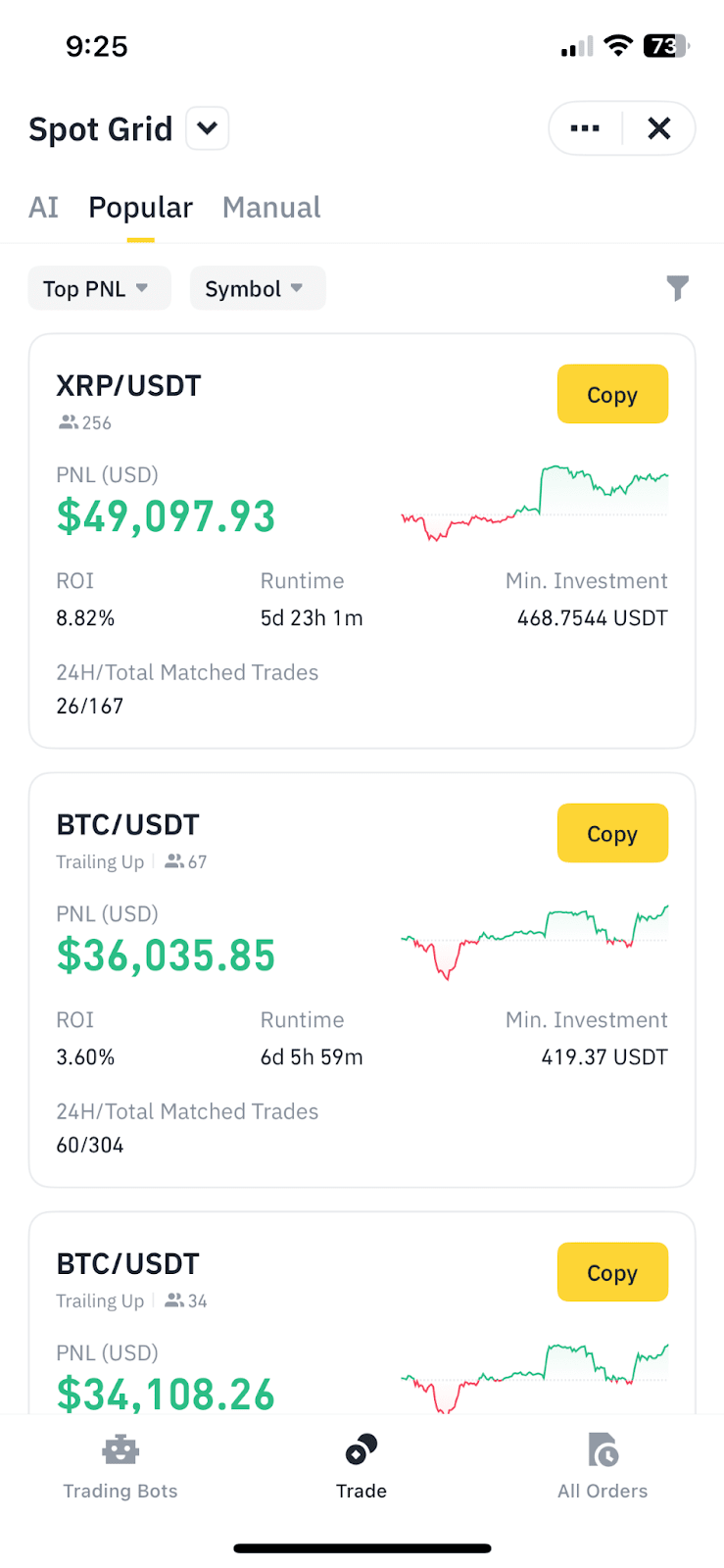
2. Go to [Bot Marketplace] to search for existing strategies. Select the market, running time, ROI, and zone to filter.

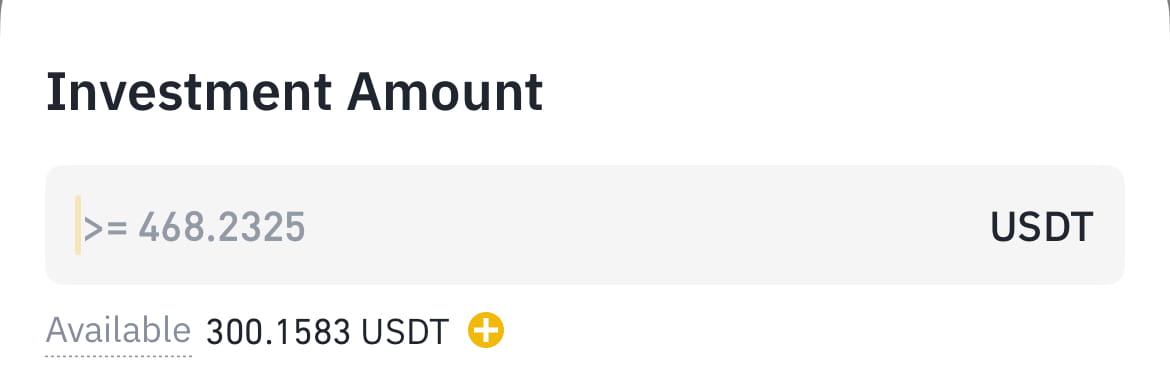
3. You can view the available strategies and their respective ROI, PnL, popularity, runtime, and minimum investment by clicking [Copy]. To create a spot grid order using an existing strategy, enter the investment amount and click [Create].
Please note that due to differences in market conditions, these preset parameters do not guarantee to deliver the same results.

4. You can adjust parameters like [Arithmetic] or [Geometric] mode and the number of grids by [View Parameters] - [Customize Parameters]. You can also set the order's trigger price and the stop-loss/take-profit price. Click [Create].
Please note that due to differences in market conditions when creating an order, using a shared parameter to create your order does not guarantee to deliver you the same result.

5. Your order is successfully created. To view or cancel your grid trading strategy, go to [Running] on the trading page.