After posting a P2P ad on Binance P2P, you can view your ads on the Binance website and App. If you cannot find your ad, it may be hidden by the system.
To view your P2P ad, log in to your Binance App and go to [Trade] - [P2P] - [Ads].
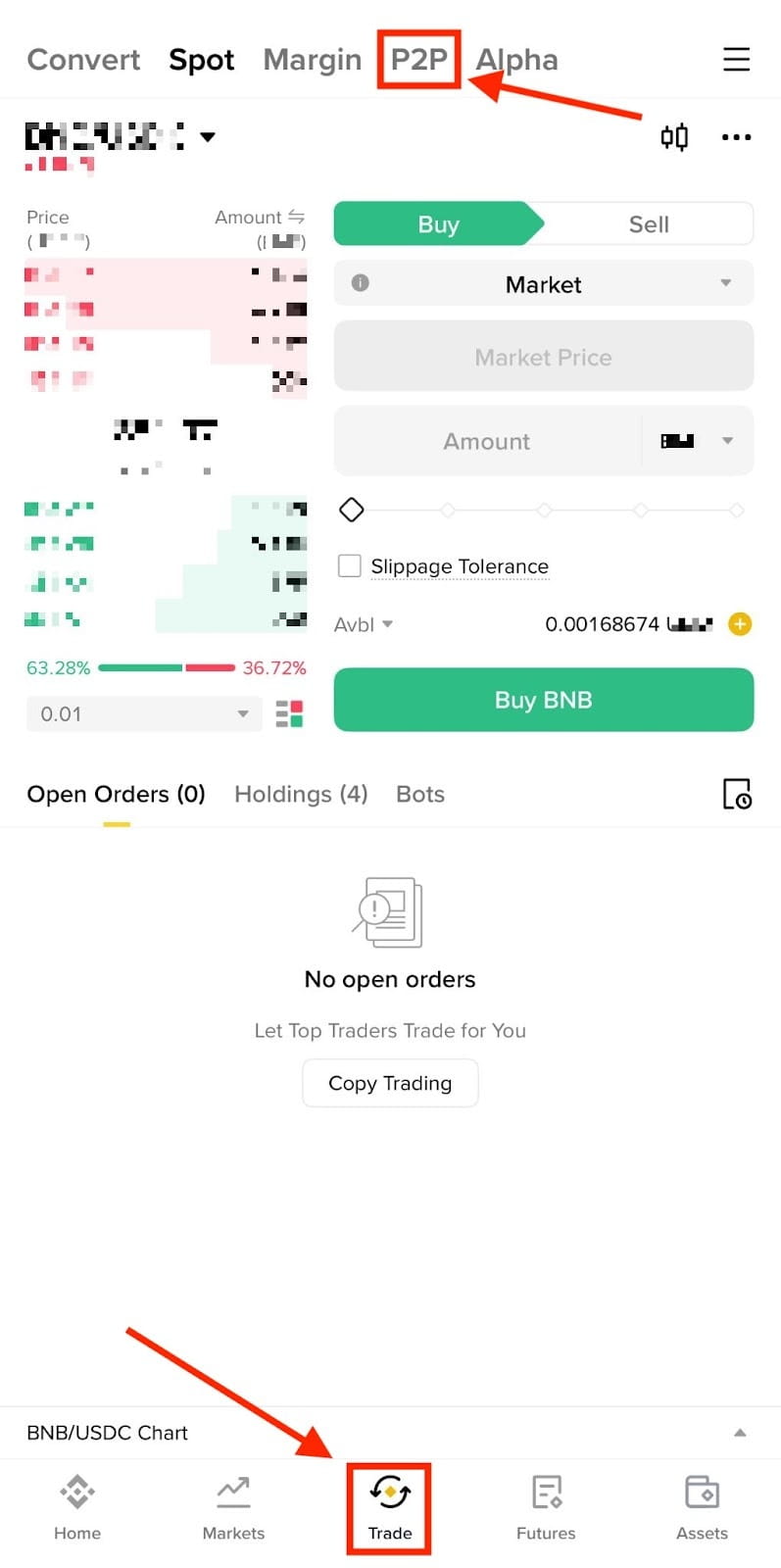
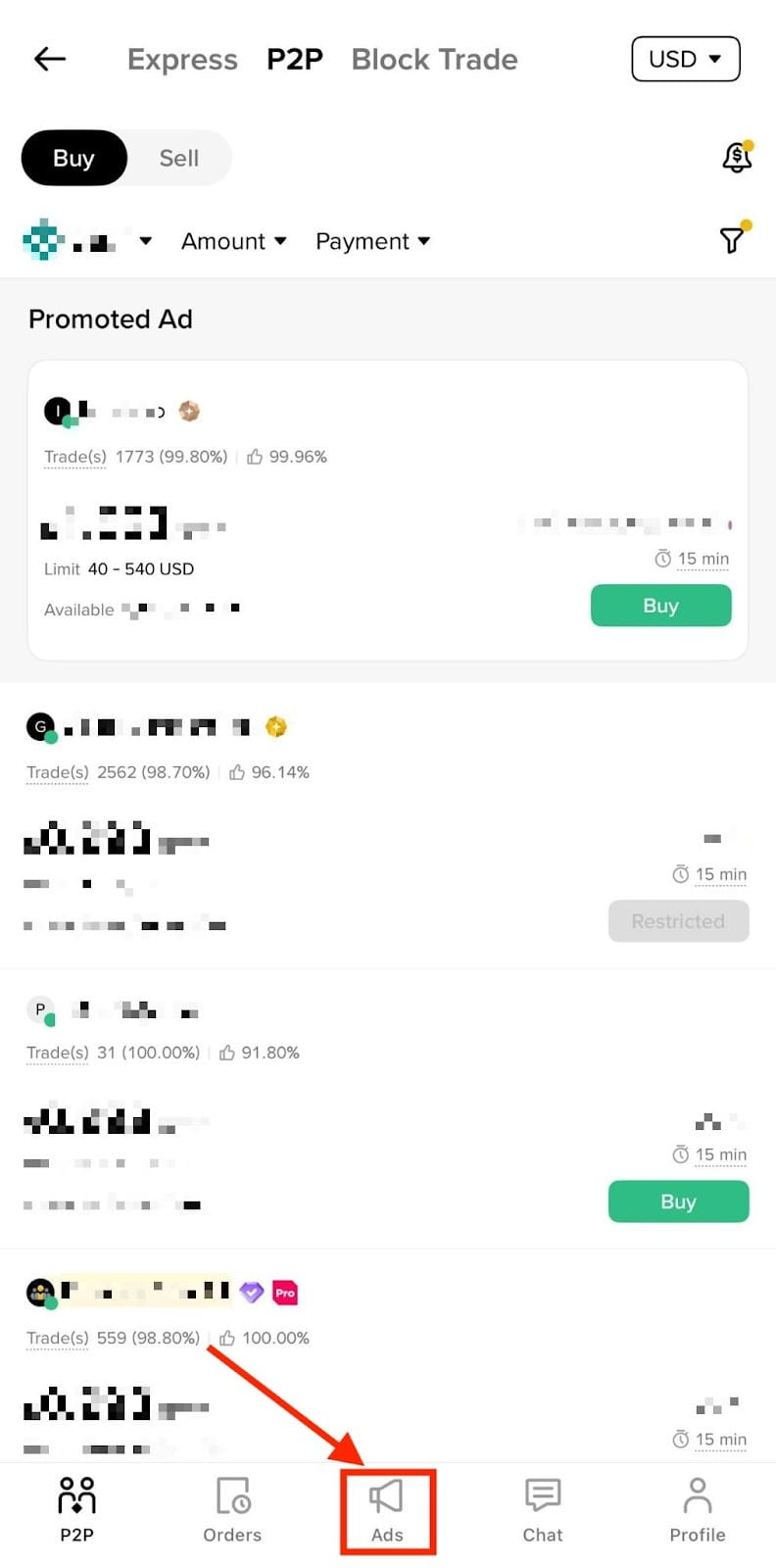
You will see an eye button on the ad. Tap the eye and you will see why your ad is hidden. For more details, please refer to Why Is My Binance P2P Ad Hidden.

If your ad is not hidden, you can view it on the listing page by following the steps below:
1. Log in to your Binance account and click [Trade] - [P2P].
2. Select [Buy] or [Sell] and use the filter to search for the trading pair of your ad (e.g., USDC/USD).
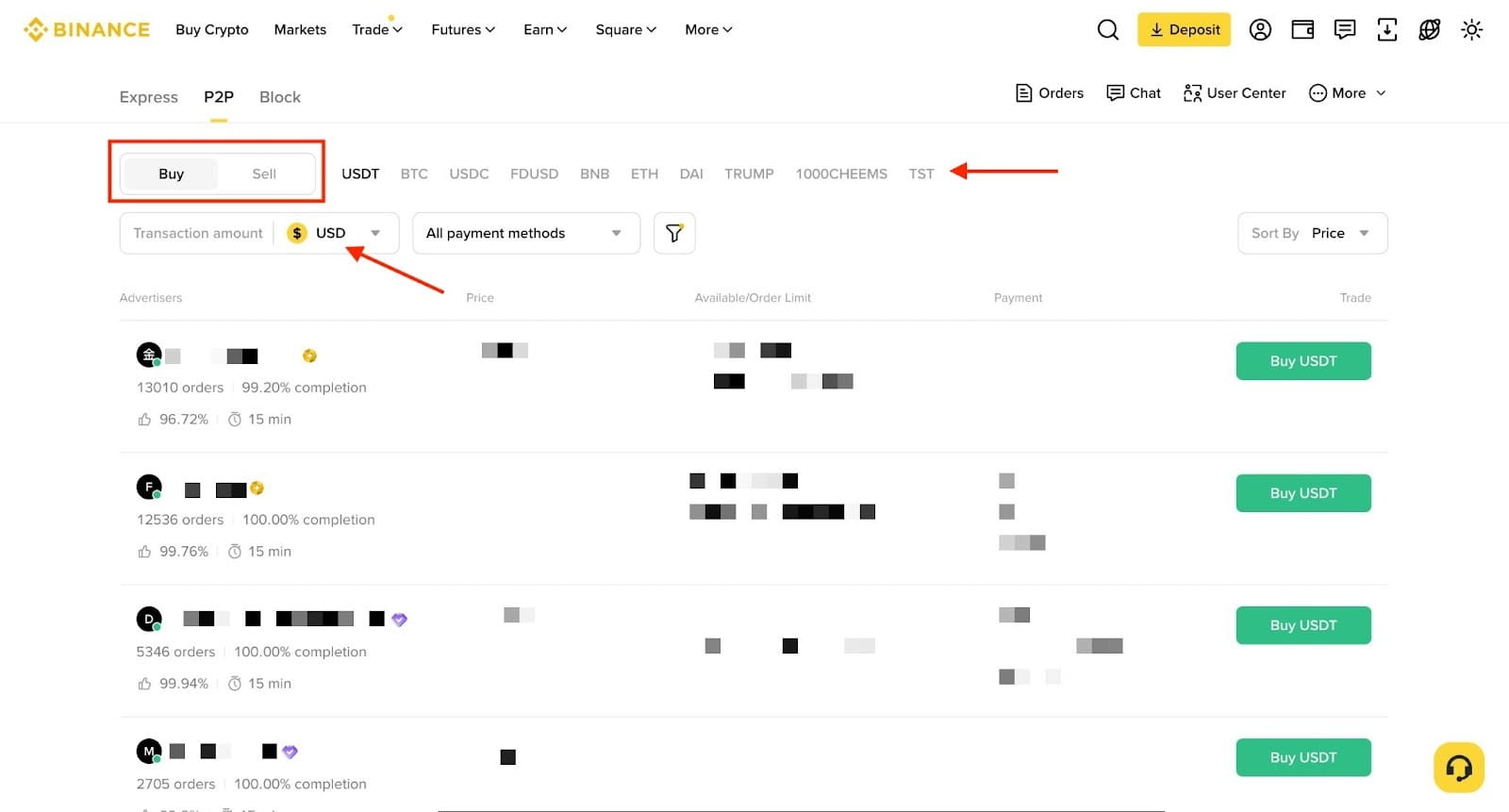
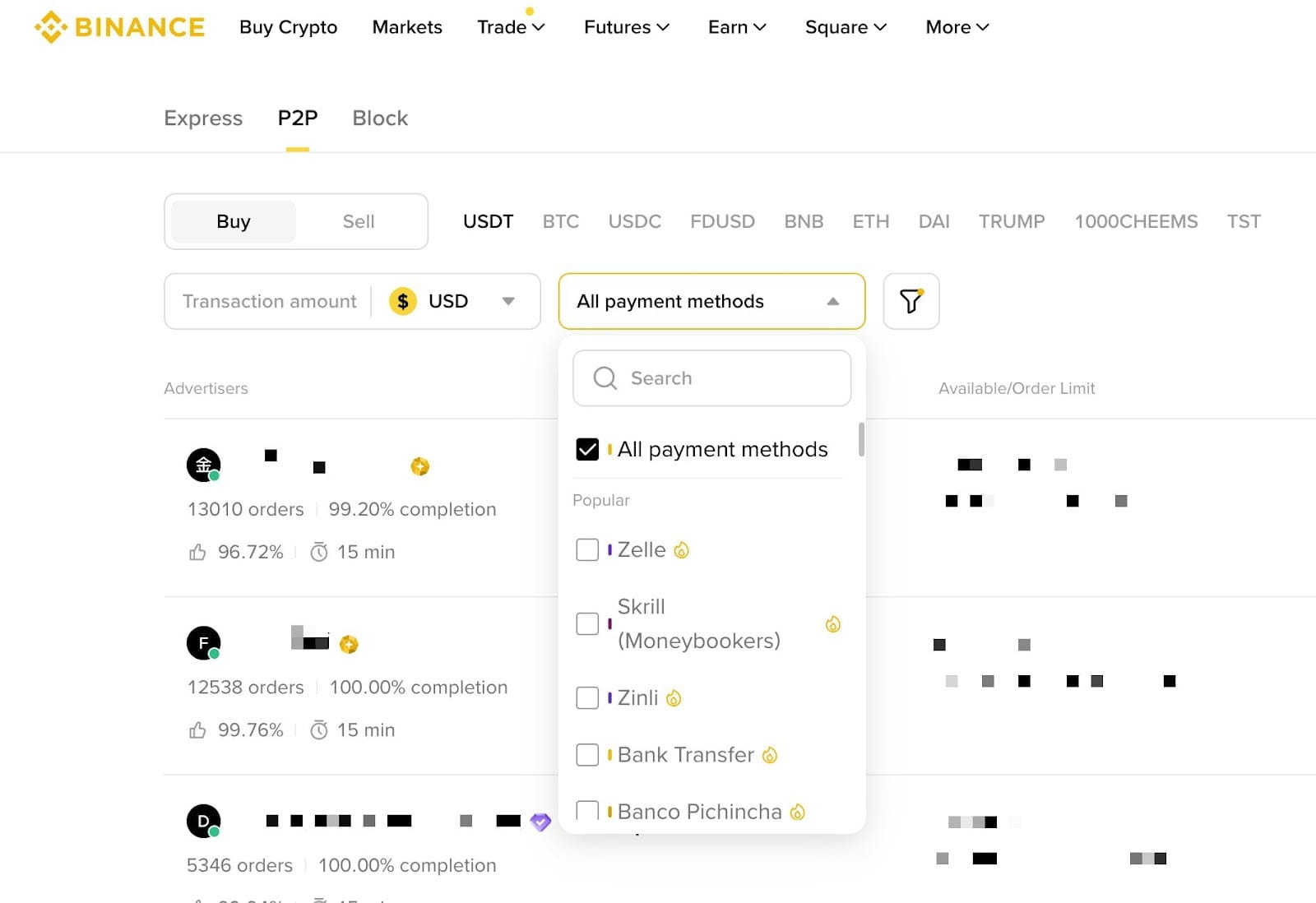
3. Select one of the available payment methods you enabled for your ad.
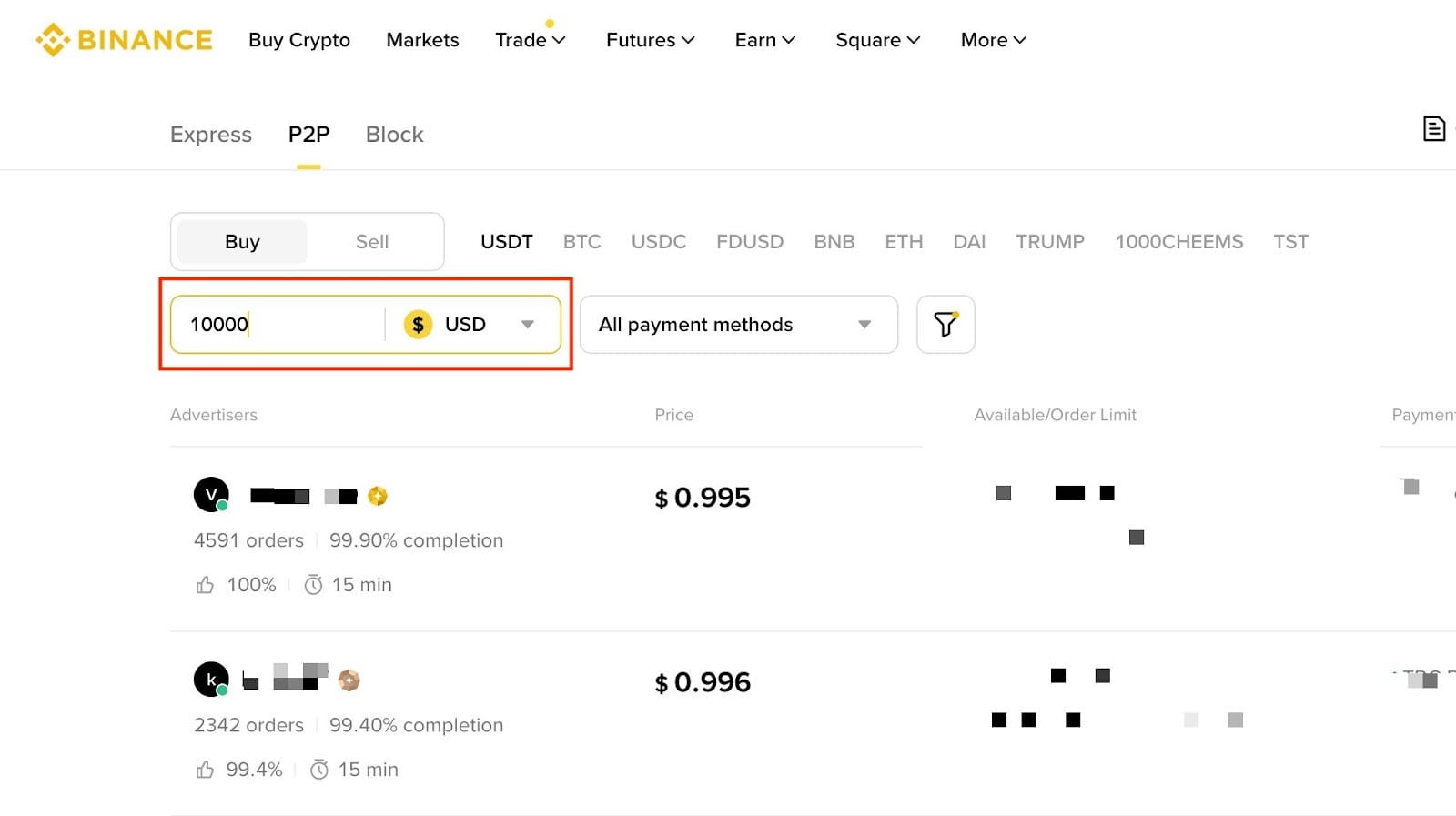
4. Enter the lower limit of your ad under [Amount] and click [Search].
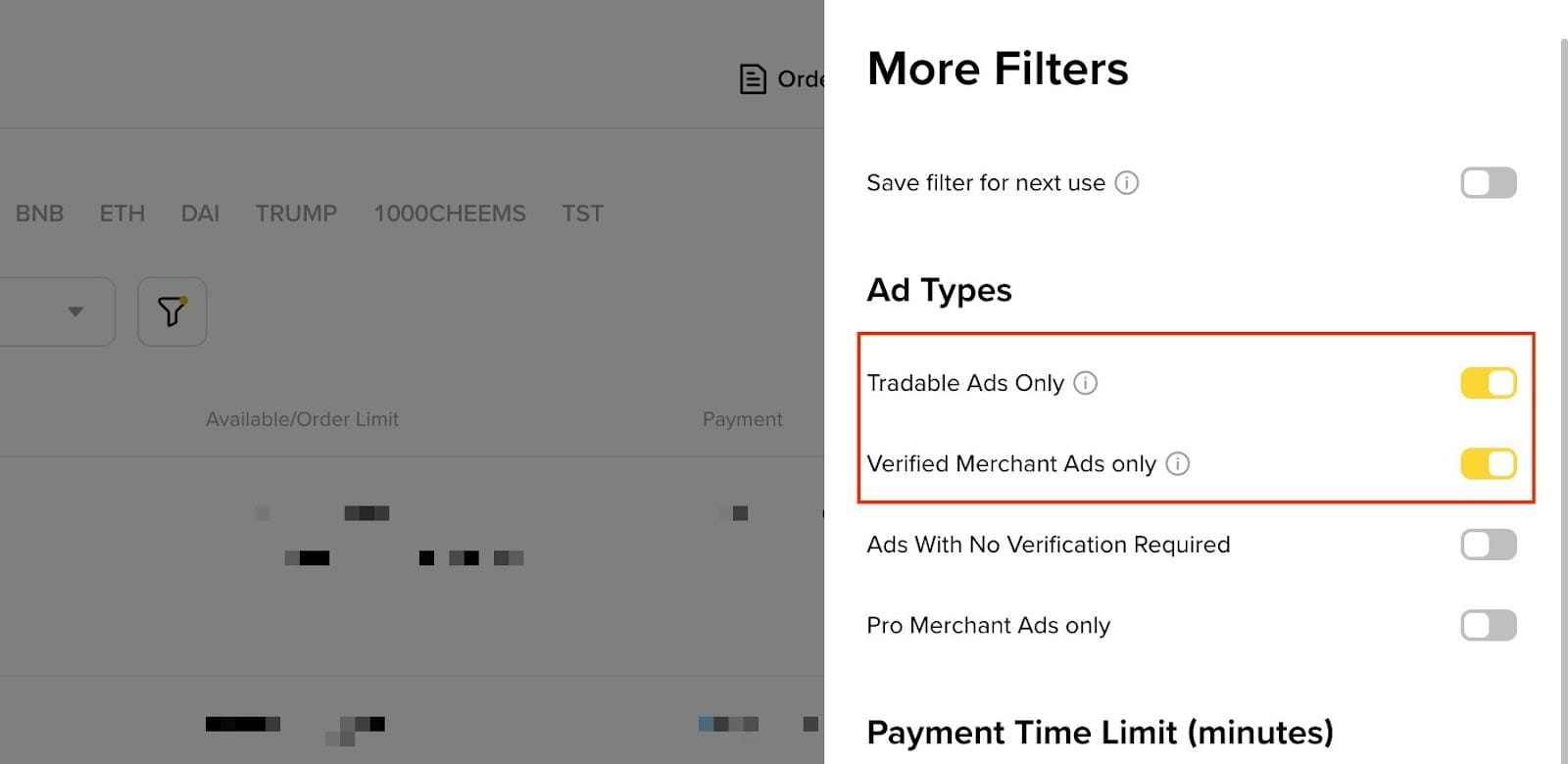
5. If you still can’t see your ad, try toggling off the [Tradable Ad Only] option and search again.
If you are not a P2P Merchant, toggle off the [Verified Merchant Ads only] option as well.