
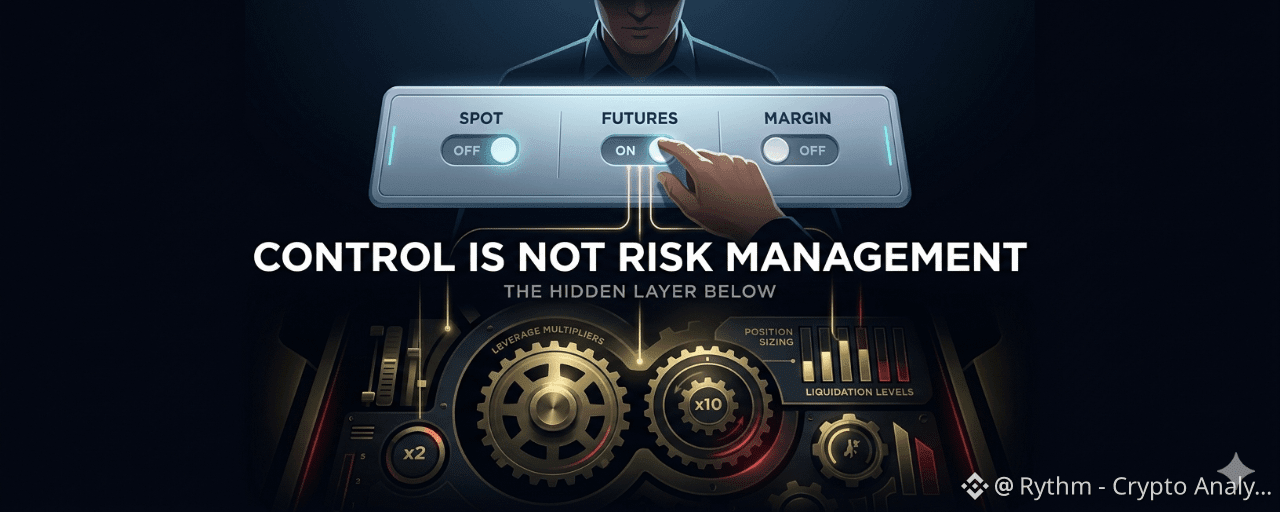
The first thing that made me feel comfortable using Binance AI Pro was not the feature list. It was the permissions screen.
The dashboard is clean and direct: Spot trading, Futures trading, Margin borrowing, each one a switch you can turn on or off. You can let the AI read your wallet data but block it from placing orders. You can enable Spot but leave Futures off if you want nothing to do with leverage. It looks like genuine control — you at the center, the AI operating only within the boundaries you set.
But here is where something started to feel off the more carefully I read.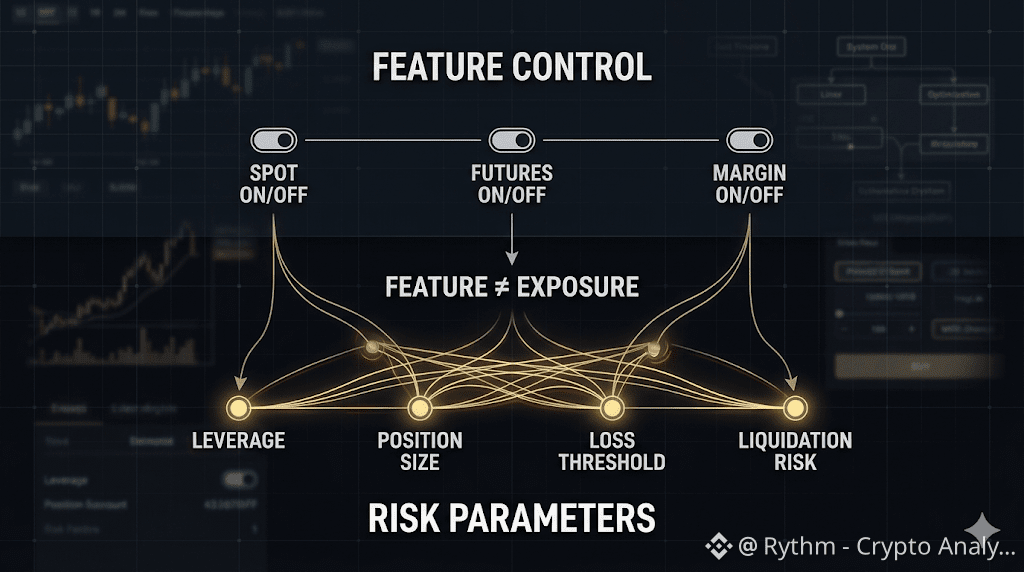
The "Futures trading" toggle determines whether the AI is allowed to trade Futures at all. That is a feature-level decision — you are switching an entire category of activity on or off. What it does not determine is how much leverage the AI uses once Futures is enabled. It does not set how much of the sub-account balance goes into any single position. It does not define at what point the AI stops when a trade is going wrong.
Those things — leverage, position sizing, loss thresholds — are what actually determine how much you can lose in a bad trade. In the flow I went through when activating AI Pro, the Permissions Dashboard is the main configuration screen users are walked through. Parameters like maximum leverage or daily loss limits, if they can be configured, were not visible there. They may exist in a different layer I had not reached. But if a typical user does not know that layer exists, for practical purposes it might as well not.
I think of this as a Feature-Risk Mismatch: the dashboard gives you control at the feature level, but your actual exposure is determined by the parameter layer underneath — the one most users never think to look for.
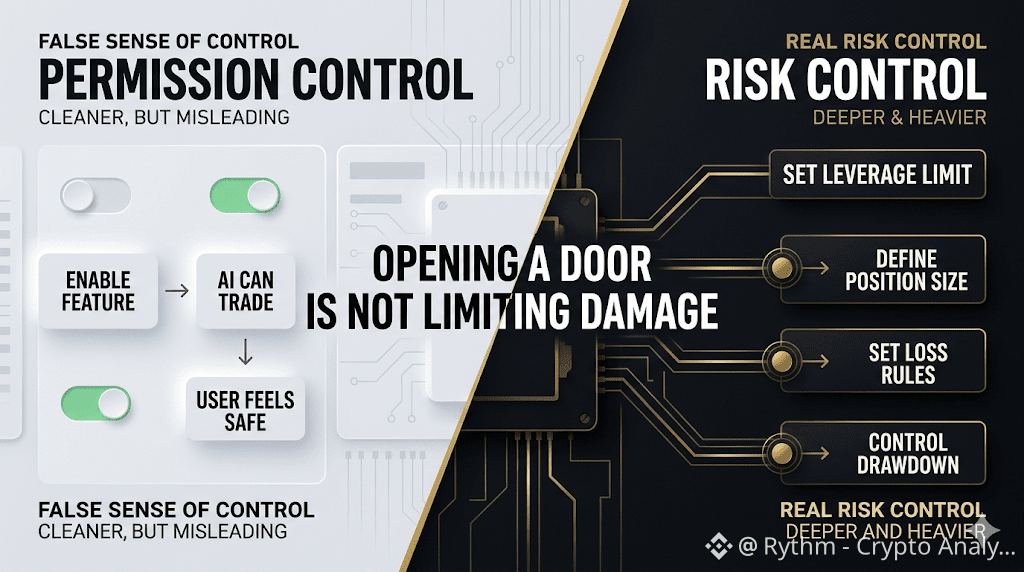
A useful way to think about it: the circuit breaker on your wall can cut all power to a room. That is real control — no electricity means nothing runs. But it does not regulate voltage, does not cap how much power each appliance draws, does not stop you from overloading a single outlet. The Futures toggle works on the same logic. It cuts or restores access to an entire category of trading. What happens inside that category once access is granted is a different question entirely.
Turning Futures off means the AI cannot touch Futures. That is a real safeguard. But turning Futures on does not mean you have finished configuring your Futures risk. Those two things look identical on the screen and are not the same action.
The Permissions Dashboard does exactly what it is designed to do — it stops the AI from doing things you have ruled out entirely. That value is real.
The question is not whether the dashboard works. The question is whether, when you close that screen and start funding your AI sub-account, you have configured the layer underneath — or whether you have only just finished choosing which doors the AI is allowed to walk through.
Trading always carries risk. AI-generated insights are not financial advice. Past performance does not reflect future results. Please check product availability in your region.