
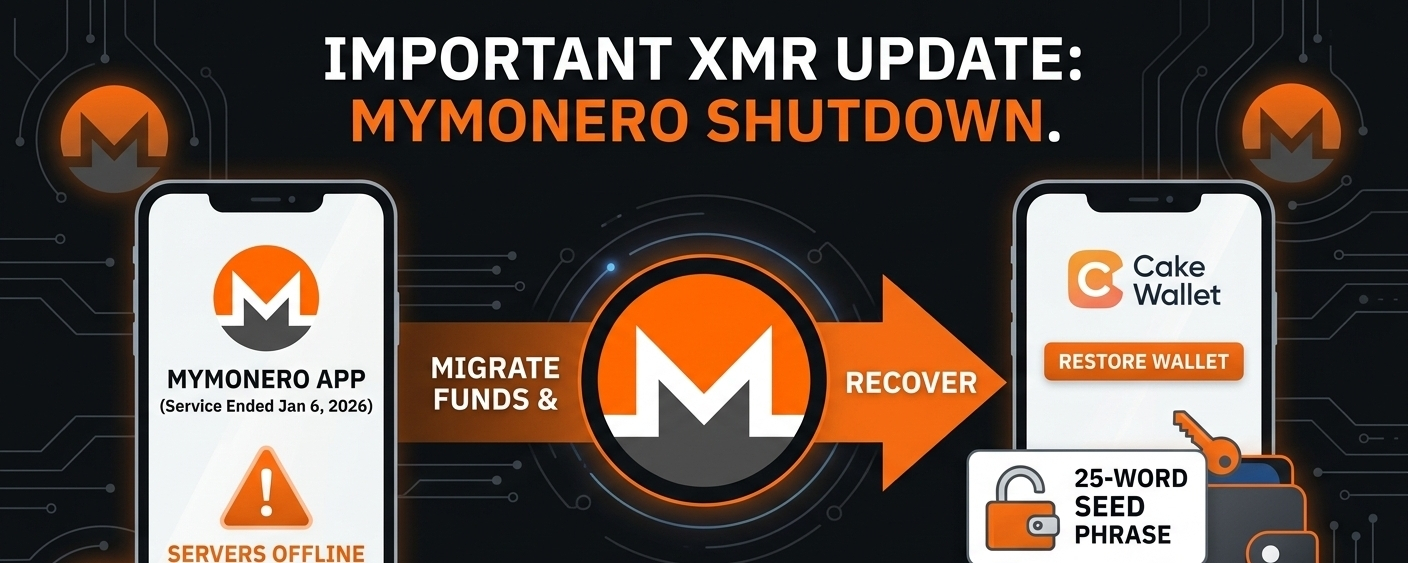
🚨 XMR PSA: The MyMonero Wallet Shutdown & How to Access Your Funds 🚨
If you moved your Monero (XMR) to a MyMonero wallet after Binance delisted it, this is a critical update.
After over a decade of operating, MyMonero has officially sunset its services as of January 6, 2026. Here is a breakdown of what exactly happened, what it means for your privacy, and how you can access your XMR if you haven't migrated yet.
---
📉 What Exactly Happened?
MyMonero decided to close its doors to encourage the ecosystem to move toward more decentralized solutions.
- Servers Offline: As of January 6, 2026, the MyMonero app and web services were taken completely offline. You can no longer use them to check balances or send transactions.
- Complete Data Wipe: Staying true to Monero’s privacy ethos, all MyMonero server data—including view keys, transaction histories, and server logs—was permanently destroyed by February 6, 2026.
- Stewardship Transfer: MyMonero officially partnered with Cake Wallet to hand over the stewardship of its user base, ensuring a secure and privacy-preserving transition.
---
🔒 Are My Funds Safe?
Yes. Because MyMonero was a non-custodial wallet, they never held your actual coins—your funds exist on the blockchain.
Even though the app is dead, your XMR is 100% safe as long as you have your 25-word seed phrase. This is not an exit scam; it is a planned retirement of the service.
---
🛠️ How to Recover & Migrate Your XMR
If you still have funds tied to a MyMonero wallet, you need to import your keys into a new, compatible wallet. Because MyMonero uses a 25-word seed phrase, you cannot use just any wallet.
Here is the easiest way to migrate to Cake Wallet (the officially recommended successor):
1. Download Cake Wallet (or another compatible wallet like the official Monero GUI or Edge).
2. Open the app, select Restore, and choose Monero.
3. Enter your 25-word Monero seed phrase that you originally generated with MyMonero.
4. (Optional but Recommended) Input your Wallet Restore Height or the approximate date you created the wallet. This tells the wallet where to start scanning the blockchain and significantly speeds up the syncing process.
5. Wait for the wallet to sync with the blockchain. Once complete, your balance will appear and you can send/receive freely again.
---
⚠️ Final Security Reminder: Scammers are actively using this sunset to trick people. Never enter your 25-word seed phrase into any website claiming to "recover" your MyMonero account. Only input it directly into trusted, officially downloaded wallet applications.
Stay safe and keep your keys private!