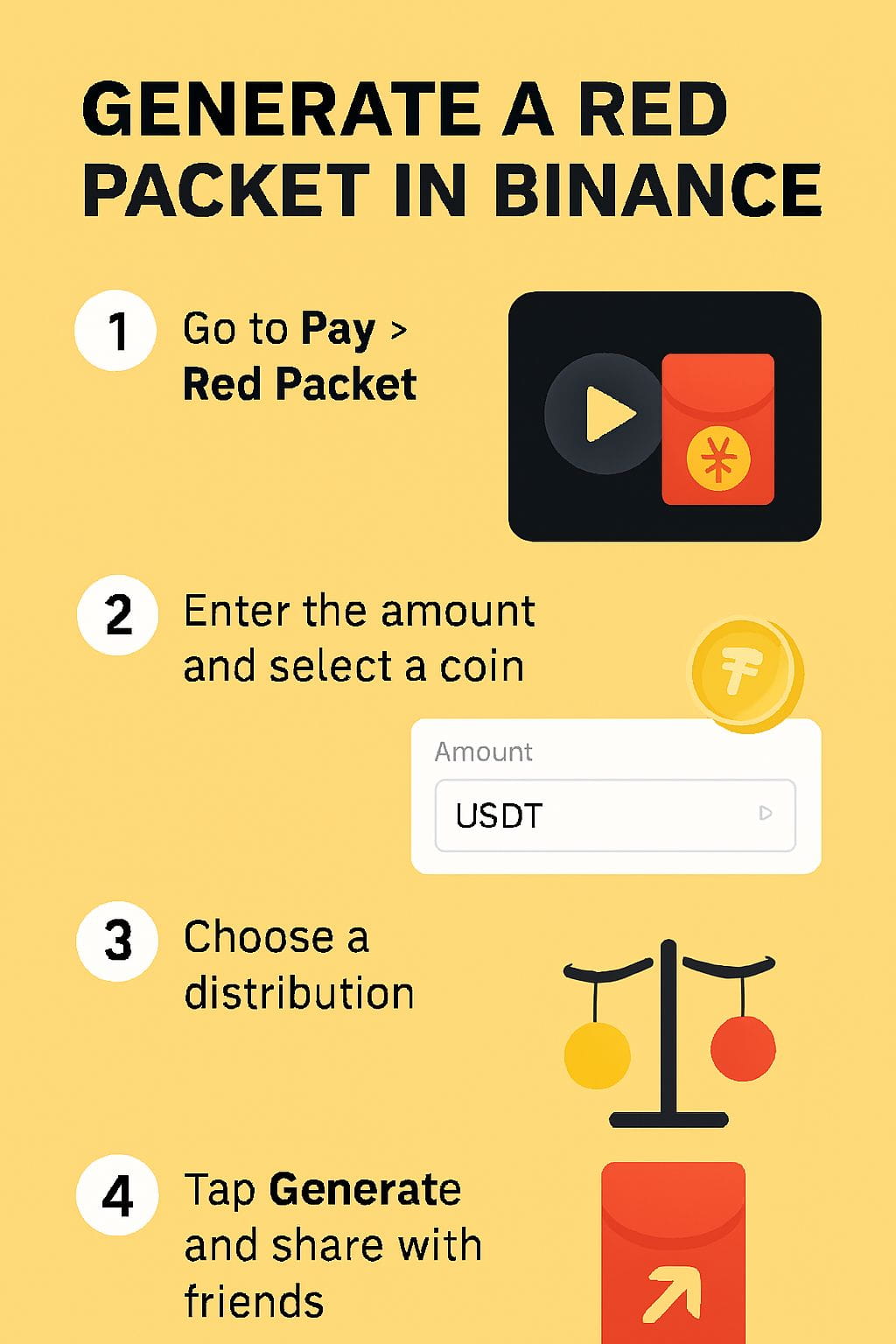
To generate a Red Packet in Binance, you use the Binance Pay feature, select “Red Packet,” choose your token and amount, customize the distribution, and then share the generated link or code with friends.
📌 Step-by-Step Guide to Create a Red Packet in Binance
1. Log in to Binance App
- Open the Binance mobile app and sign in with your account credentials.
- Make sure Binance Pay is activated (you may need to set up a Pay PIN if it’s your first time).
2. Access Binance Pay
- On the home screen, tap [Pay].
- From the options, select [Red Packet].
3. Start Creating
- Tap [Send] → then [Create].
- You’ll be taken to the Red Packet creation screen.
4. Choose Token & Amount
- Select the cryptocurrency you want to gift (e.g., USDT, BUSD, BTC).
- Enter the total amount you want to include in the Red Packet.
5. Customize Distribution
- Fixed Amount: Each recipient gets the same share.
- Random Amount: The system randomly distributes the total among recipients.
- Set the number of people who can claim the packet.
6. Add Personalization (Optional)
- You can add a message or greeting (popular during festivals like Lunar New Year).
- This makes the Red Packet more engaging and fun.
7. Confirm & Generate
- Review the details (token, amount, distribution type, recipients).
- Confirm with your Pay PIN.
- Binance will generate a Red Packet link or code.
8. Share with Friends
- Copy the link or code and send it via chat, social media, or directly in the Binance app.
- Recipients can claim it instantly by entering the code in their Binance Pay → Red Packet section.
---
⚠️ Important Notes
- Eligibility: Both sender and recipient must have Binance accounts with Binance Pay enabled.
- Expiry: Red Packets usually have a validity period (e.g., 24 hours or set by you).
- Limits: Some regions may have restrictions on stablecoins or tokens due to regulations.
- Security: Always doule-check the recipient group before sharing the link to avoid unwanted claims.