
Bitcoin is powerful, but until now it hasn’t been easy to build fully decentralized Layer-2 systems that inherit Bitcoin’s own security without trusting a middleman. That’s where BitVM2 comes in.
BitVM2 is a next-generation bridge protocol that lets Bitcoin itself verify complex off-chain execution using mathematical proofs — with no need for custodians, trusted committees, or extra permissions. Instead, it uses clever cryptography like presigned transactions, one-time signatures, and SNARK proofs to make off-chain activity enforceable on Bitcoin.
https://docs.goat.network
This matters because it finally gives Bitcoin holders a way to: ✨ Use BTC in fast financial applications
🔐 Keep full control over their BTC security
⚖️ Exit back to Bitcoin without permission
📈 Earn yield or interact with DeFi without risky intermediaries
In short, BitVM2 bridges Bitcoin to more powerful systems while keeping Bitcoin in charge of final security — a major milestone for Bitcoin scaling.
Now let's talk about testing the GOAT BitVM2 testnet
Remember there is a price pool of 40,000 $GOATED tokens awaiting testers.
Simple Step-by-Step: How to Join BitVM2 Testnet
Head to the testnet page: https://bitvm2-testnet4.goat.network
Get your gas fee for EVM from here: https://bridge.testnet3.goat.network/faucet
1. Connect Your Wallets
🔹 Connect a Bitcoin wallet (UNISAT)
Then copy the tbtc address and take it to the goat network server and send it in the tbtc faucet channel to receive the tokens.
🔹 Connect an EVM wallet that can interact with the GOAT Network testnet(I used metamask extension on misses browser)
2. Bridge BTC Into the Testnet
Choose how much BTC you want to bridge in
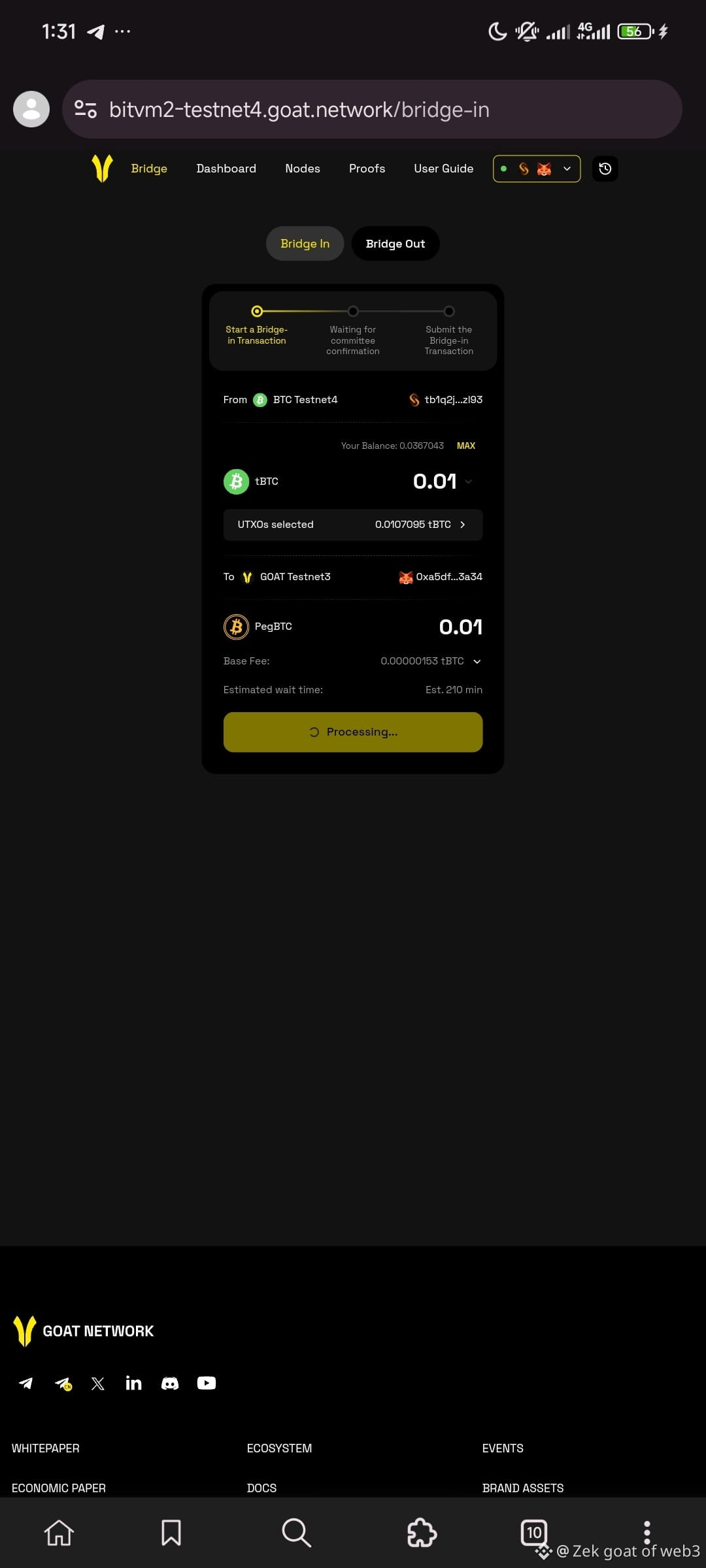
Pick a Bitcoin fee rate
Submit the bridge transaction
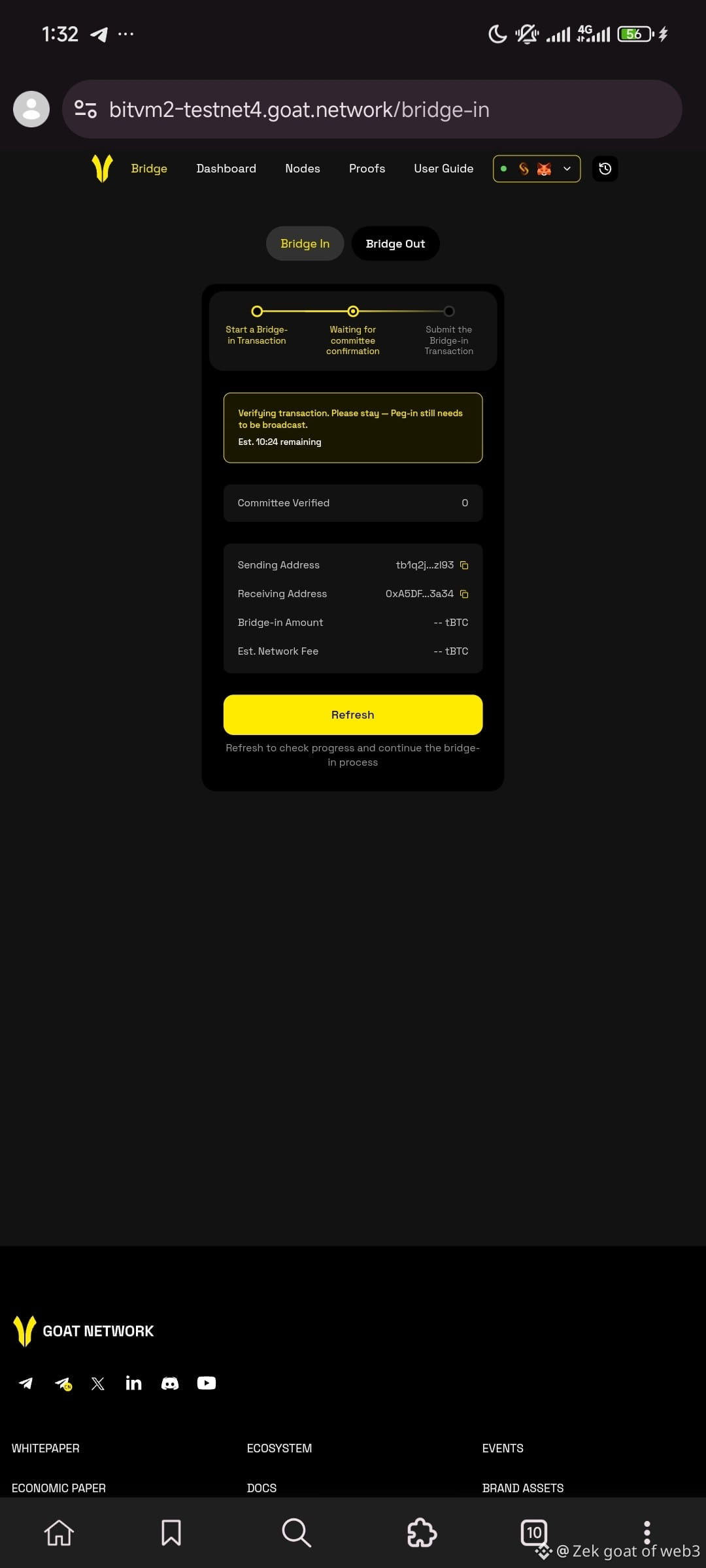
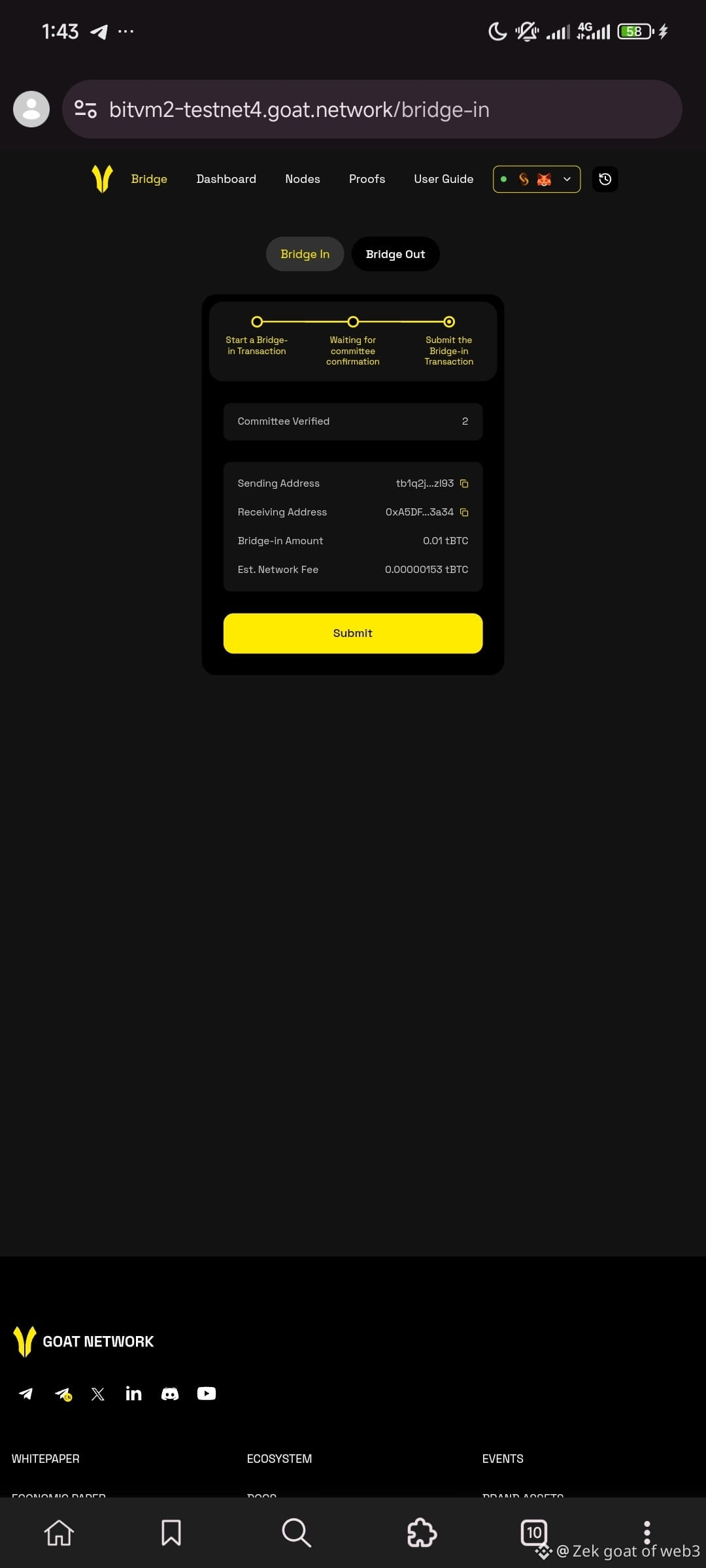
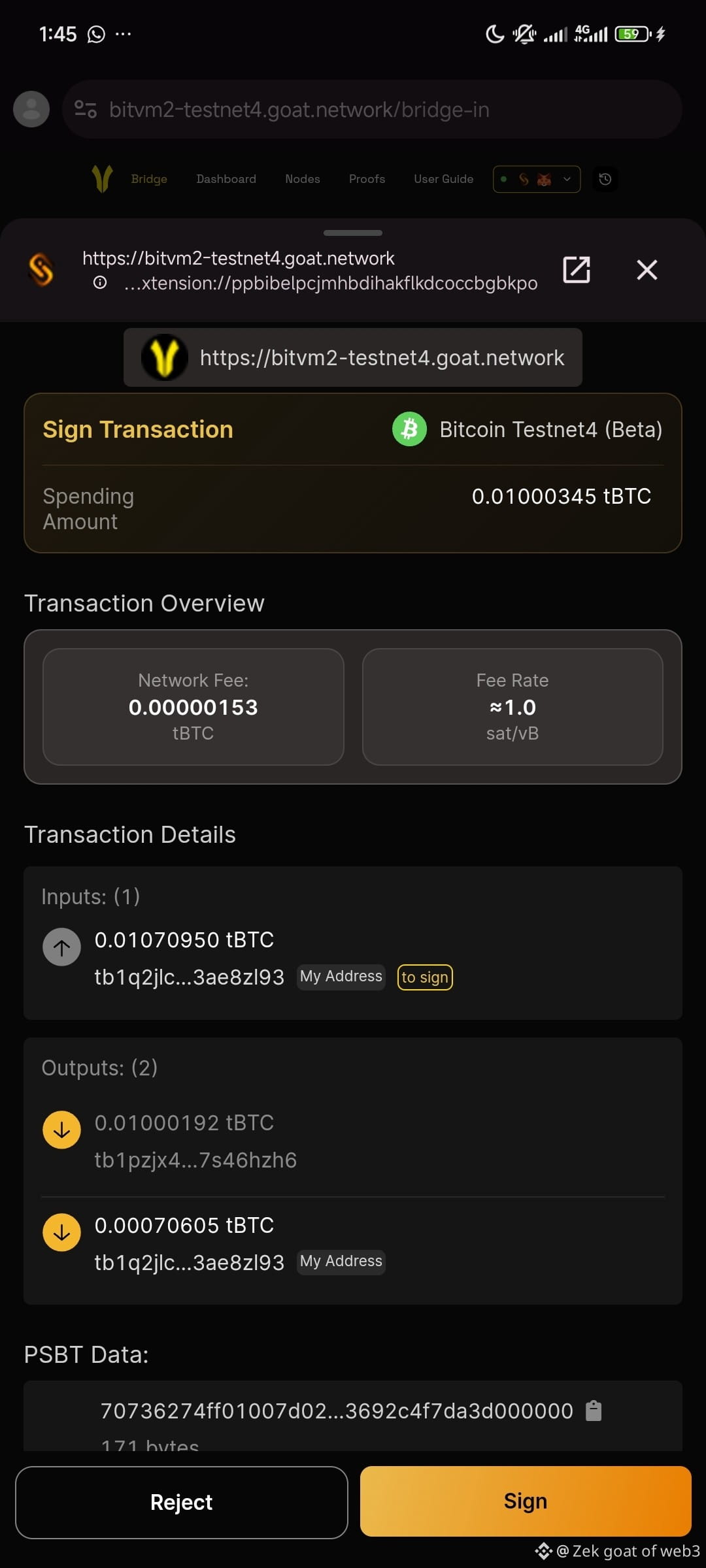
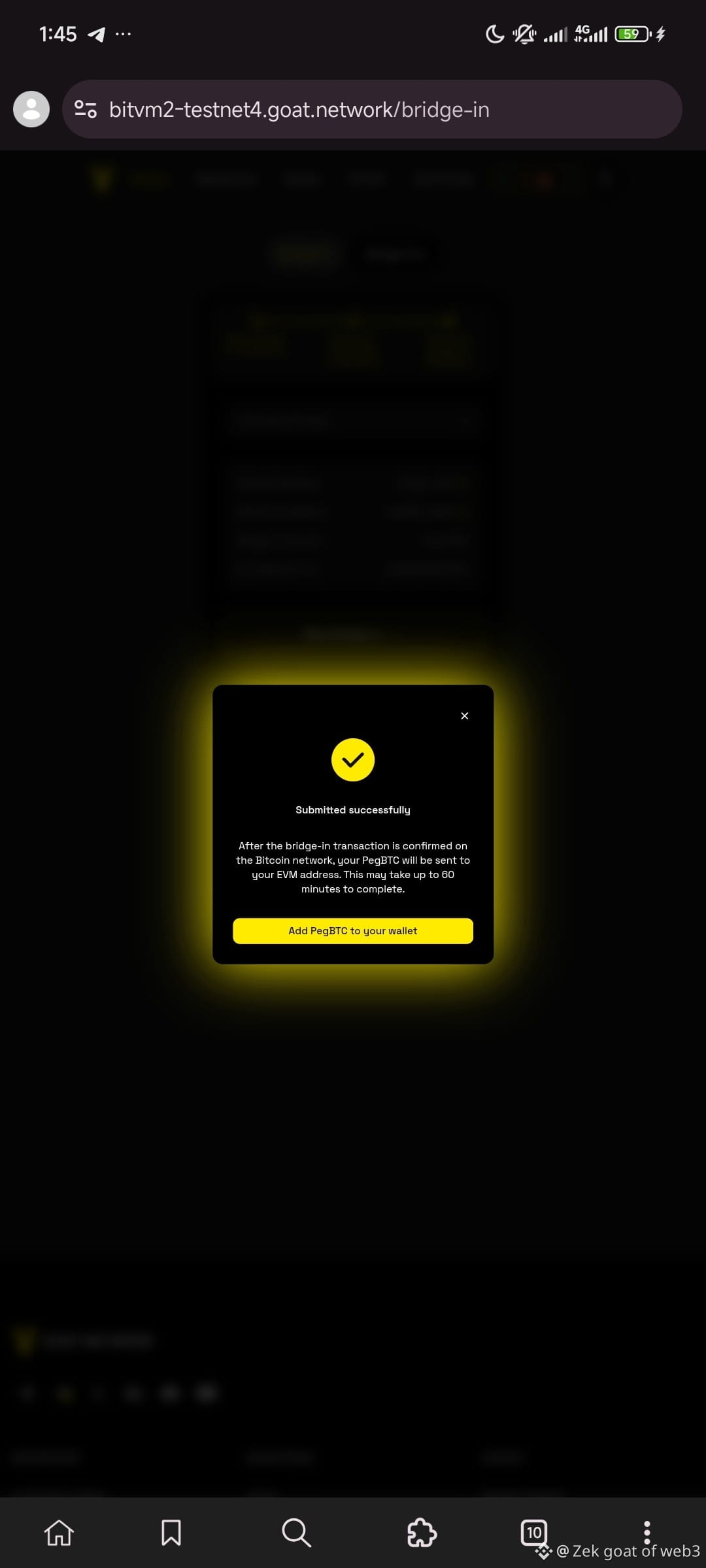
Wait for confirmation (it may take a while depending on Bitcoin network traffic)
You'll be prompted to add pegBTC to your wallet
Once confirmed, your BTC appears on the testnet as a token you can use there
Now let's go to bridging out
Click on bridge out
3. Bridge BTC Back Out (Bridge Out)
Select the amount you want to withdraw
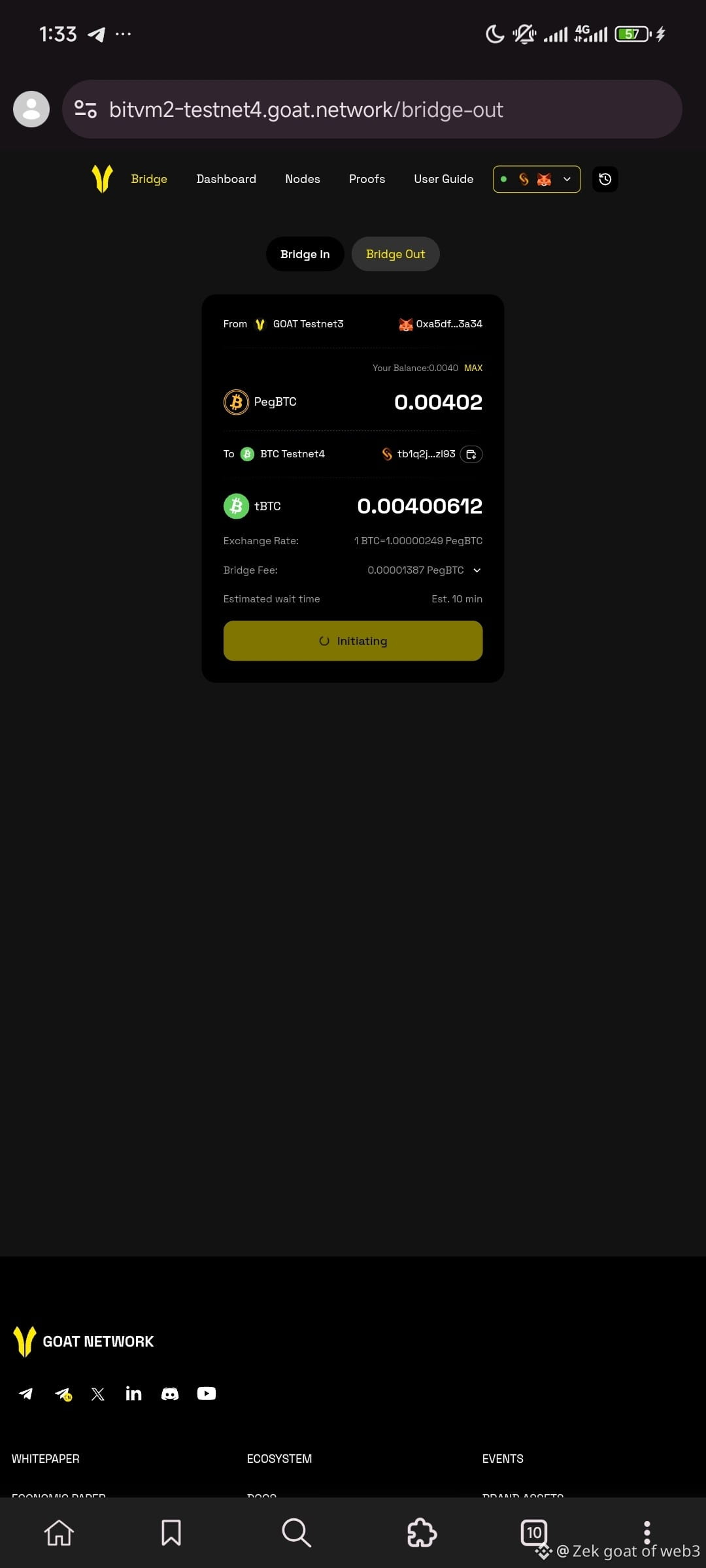
Review bridge details and fees
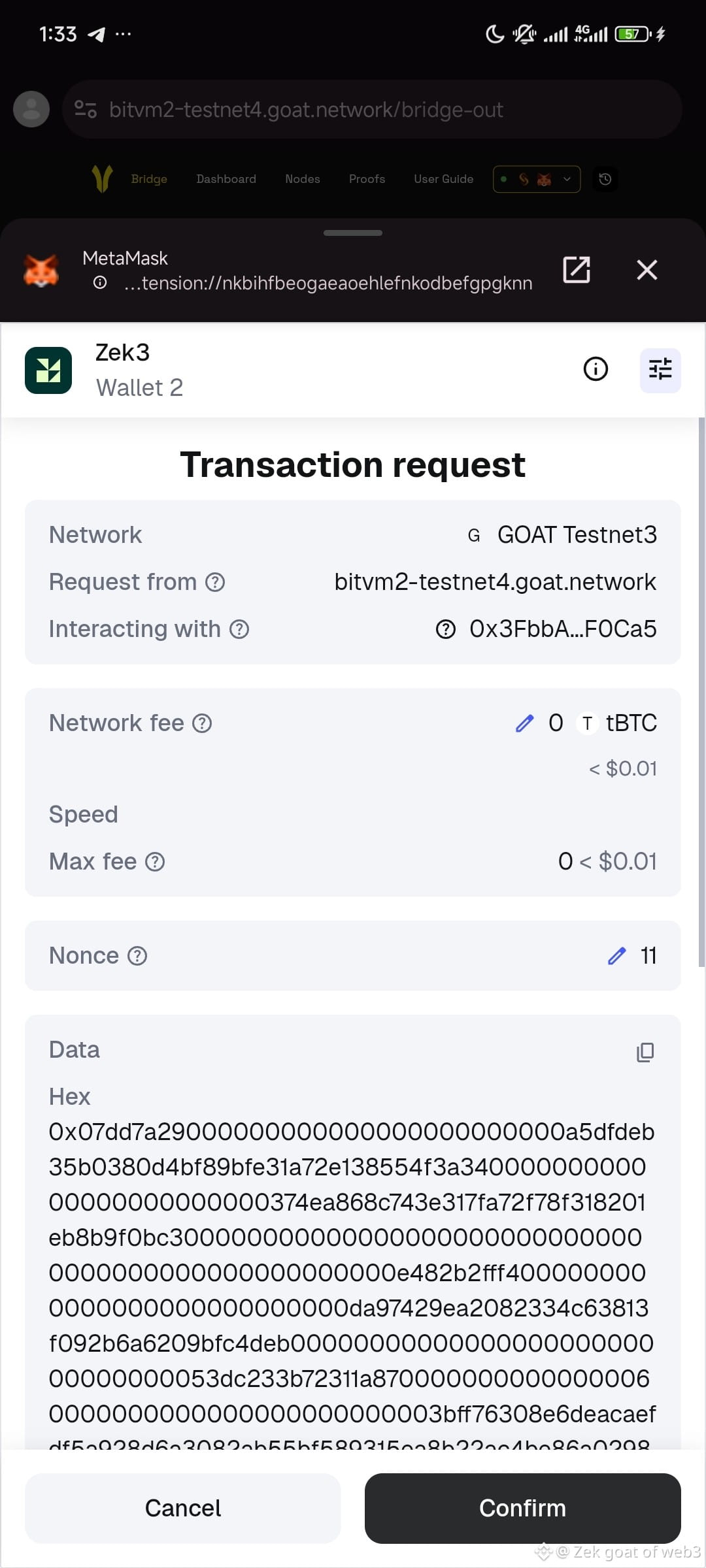
Confirm in your wallet
Track your withdrawal in the testnet history tab
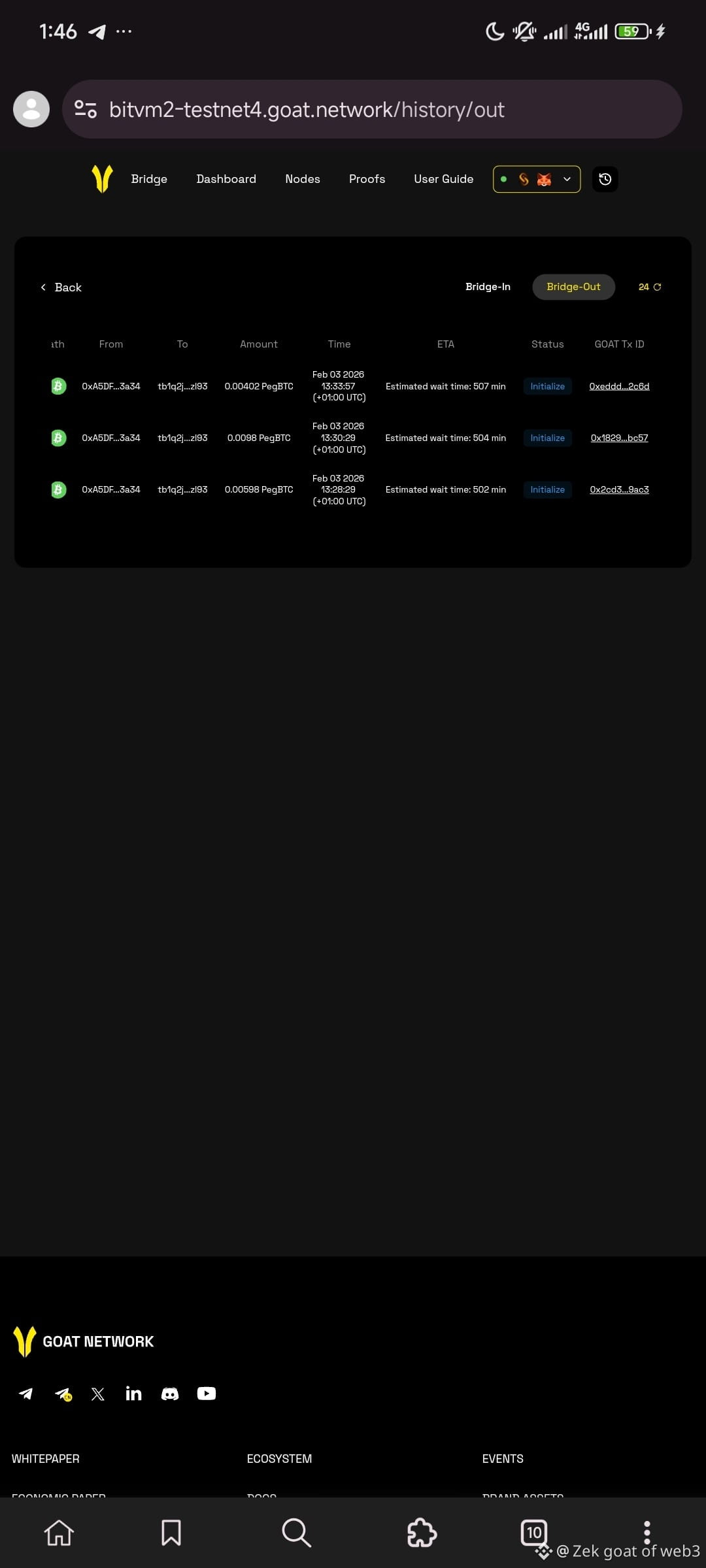
BTC returns to your Bitcoin wallet once confirmed
Need a video explanation?
Watch my tutorial video here: https://x.com/i/status/2018685335073439796