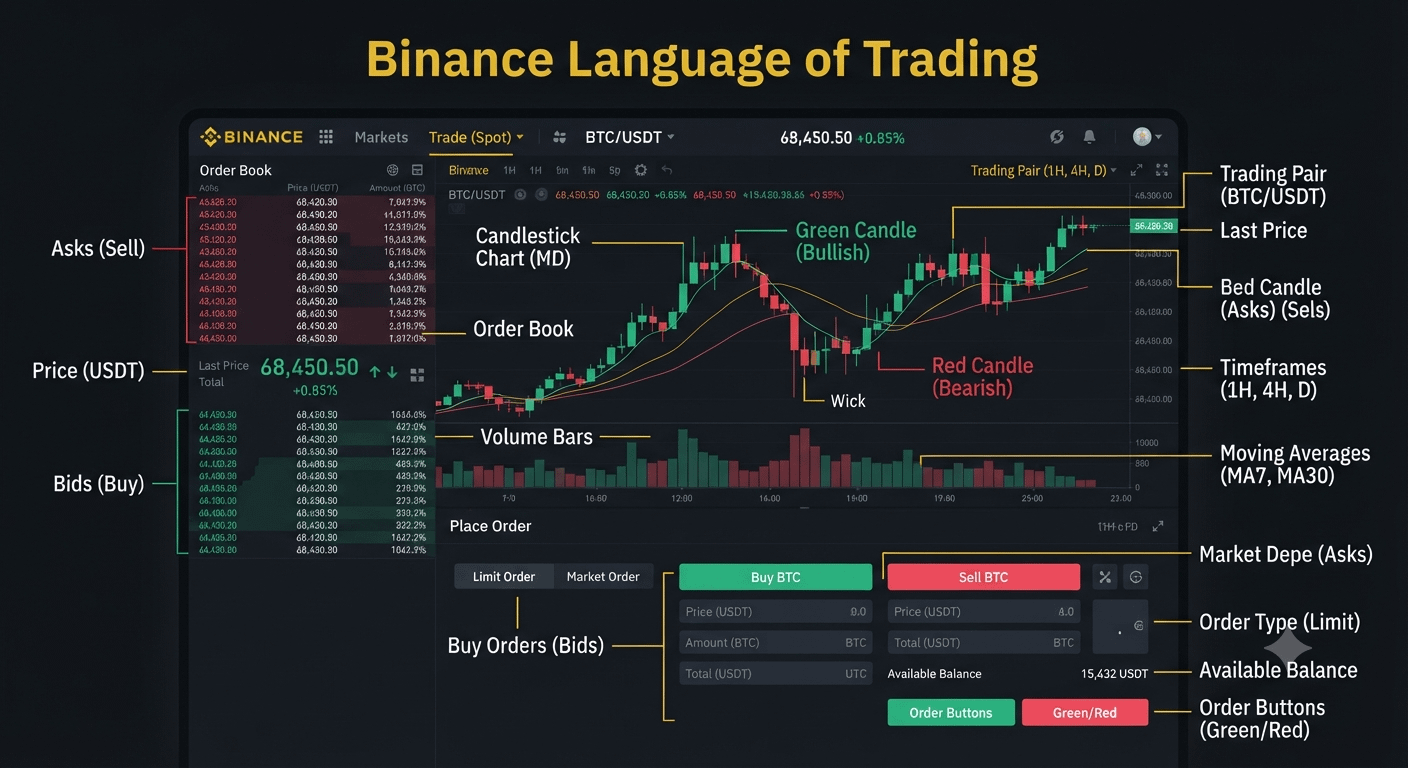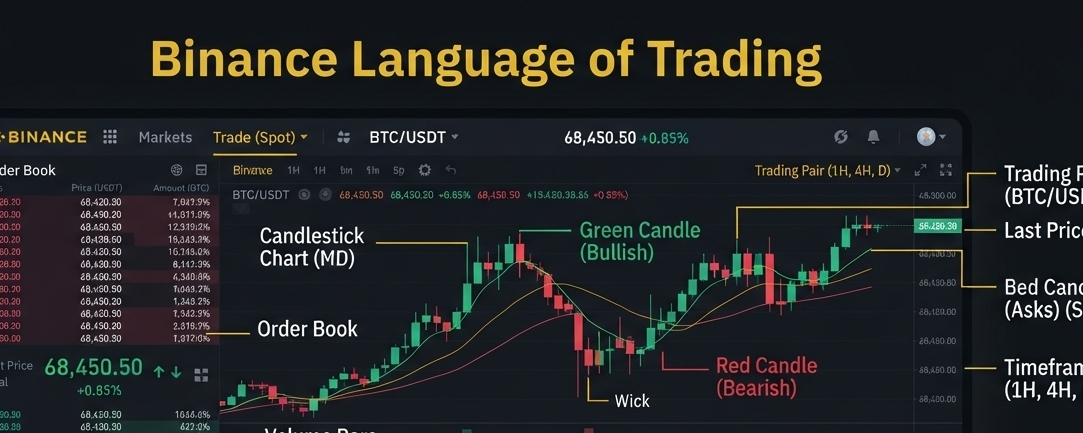
The Binance trading interface is designed to provide traders with real-time market data. While I cannot generate a real-time image of your specific screen, I can break down the "language" of the interface so you can easily interpret what you are seeing.
Key Components of the Trading Screen
The standard Spot trading interface is generally divided into several key sections:Order BookThe "Pulse" of the marketRed (Asks): Sell orders; people wanting to offload. Green (Bids): Buy orders; people wanting to acquire.
Price ChartThe "History" of the priceCandlesticks: Green (price rose); Red (price fell). Wicks: The high/low points during that time.
Trading PairsThe "Asset" being tradede.g., BTC/USDT means you are trading Bitcoin (BTC) against Tether (USDT).
Order EntryThe "Action" buttonsLimit: You set a specific price. Market: You buy/sell immediately at the best available price.Understanding the Visual Language
Candlestick Colors:
Green: The closing price was higher than the opening price during that timeframe. This is considered "bullish" (upward trend).
Red: The closing price was lower than the opening price. This is "bearish" (downward trend).
The Order Book:
This is a dynamic list of buy and sell orders. The middle of the screen usually shows the "Last Price"—the price at which the most recent trade occurred.
Volume Bars:
Usually found at the bottom of the chart. These bars represent how much of the asset was traded. A tall bar indicates high market activity or "conviction" in a price move.
Essential Trading Terms
Asset Symbol: The 3–4 letter code (e.g., BTC for Bitcoin, ETH for Ethereum).
Volume: The total amount of the asset traded over a specific period.
Moving Averages (MA): Lines on the chart that smooth out price data to help you identify the overall direction (trend) of the market.
Indicators: Tools like RSI (Relative Strength Index) or MACD are often overlaid at the bottom of the chart to help you gauge whether an asset is "overbought" (too expensive) or "oversold" (potentially cheap).
Note: If you are a beginner, the "Convert" tool is the simplest way to trade, as it hides these complex charts and order books, allowing you to swap one currency for another at the current market rate with a single click.
#VIC #Introduction #Binance #BinanceSquareTalks @Binance Pakistan