
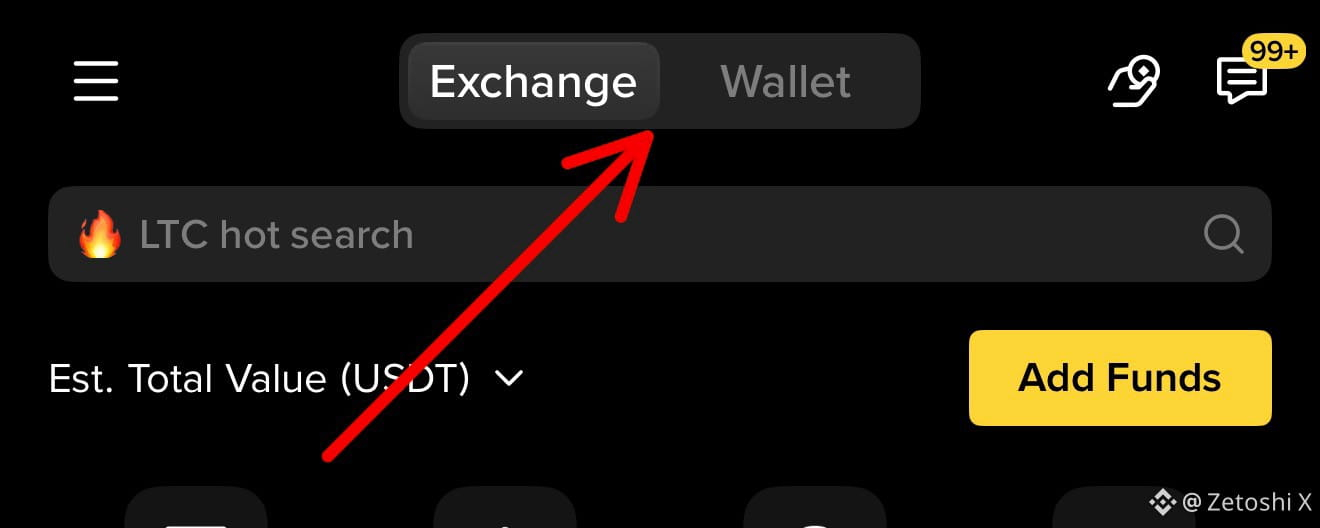
It’s a self-custody crypto wallet inside the Binance App.
👉 That means
You control your crypto (not Binance exchange)
You can use DeFi, NFTs, dApps
You Can Buy Early Tokens & Coin
📲 Step 1: How to Create Binance Web3 Wallet
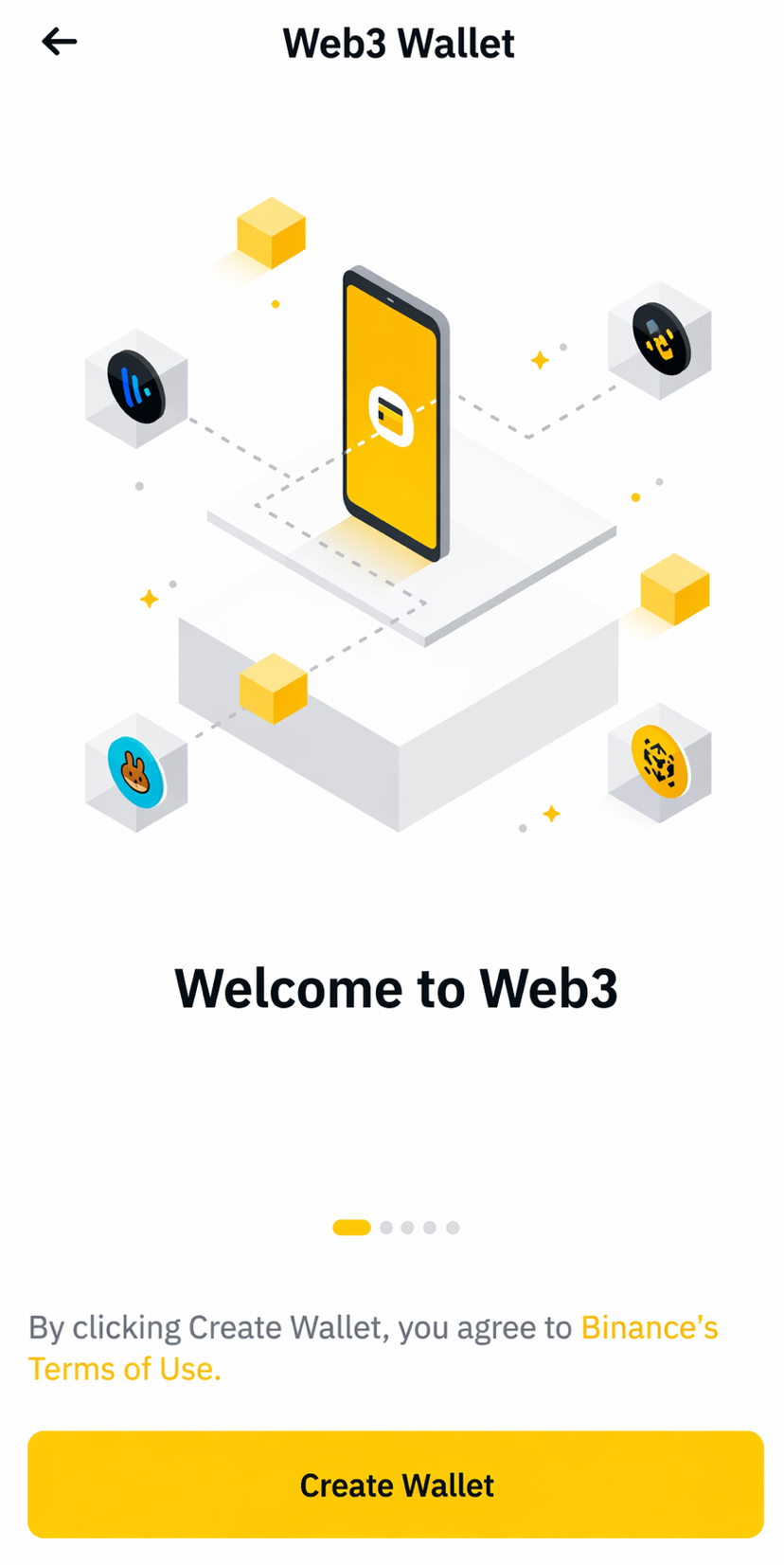
Steps:
Open Binance App Tap Wallets
Select Web3 Wallet
Tap Create Wallet
Set: Passcode
Backup method (cloud or recovery)
Done. Your wallet is created instantly.
💸 Step 2: How to Deposit from Binance (Exchange → Web3)
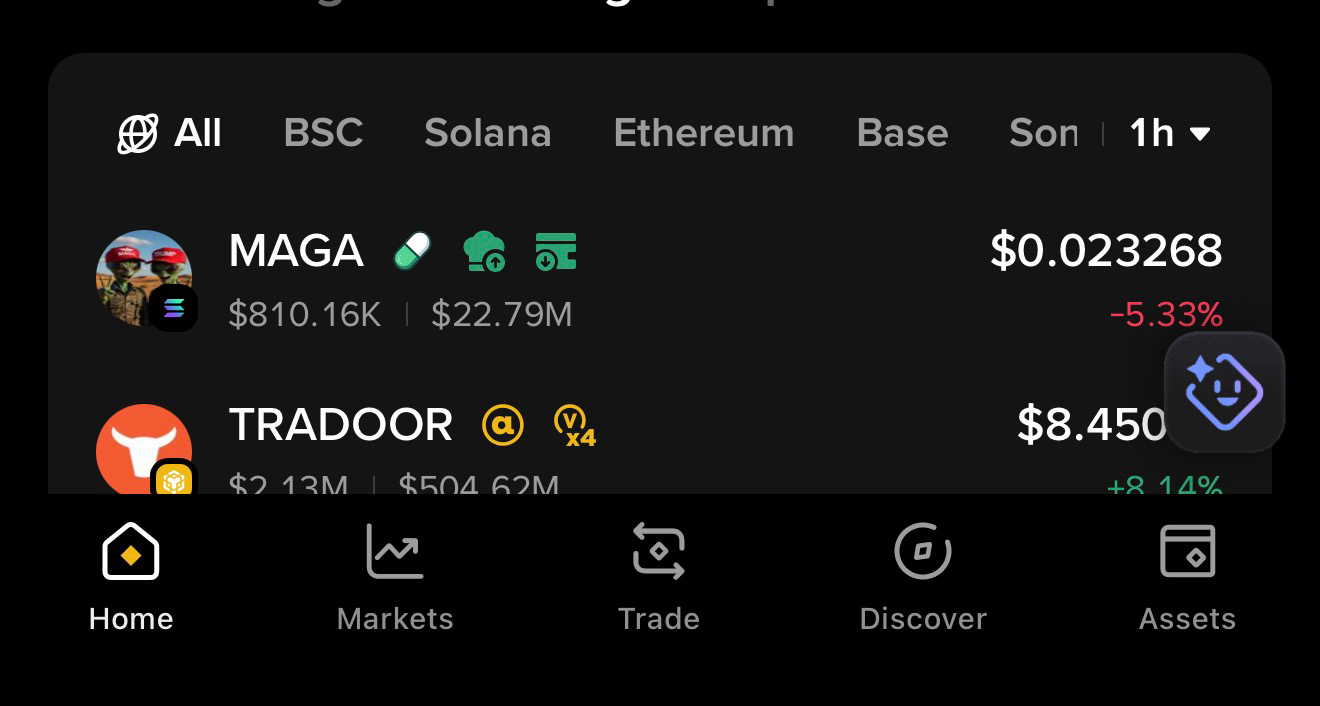
If You Go to swap Option or Trade Option You will see this option
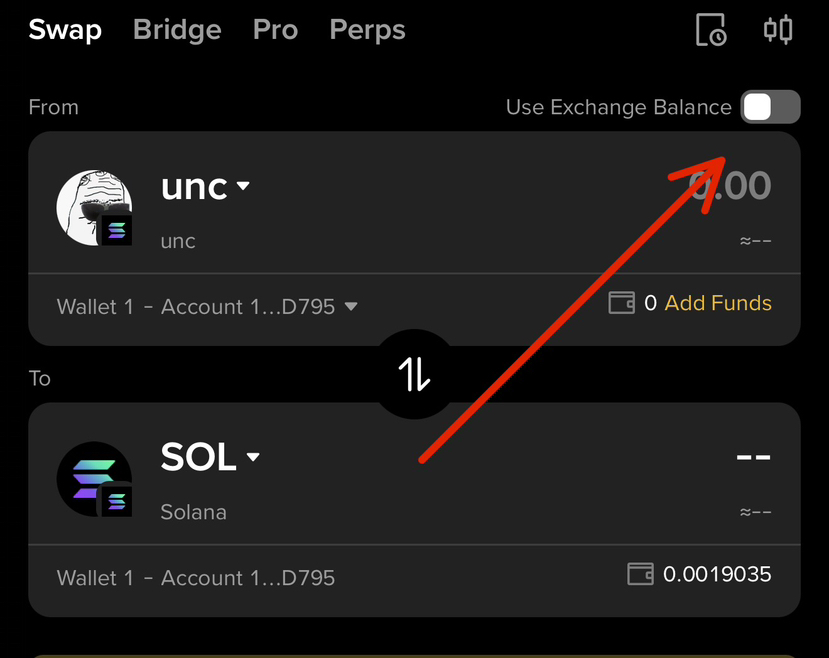
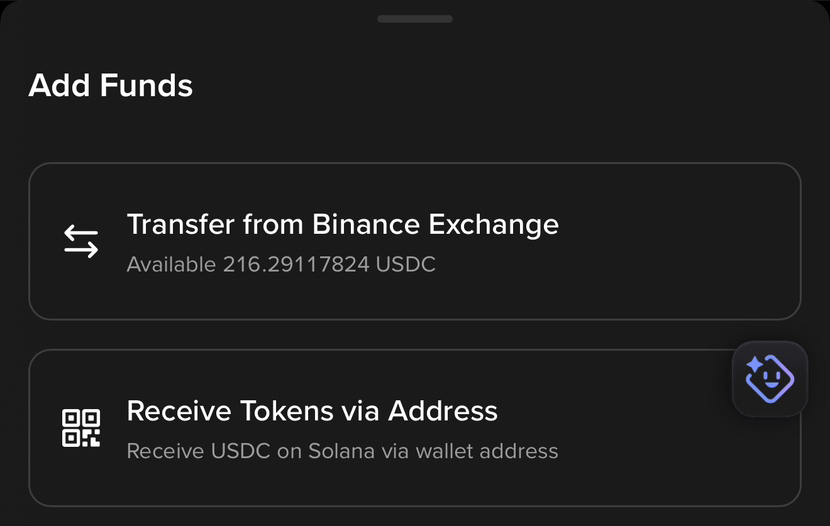
you click on “Use Exchange Balance,” you can use your Binance balance (such as USDT, BNB, or SOL) to buy or sell any token here.
If you want to deposit funds from your Binance account to your Binance Web3 Wallet, simply click the “+” (plus) button, select “Transfer from Binance,” and choose the amount you want to transfer.
It’s very simple
Step 3: How to Buy a Token in Web3 Wallet?
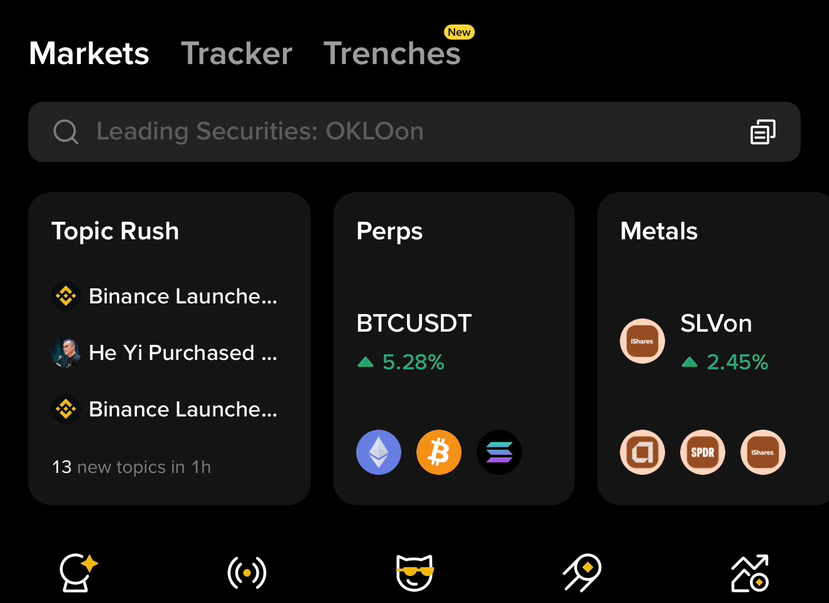
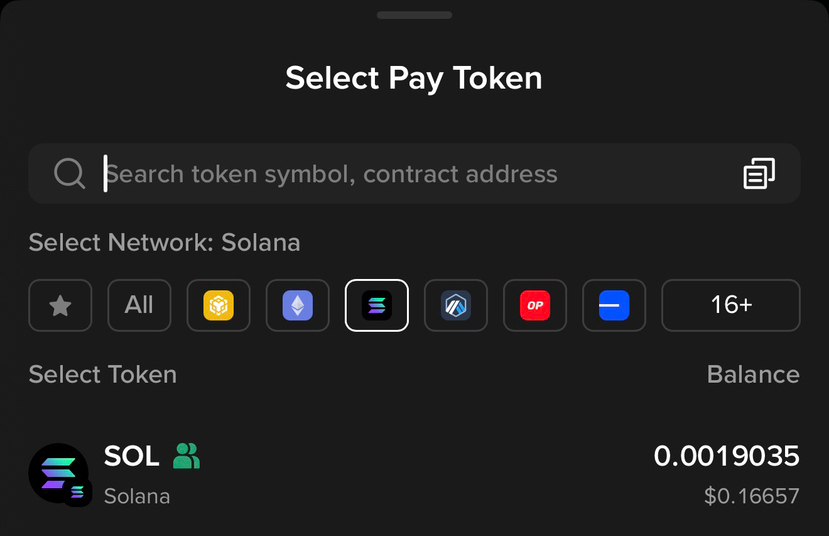
Swap inside wallet
Open Web3 Wallet
Tap Swap
Select:
From: USDT
To: Any token ( You Can Copy The token Contract Address & Paste)
Confirm swap