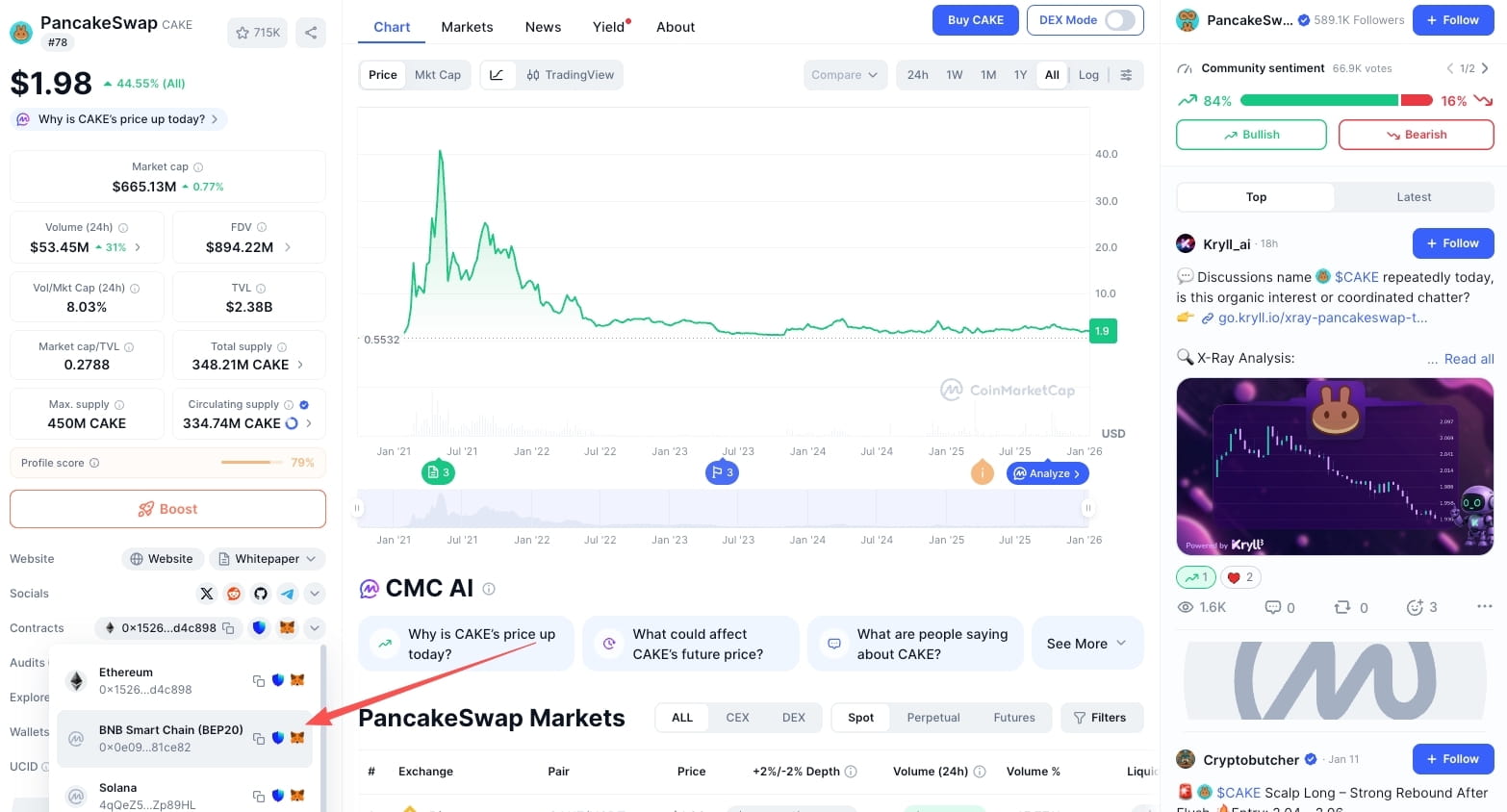
Many project teams encounter an issue: the token has been issued, but it lacks an icon or logo in wallets, DEXs, and browsers, making it appear unprofessional. This isn't a problem with the contract itself, but rather a display-related issue.
🔍 Why doesn't a token have a logo by default?
On chains such as BSC and Ethereum, a token is essentially just a smart contract; there are no logos, descriptions, or official websites stored on the blockchain. The token icons you see in wallets, exchanges, and price tracking websites are actually:
"Metadata" maintained and displayed independently by various platforms
These platforms add logos to tokens mainly for three reasons: to enhance recognition, reduce the risk of user misoperation, and strengthen the project's professionalism and credibility in the user's mind.
Therefore: If you want the token logo to display, the only method is to apply individually to each platform.
🧩 From basic display to platform recognition
Many project parties, after issuing tokens, first react by applying to CMC, CoinGecko, or hoping that PancakeSwap, UniSwap can immediately display the logo.
It is not recommended to rush to the top platforms at first, but to advance according to display priority + review pass rate.
A common and reasonable order is: Wallet / Information Platform → Block Explorer → Data Aggregation Platform → Automatic Capture
🎯 Common Wallets and Information Platforms
1. Ave.ai (Information Aggregation Platform)
Ave.ai information aggregation platform: Usually displays token logos, descriptions, official websites, and social links simultaneously; the process is simple, the review is friendly, and it is very suitable for new projects or Meme tokens.
Application method: contact Ave customer service yourself
Requirements: Basic requirements
Success rate: High
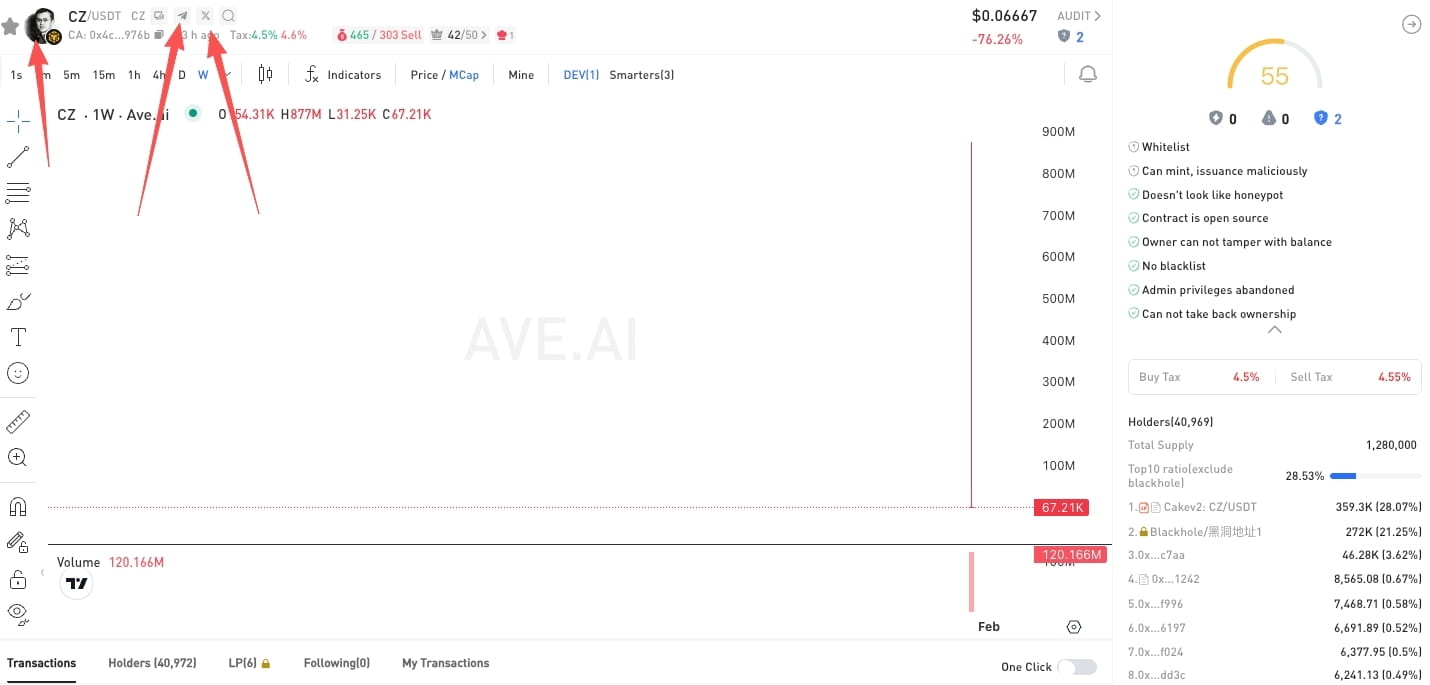
Once Ave shows success, many third-party tools and plugins will also sync and capture the information.
2. TokenPocket (TP Wallet)
The token logo for TP Wallet is submitted through an official application form and must be submitted strictly according to the document format. The contract will be checked for blacklists, trading suspensions, and other high-risk logic.
Application method: submit the application form yourself
Requirements: Legitimate official website, token information, and the contract must not have blacklists/suspend trading functions.
Success rate: Medium-high
👉 Official submission documentation: https://www.tokenpocket.pro/zh/submit/token
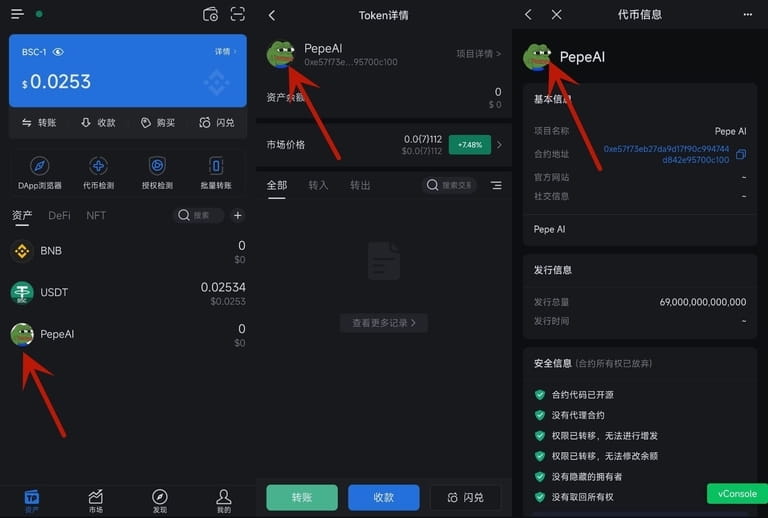
3. Bitget Wallet
Bitget Wallet usually submits project information through its official backend, primarily for asset listing display in the wallet, and the review is relatively friendly, but it can occasionally be rejected.
Application method: log in and submit the application form yourself
Requirements: Legitimate official website, token information, and the contract must not have blacklists/suspend trading functions.
Success rate: Medium-high
👉 Official application portal: https://web3.bitget.com/en/business/service/token-manage
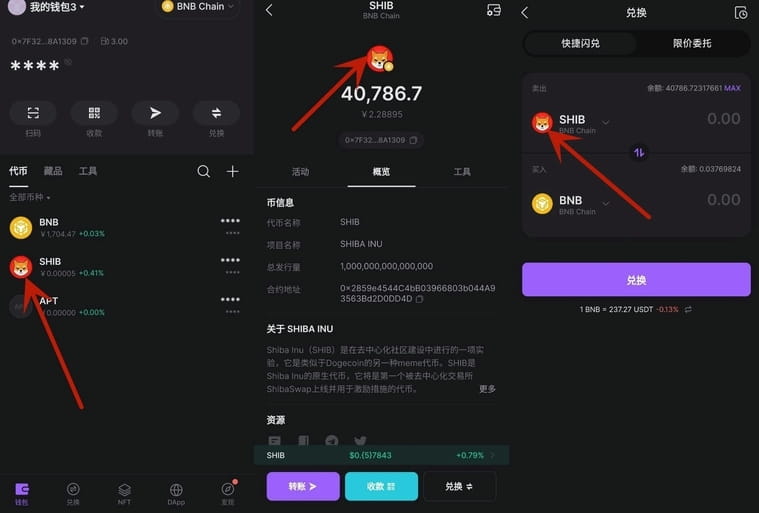
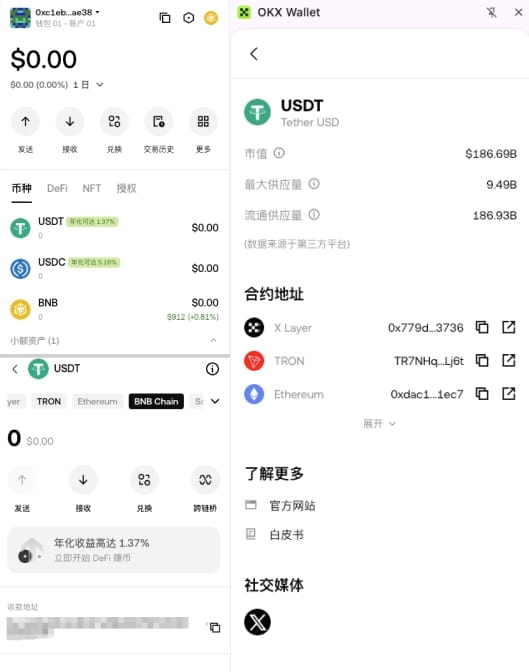
4. OKX Web3 Wallet (through OKLink)
The token logo for OKX Web3 Wallet essentially comes from the OKLink block explorer. As long as your token displays the logo in the OKLink explorer, it will usually also be synchronized and displayed in the Web3 wallet, with a relatively strict review.
Application method: submit the application form yourself
Requirements: Legitimate official website, token information, and the contract must not have blacklists/suspend trading functions.
Success rate: Medium
👉 Official submission form: https://docs.google.com/forms/d/e/1FAIpQLSclmaci1m0y6JB5A-o7xu4akvhXNlzgyBqP5_9fpf_6TTNSMQ/viewform
5. imToken Wallet
The logic of imToken is quite special; as long as it meets the ERC20 and EOS token standards and there are successful transfer records on-chain, the wallet can automatically recognize and display the token.
imToken also supports project parties to submit or modify token information through GitHub autonomously, including: Token name, Symbol, Logo.
Application method: submit the application form yourself
Requirements: Must meet ERC20 and EOS token standards, and there must be successful transfer records on-chain
Success rate: High
👉 Official tutorial: https://github.com/consenlabs/token-profile/blob/master/README.zh-CN.md
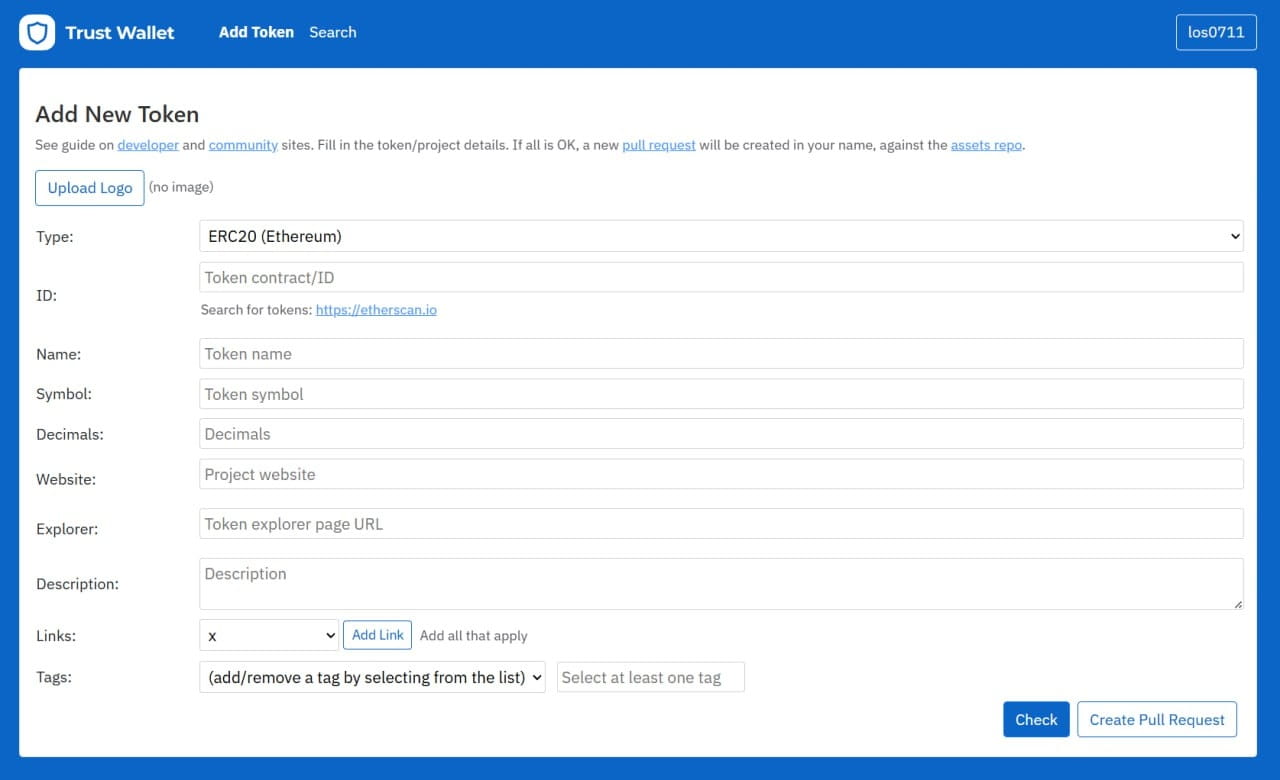
6. Trust Wallet
Trust Wallet uses a community-maintained token information database, which requires a very high number of review dimensions through GitHub (official website, social media, email, creator's wallet, etc.), with a long review cycle and a relatively low approval rate.
Application method: submit yourself
Requirements: Legitimate official website, token information, social media links, official email, creator's wallet
Success rate: Low
👉 Official website: https://assets.trustwallet.com/
🔗 Token logo application for block explorers
The so-called 'block explorer logo' refers to the token icon displayed in the official block explorer of the corresponding public chain, for example:
BSC → BscScan
Ethereum → Etherscan
Once successfully displayed on the browser side: wallets, data platforms, DEXs, etc., have a higher probability of automatically capturing your token logo. However, it should be noted that the review requirements are usually strict, leaning towards projects that 'have a website, social media, and continuous operations.'
Application method: submit the application form yourself
Requirements: Legitimate official website, token information, social media links, official email, creator's wallet
Success rate: Low
BSC → BscScan detailed tutorial
Find the Info page and click to update information.
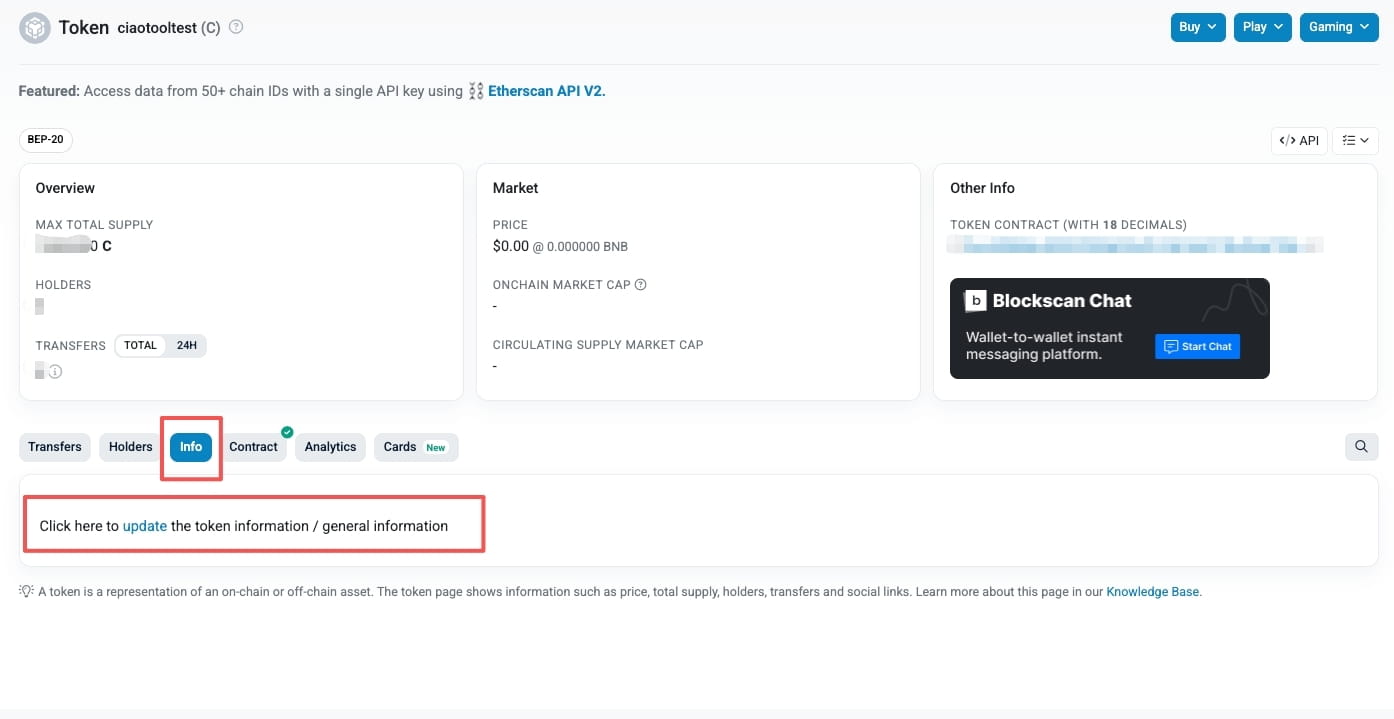
Log in to the BscScan account and use your wallet to verify the identity of the token creator or contract developer.
Select the type of form you wish to submit.
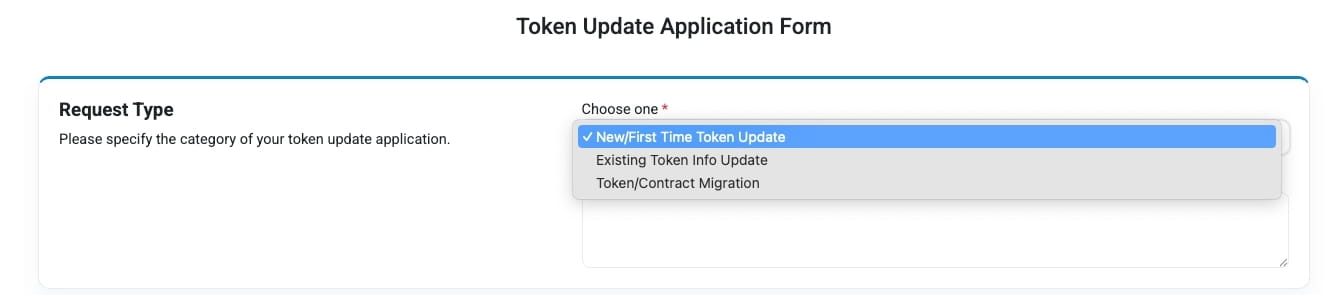
Fill out the complete form and the information you wish to update or add.
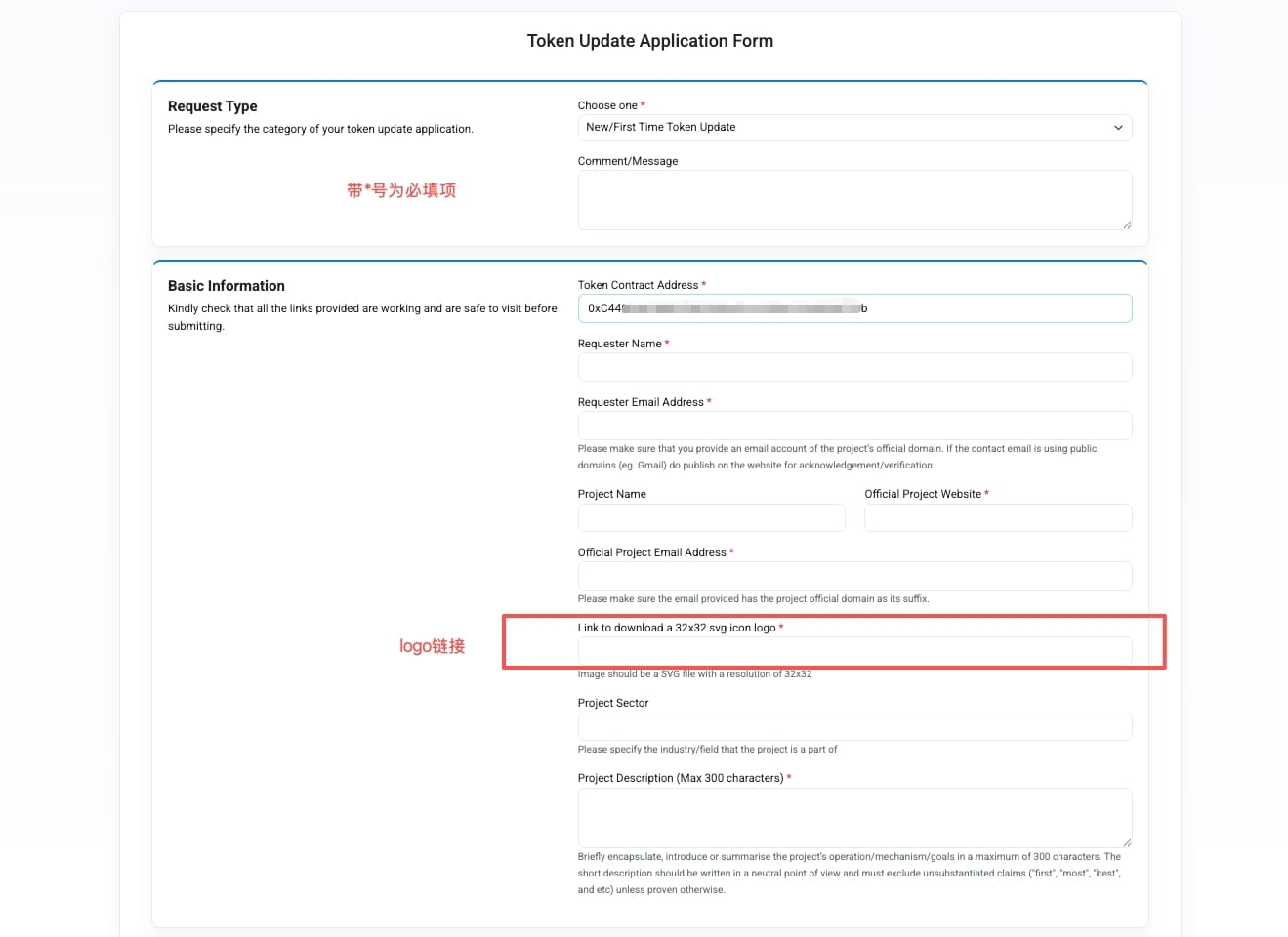
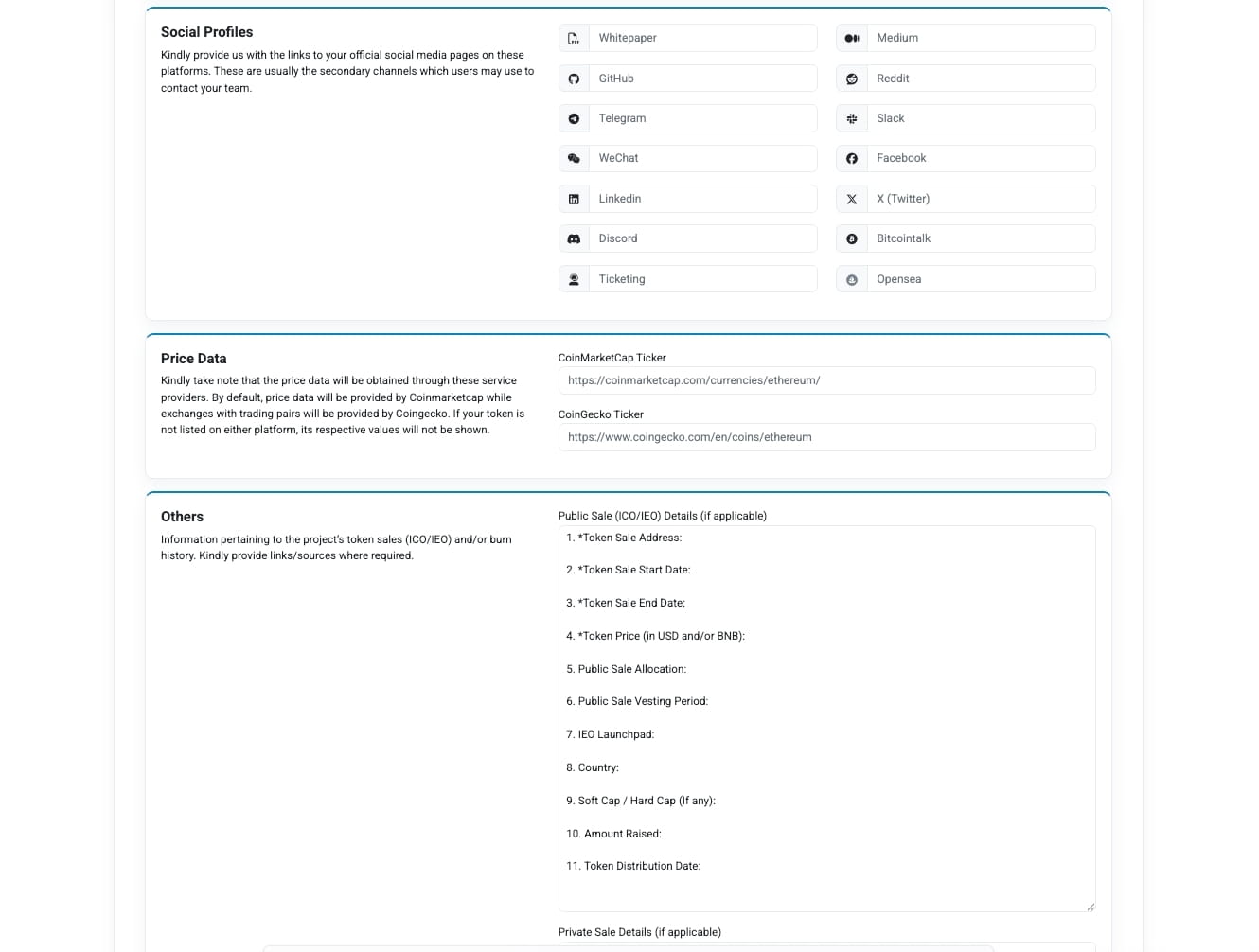
🌍 Inclusion by CMC / CG
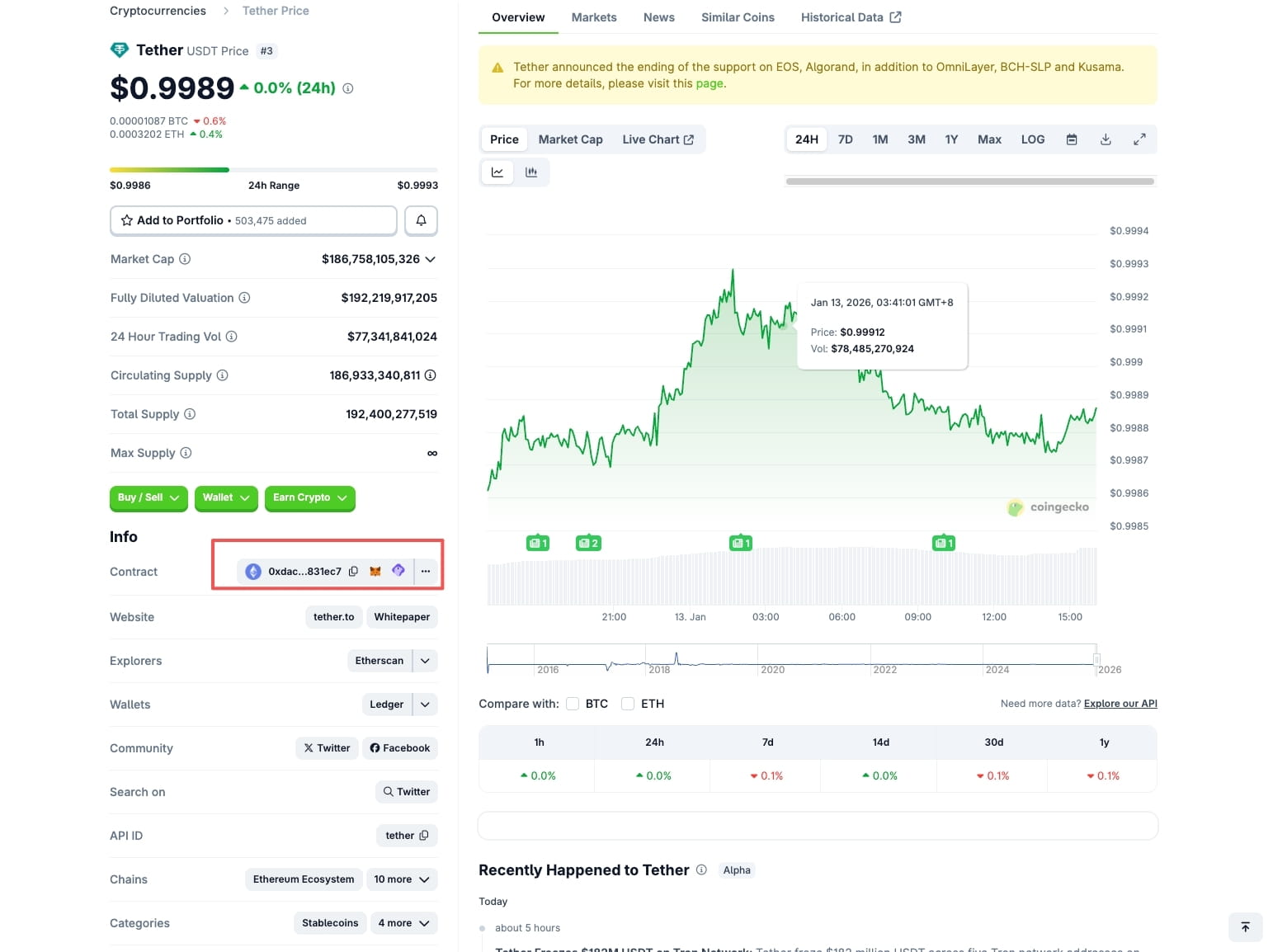
CoinMarketCap (CMC) and CoinGecko (CG) are essentially: global authoritative platforms for crypto data.
If the token is successfully included: The logo will be displayed synchronously, PancakeSwap / Uniswap / wallet tools will capture more easily, and external promotion and market trust will significantly increase.
But the reality is: the review is strict and more suitable for projects that already have a certain trading volume and user base.
Application method: submit the official application form yourself or contact us: https://t.me/ciaotool
Requirements: Legitimate official website, token information, social media links, official email, creator's wallet.
Success rate: Low
Note: Due to the high costs of inclusion on these two platforms, please make sure to apply through official or trustworthy channels to avoid fraud.
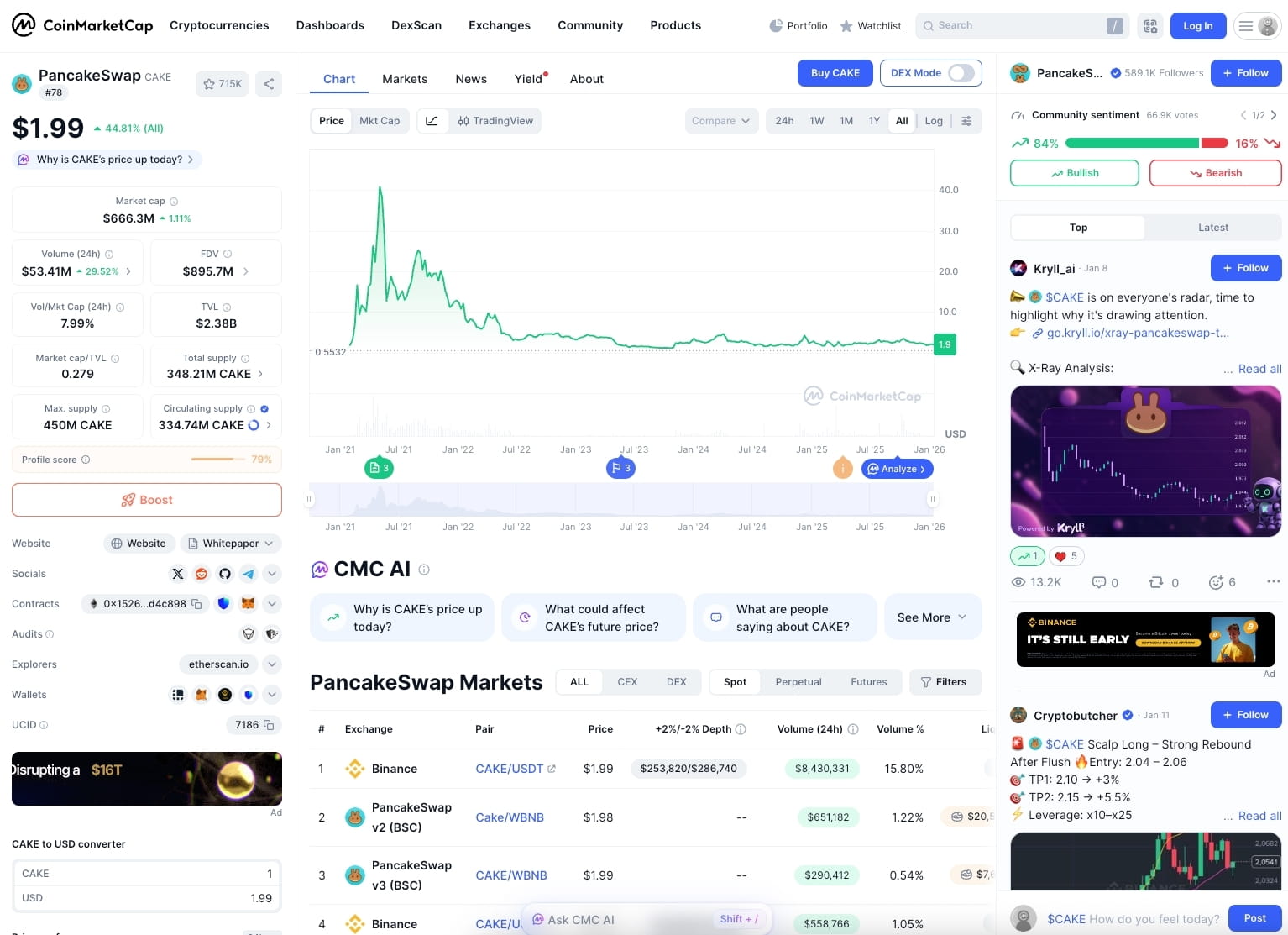
📊 Updates for PancakeSwap / Uniswap
For ordinary tokens, PancakeSwap / Uniswap does not have a direct payment or simple application channel like Ave.ai; logo display depends on the following factors:
Wallet/platform inclusion: Tokens need to display logos first in TP Wallet, Bitget Wallet, etc.
Data aggregation platform inclusion: Tokens are included by CoinMarketCap (CMC) or CoinGecko (CG), and sometimes this data will sync.
Decentralized inclusion (DEX aggregation): Updating information indirectly through tools like DEXTools or the project party itself.
💡 MetaMask (Fox Wallet) logo update
⬆️ Waiting for official data retrieval or manual update
The token has already been included in mainstream platforms (such as CG, CMC, Etherscan, etc.), just wait for the update.
If not updated, users can use these platforms to add the token and its official logo to the wallet with one click, just confirm the wallet pop-up.
Note: The premise for manual updates is that it has been included by mainstream platforms.