
Binance Bahrain and Beyon Money - Citizens of Saudi Arabia 🇸🇦 can use the deposit method with Beyon Money
> Reduced deposit fees
> Direct and instant deposit
> Alternative for Person-to-Person (P2P) service
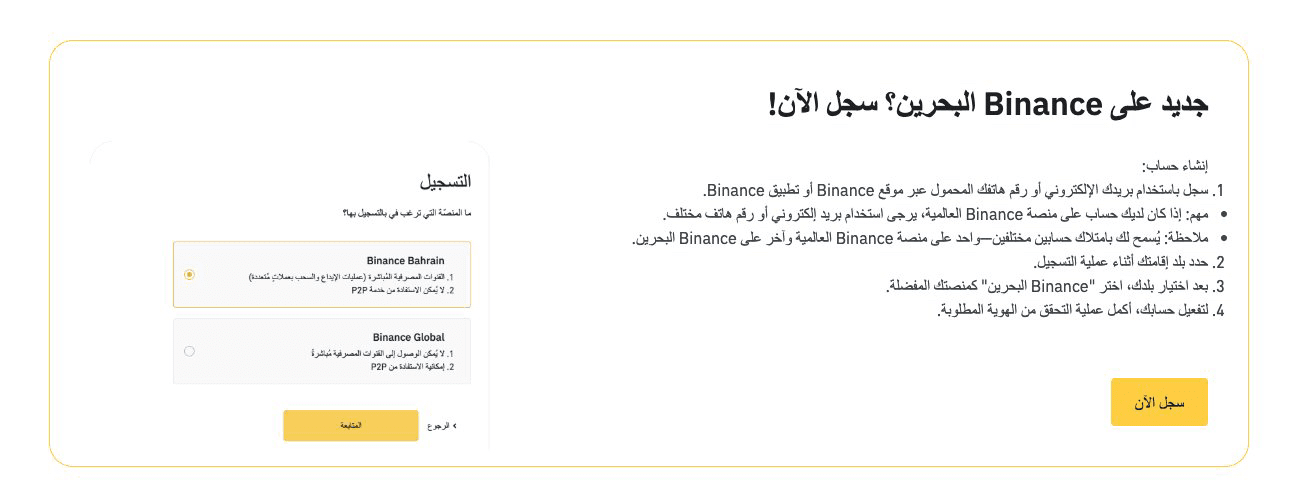
Registration steps with Binance Bahrain!
> Register via email/phone number
> Specify the country of residence
> The important step is to select "Binance Bahrain"
*If you are a resident of Bahrain, Kuwait, or Saudi Arabia - you can have two accounts, one with Binance Global and another with Binance Bahrain
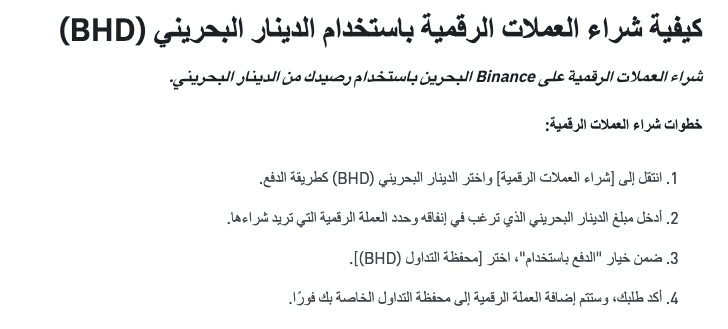
Deposit steps via Beyon Money
> Click on Add Funds
> Select Bahraini Dinar (BHD)
> Click on Beyon Money and follow the steps
Purchase via BHD balance> From the purchase page, select Wallet Balance and specify the cryptocurrency you want to buy. For example: USDT
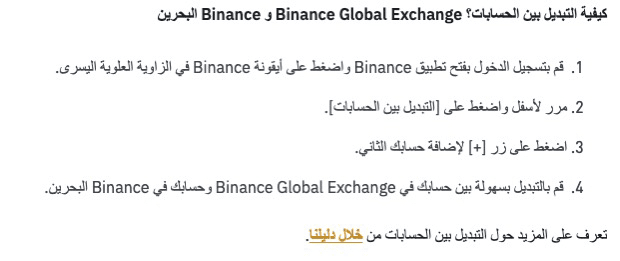
 Method to switch between Binance Global accounts and Binance Bahrain
1. Open the Binance app and click on the Binance icon in the top left corner.
2. At the bottom of the page, click on [Switch between accounts].
3. Click the [+] button to add your second account.
All the explained steps are mentioned on the official Binance website - with tutorial videos