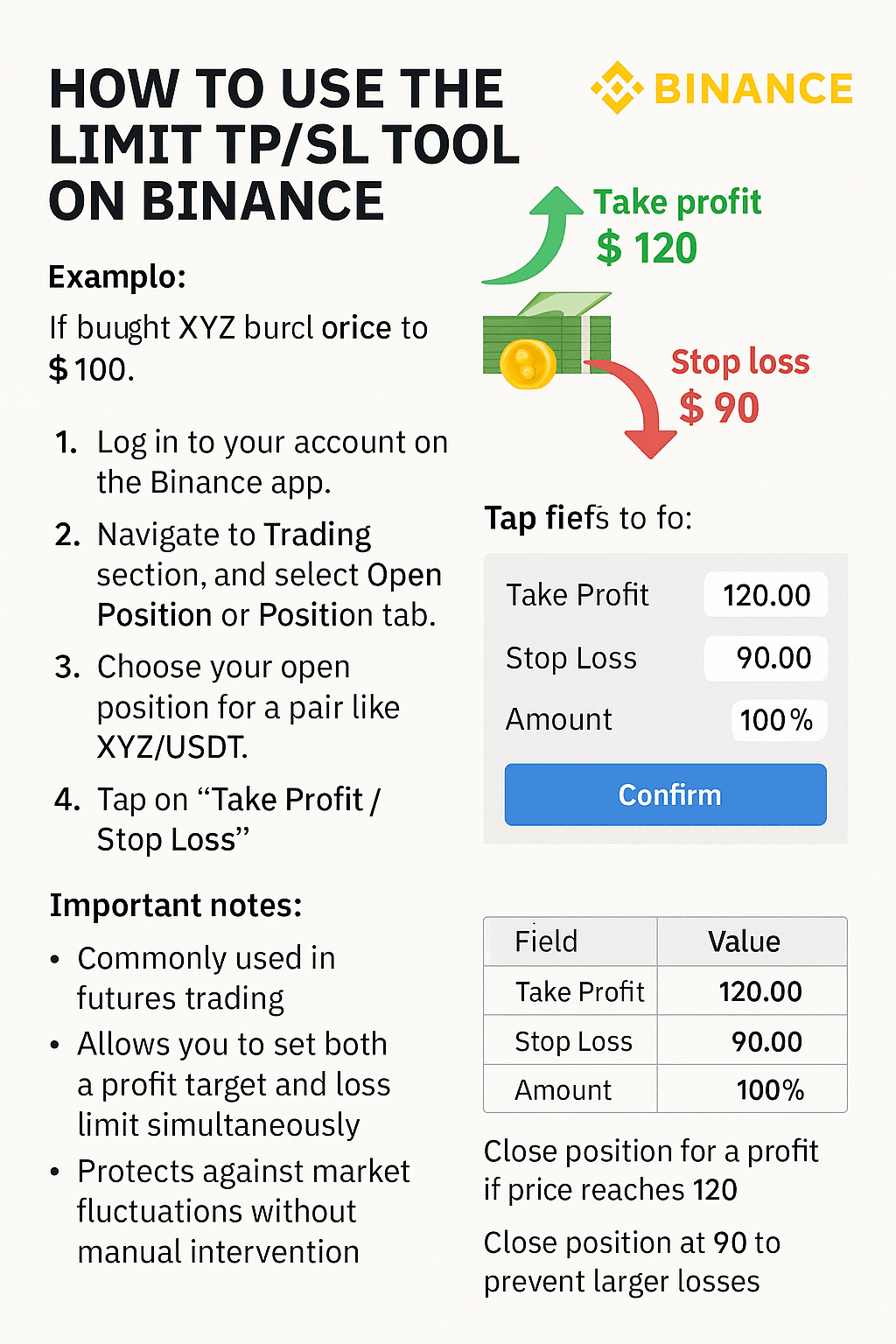
✅ How to use the Limit TP/SL tool on the Binance platform 🟡
🔍 Illustrative example:
Let's assume you bought currency XYZ at a price of 💵 100 dollars, and you want to:
Sell it at a higher price (e.g., 120) to take profits.
Or sell it automatically at a lower price (e.g., 90) to minimize losses.
The Limit TP/SL tool allows you to set two orders simultaneously in the same trade.
📲 Steps on the Binance app:
1. 🔐 Log in to your account from the app.
2. 📈 Go to the "Trading" section and select "Open Orders" or "Position".
3. Select your open order on a currency like XYZ/USDT.
4. Press "Take Profit / Stop Loss".
🧮 Fields will appear for you to fill out:
✅ Take Profit (profit): the price at which you sell to make a profit (e.g., 120.00)
⛔ Stop Loss (loss): the price at which you sell to minimize loss (e.g., 90.00)
📦 Amount: the quantity you want to sell (e.g., 100%)
Then press confirm ✅ to save the order.
⚠️ Important notes:
This tool is often used in futures trading.
You can set a profit point and a loss limit at the same time.
It protects you from market fluctuations without manual intervention.
🧠 Final example to clarify the idea:
🧾 Field 📊 Value
Take Profit ✅ 120.00
Stop Loss ⛔ 90.00
Amount 📦 100%
If the price reaches 120, the order closes with profit.
If it drops to 90, it will close automatically to avoid larger losses.