
A downtrend in money reduction can be managed, but a hacker completely draining the wallet to zero is the real nightmare!
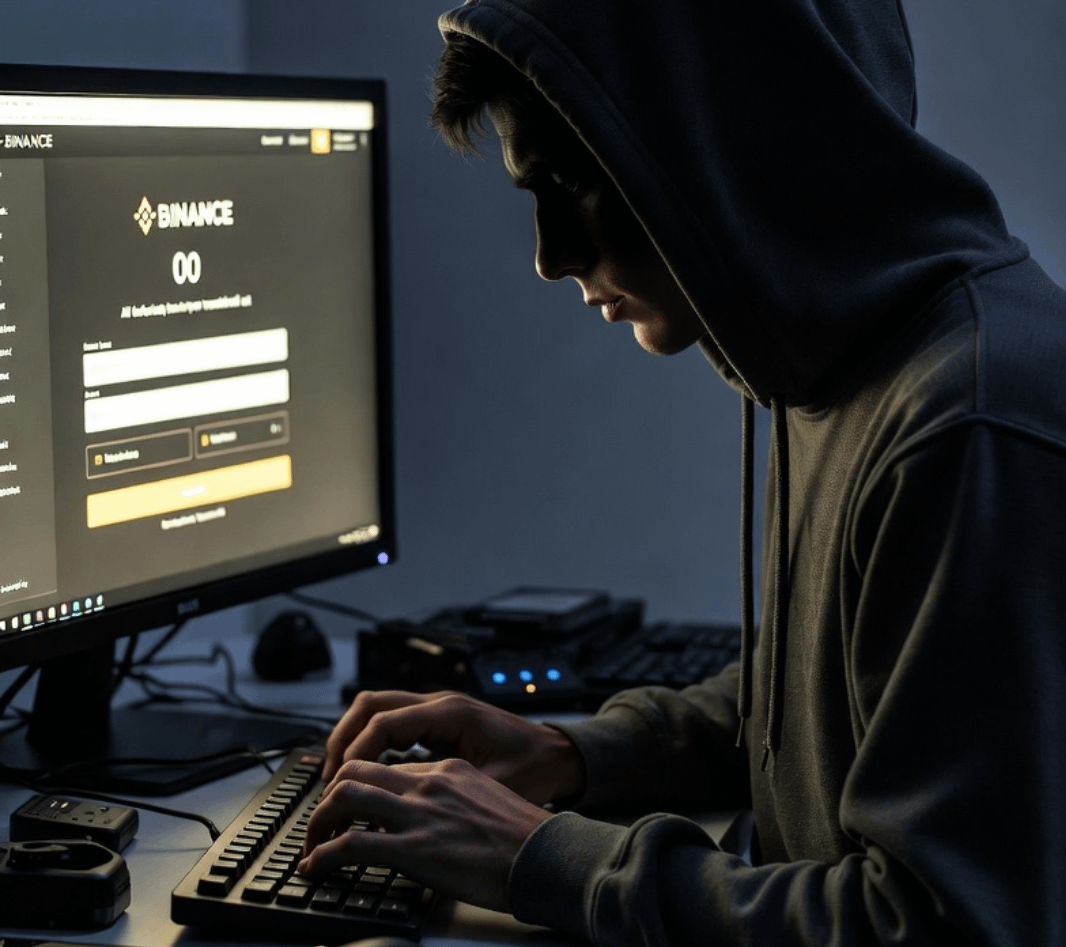
What is a passkey?
This is a passwordless login method, using biometrics (fingerprint, facial recognition) or device PIN. Based on public key encryption technology → extremely strong phishing protection, hackers cannot steal because there is no password to expose!
Binance has supported Passkey, replacing or supplementing traditional 2FA → faster login, higher security. How to enable Passkey on Binance (only takes 2 minutes):
Open the Binance app (latest version), go to [Account] → [Security].
Find [Passkeys (Biometrics)] or [Passkey] → press [Add Passkey] or [Add Passkey].
Authenticate with fingerprint/face/PIN code of the device.
Done! From now on, log in, withdraw money, trade... use Passkey instead of SMS code or Google Authenticator (much safer).
Benefits: No fear of SIM swap, fake phishing links, losing passwords. Hackers trying to hack are also helpless! Don't let your money "disappear" because of laziness in enabling security. Enable Passkey today!
Have you enabled it yet? Comment "Done" if you are finished! #Binance #Passkey #CryptoSecurity #BinanceSquareWithYou