
Hey! Good Morning Crypto Fam!
2nd Part, today I'm sharing images of the setup for the parameters.
THOUGHT:
To know what you know and to know what you don't know, that is true knowledge. The True Wisdom lies in Intellectual Honesty: "Knowing what you know and knowing what you don't know." Confucius.
PROLOGUE:
What is a futures contract? It’s an agreement to buy or sell an underlying asset at a predetermined price in the future. When you subscribe to a contract to buy or sell BTC from a counterparty in the future, at a set price.
Types of Positions: Long: Means buying a futures contract with the expectation that the price of the underlying asset will rise! Short: Involves selling a futures contract anticipating a decrease in the price of the underlying asset.
Types of Contracts: Quarterly: Have a pre-established liquidation date every three months. Perpetual: No liquidation date, you can hold the position without restrictions of an expiration date.
Difference between Margin and Futures! In Margin, Margin orders are matched with orders in the Spot market. Typically offer leverage of 3x to 10x. And Futures: Buying or selling contracts are matched in the derivatives market. They offer higher leverage of up to 125x. There will be a greater risk of liquidation.
Trade responsibly based on your risk tolerance and trading strategy.
LET'S GET STARTED:
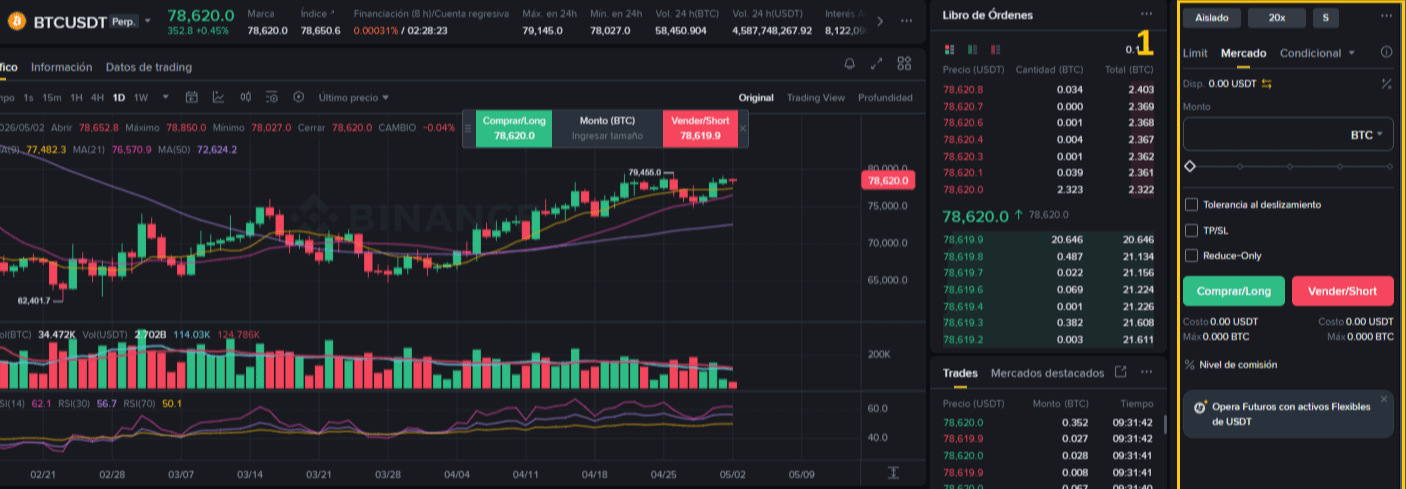
01.- Configurable Parameters Panel, right side of the image.
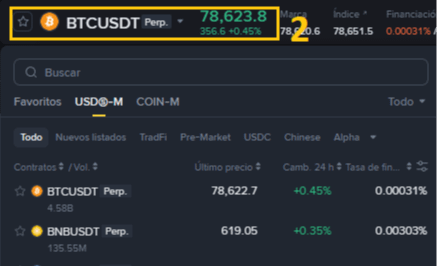
02.- Selected currency pair to trade. $BTC

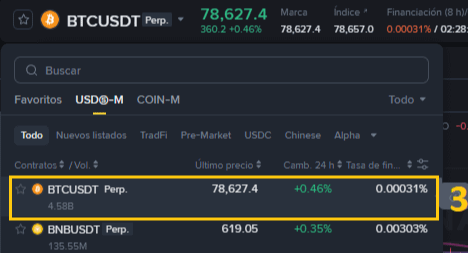
03.- Selected coin.
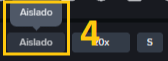
04.- Isolated Margin.
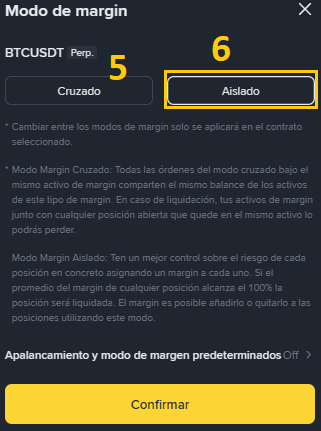
05.- Cross Margin.
06.- Isolated Margin (Recommended for Beginners without experience).
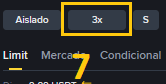
07.- Leverage, recommended at 1x to 3x for Beginners without experience.
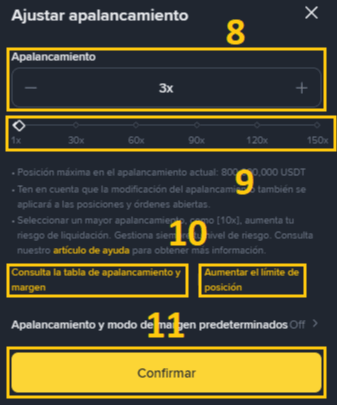
08.- Leverage Slider (- to +).
09.- Accuracy Leverage Bar.
10.- Options to consult the leverage and margin table. And Increase position limit.
11.- Confirmation Button.

12.- Asset Mode Activator.
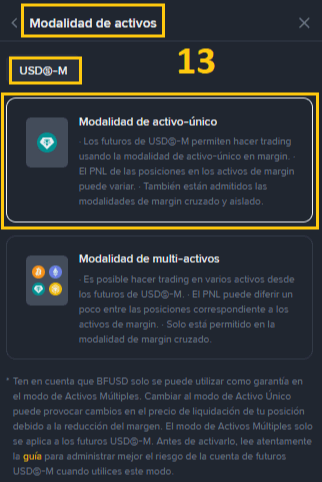
13.- Asset Mode: USDS-M, Single Asset (USDT) or Multi-Assets (BTC, ETH, BNB, others).
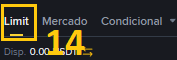
14.- Limit Order.
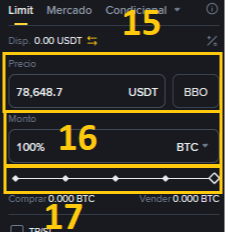
15.- Current price in a Limit Order of the selected coin.
16.- Amount in % of the coin, based on your capital in your wallet.
17.- Manual bar for exact amount.
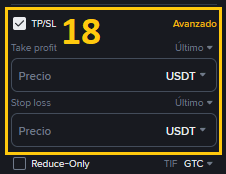
18.- TP Take Profit and SL Stop-Loss, applicable to both Limit and Market orders.
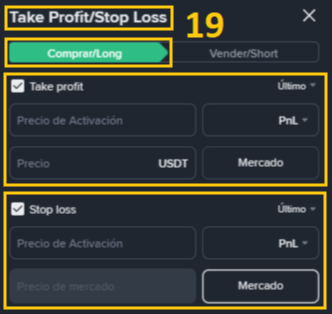
19.- Specific configuration based on the price, for Take Profit and Stop-Loss parameters, in Limit and Market orders. BUY/LONG.
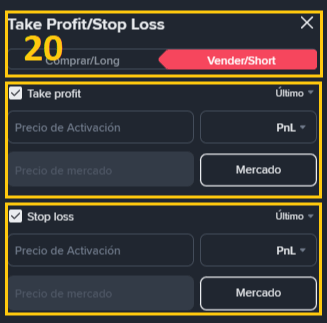
20.- Specific configuration based on the price, for Take Profit and Stop-Loss parameters, in Limit and Market orders. SELL/SHORT.
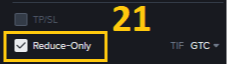
21.- Reduce-Only: This is a feature that ensures an order can only decrease or close an open position, preventing you from accidentally increasing your position size or opening a trade in the opposite direction. When activated, the Take Profit and Stop-Loss boxes are locked.
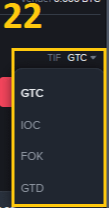
22.- TIF (Time In Force) Functions: Defines how long an order will remain active before it is executed or expires. Options: GTC (Good Till Cancel), This order remains active until it is fully executed or the user cancels it manually. It's ideal for those looking for a specific price regardless of how long it takes to reach it. IOC (Immediate Or Cancel), Only a part of the order can be filled at the specified price, that part executes and the rest is automatically canceled. FOK (Fill Or Kill), Requires that the order be filled completely and immediately. If there isn't enough liquidity to fill the entire order at the specified price instantly, nothing gets executed and the whole order is canceled. GTD (Good Till Date), Sets a specific expiration date and time for the order. If it hasn't been executed by then, the system will automatically cancel it.
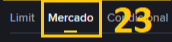
23.- Market Order Option.
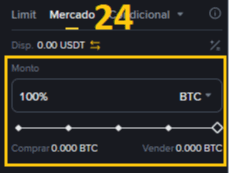
24.- % amount of the coin in your Futures wallet and Manual bar.
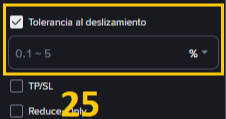
25.- Tolerance Bar in %.

See you in a few days to provide images of a summarized technical analysis, the amount of information and parameters to consider before placing a trade is impressive.
Legal Notice: This is NOT a Financial Advisory, it is an Educational article. Trade at your own risk.