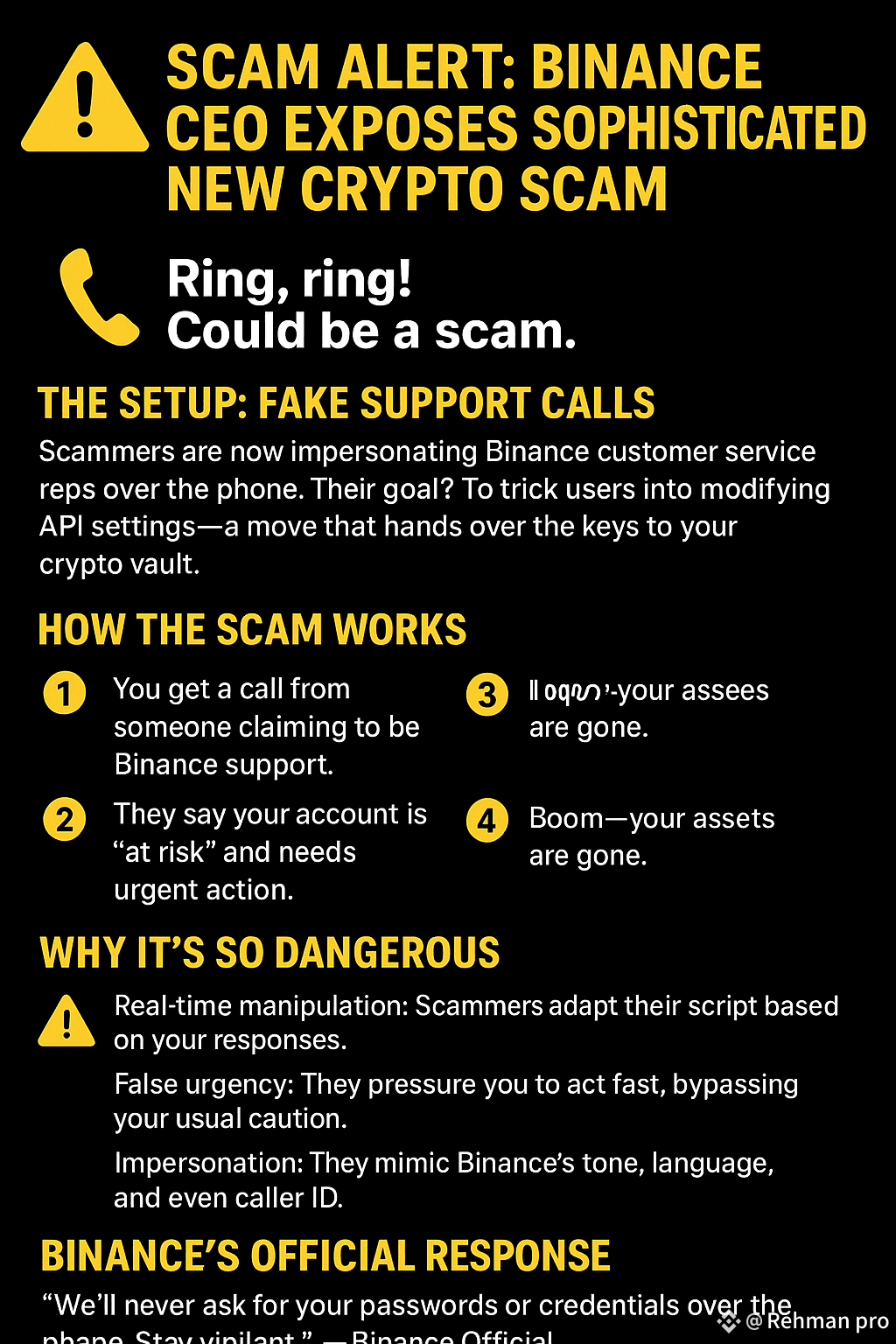
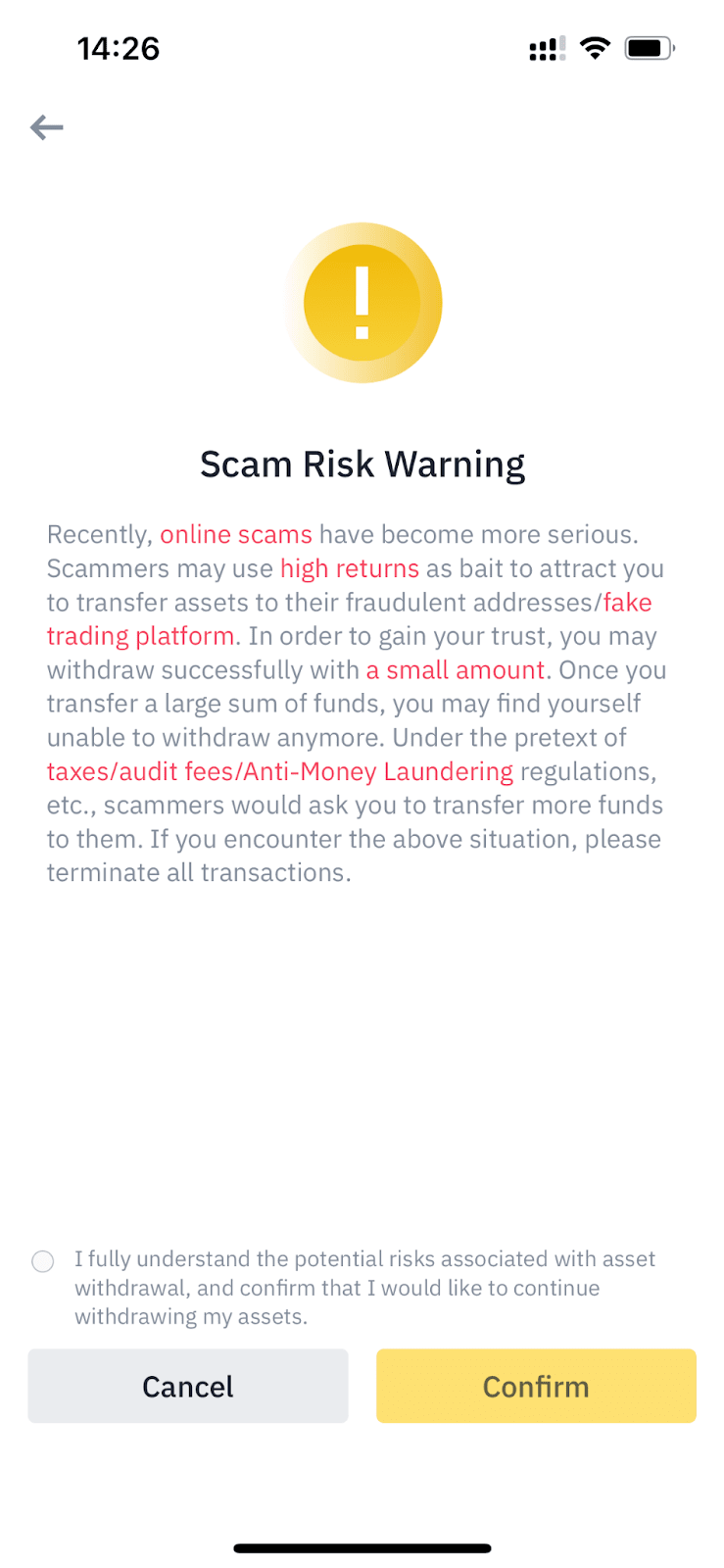
If you receive a message about a “scheme alert” or any suspicious activity on Binance, it is very important to take it seriously ⚠️
Follow this simple and clear guide:
🚨 Common schemes on Binance
📩 Fake messages / SMS / Emails
Messages like “Your account has been blocked” or “Verify now”
Links that look like Binance but are not real
👤 Fake customer support
People contact you pretending to be Binance support on Telegram or WhatsApp
🎁 Fake Giveaway scheme
“Send 1 BTC, get 2 BTC back” → this is 100% fraud ❌
🌐 Phishing websites
They look real but the URL is different
🛑 What to do if you receive a Scam Alert
✅ 1. Secure your account
Change your password immediately
Turn on 2FA (Google Authenticator)
✅ 2. Do not click on any links
Only use the official Binance app or website
✅ 3. Do not talk to unknown people
Binance never contacts you via WhatsApp or DM
✅ 4. Check account activity
Be sure to check “Login History” and “Withdrawal History”
🔒 Additional security tips
Enable anti-phishing code
Delete API keys immediately if created
Transfer funds to the Funding Wallet or a secure wallet
❗ Important note
If you have already:
Logged in to a fake link
or give someone the OTP / code
👉 So take action immediately, otherwise your funds may be lost