
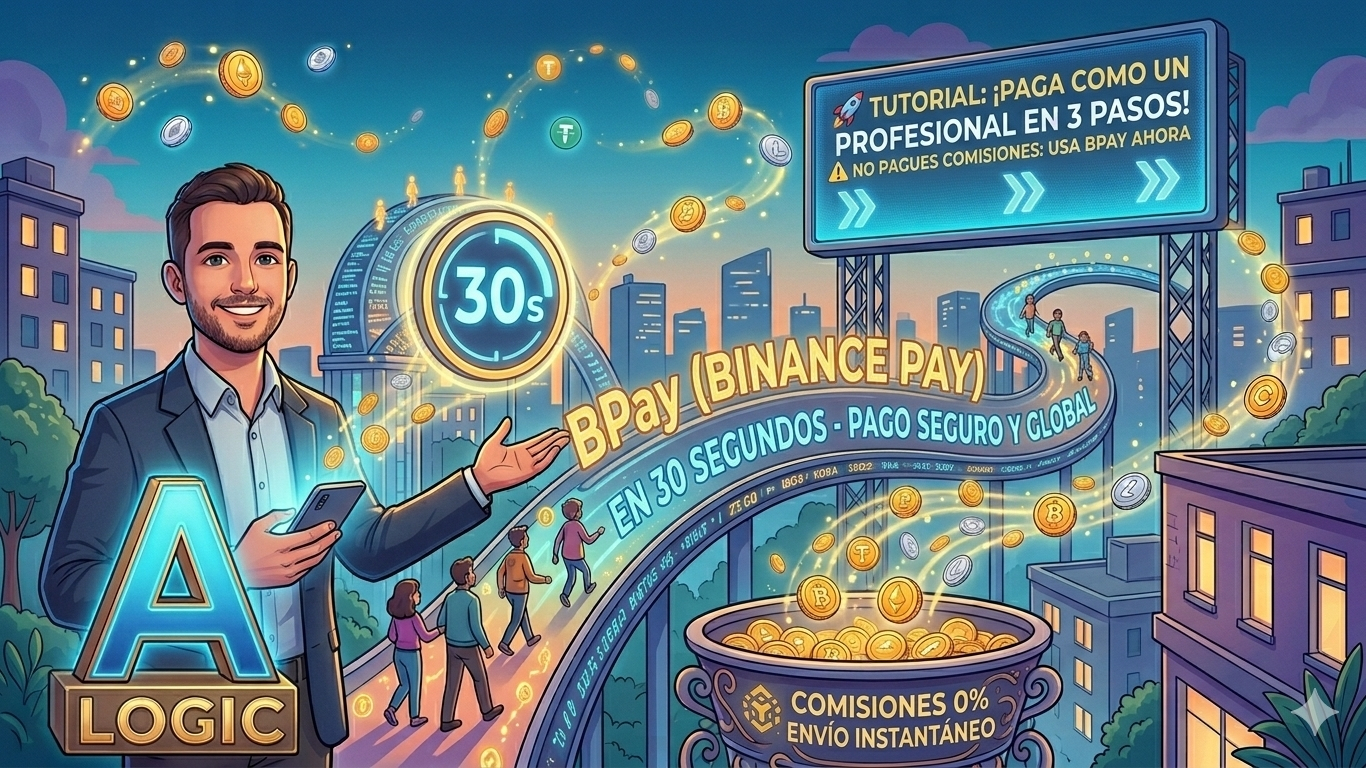
Binance Pay is not just a wallet; it is a global payment infrastructure without borders and with 0% fees. Here I explain how to activate it and use it like a professional.
If you like the article and it is Useful, share it after reading and give it a Like to reach more people.
Step 1: Activation and Setup (The Port)
Before funding, your "port" must be ready.
Open your Binance App and tap the [Pay] icon in the top right corner (or go to Profile > Pay).
If this is your first time, press "Open Binance Pay".
Create a unique Nickname (username). Tip: Make it professional, like the one we chose earlier.
Set a 6-digit PIN. This is your master security key; do not share it.
Step 2: Fund your Wallet (The Fuel)
Binance Pay uses the funds you have in your Funding wallet.
Make sure you have USDT, BTC, or BNB in your Funding wallet.
If you have the money in "Spot", simply go to Wallets > Transfer and move the amount from Spot to Funds. It's instant and free.
Step 3: Make a Shipment (The Execution)
You have three ways to execute a transaction:
QR Code: Tap the scanner icon and point it at your counterpart's screen.
Binance ID / Email / Phone: Enter the receiver's details.
Pay ID: It is your unique numeric identifier to receive payments.
Logical Data: Always verify the name that appears after entering the ID. In the blockchain, a one-digit error is irreversible.
Step 4: Confirmation and Security (The Protocol)
Enter the amount and select the currency (e.g. USDT for greater stability).
Check the shipment details.
Confirm with your PIN or biometrics (fingerprint/face).
Ready! The receiver receives the funds in milliseconds.
⚠️ Alejandro_logic's Golden Rule
As an analyst, my responsibility is to remind you:
Security: Binance will never ask for your PIN via chat or email.
Responsibility: Verify that the trade or person is trustworthy before paying.
Analysis: Use BPay to avoid cash volatility and high bank fees.DYOR.
Have you made your first payment with BPay or are you still relying on slow transfers? Share your experience in the comments!
#BinancePay #TutorialCripto #BPay #FinanzasDigitales #BinanceSquare