
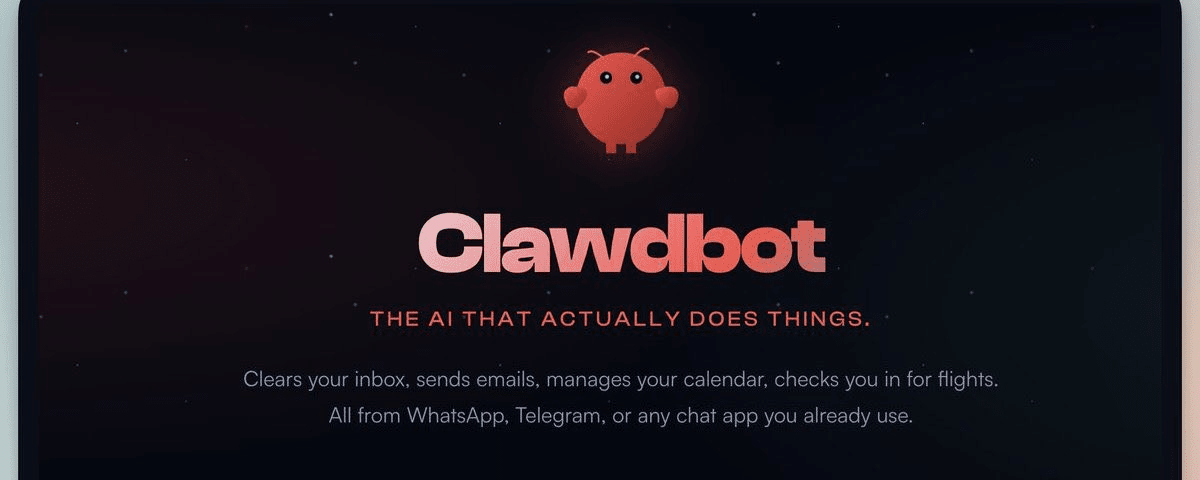
1/ Clawdbot (Clawbot / Crabbot) has recently exploded in popularity, being called by many 'the next big trend in personal AI assistants'. It’s not like ordinary chat bots that just reply— it can really 'do things': running locally, system-level permissions, proactive notifications, executing tasks across apps.
Must-see for understanding!
The last point Web3 friends should pay special attention to
Avoid pitfalls~😎
2/ Why is it so popular? It upgrades AI from 'chatting' to 'action agents':
Long-term memory + persistent context: remembers your preferences, historical conversations, scattered information. Automatically calls next time (using session history/compact summary mechanism, not infinite, but very strong).
Proactive intervention in reality: It won’t wait for you to ask, it will push notifications! Schedule reminders, email processing completion, on-chain alerts, cron tasks, daily briefings fully automated sent to Telegram/WhatsApp/Signal/Discord/iMessage, etc.
Killer Execution Power: Read/write files, run shell, control browser (fill forms, navigate, extract data), send emails/open PRs, manage calendars, unsubscribe from spam emails, even control smart home devices (Hue lights, air purifiers based on WHOOP data).
3/ Practical Cases (Real Community Feedback + Official Examples):
Organize download folders, find last month’s PDFs, check schedules → done in seconds.
Write code → self-test, self-debug, submit GitHub PR.
Web3 Scenarios: Monitor wallets/on-chain events, analyze spreadsheet data, trigger simple contract interactions (but don’t give it wallet permissions!).
Browser Extensions/Chrome Control: Visual understanding to organize bookmarks, auto-fill forms.
Skills Expansion: AI self-generates/installs plugins (like Brave API, OpenCode to achieve browser functions), the community ClawdHub skill library is becoming richer.
Voice: macOS/iOS/Android supports wake + talk + TTS (ElevenLabs).
4/ Installation & Compatibility (Official One-Click):
Simplest: curl -fsSL https://clawd.bot/install.sh | bash (automatically installs Node, etc.).
or npm i -g clawdbot → clawdbot onboard (guide to set up daemon background running).
Supports: macOS/Windows/Linux (even Raspberry Pi), multiple models (Claude Opus 4.5 recommended, but compatible with Gemini, GPT, Ollama local, Venice, etc., not limited to Anthropic).
Mobile: Use chat directly on Telegram/WhatsApp, etc.; there's a beta macOS menu bar app.
Operating Mode: Mainly local (data does not leave the device), can expose remotely via Tailscale (but with a password).
5/ But the risks are really high! (Many experts warn)
Very High Permissions: Main session has complete system access (read/write/delete files, shell), non-main session uses Docker sandbox (but still can use bash/process, etc.).
Privacy Misconception: Claiming 'data is not uploaded locally' → But when calling remote LLMs (like Claude), your prompt/token will be sent out! For absolute privacy → only use local models (but intelligence decreases).
Open Source ≠ Safe: Public code may have vulnerabilities/subject to prompt injection attacks. Password leaks, file deletions, RPA account bans, prompt injections are all possible.
40+ hours of practical feedback: Google integration (Calendar/Gmail OAuth) is super troublesome in a VPS headless environment; local Mac is convenient but risks are high on the main computer; at least 4GB RAM is stable.
6/ Web3 User Special Reminder:
Don’t run it on machines with assets/wallets! Prefer VPS/virtual machines/isolation computers + test with non-essential accounts.
Don’t give it access to wallets/private keys/sensitive files.
DM/group chat defaults to pairing mode (strangers need approval), can be set to open but with higher risks.
Suggestions: sandbox non-main sessions, regularly run clawdbot doctor to check configurations, don’t open elevated bash casually.
7/ Overall Review: Clawdbot is open-source black technology, greatly amplifying productivity (many say 'once used, you can’t go back'), the community is active and updates quickly (recently added LINE rich reply, Telegram topics split sessions, Ollama support, etc.). But it is a double-edged sword— the more powerful it is, the greater the explosion potential.
Beginner: Start with virtual machines, just for fun exploring skills.
Expert: Isolated environments + local models for advanced use. Have you gotten started? What pitfalls have you encountered? Feel free to share! DYOR & Safety First!