
Binance Flap creates tokens while simultaneously performing token buy operations, effectively simplifying the trading process and accelerating market participation, getting ahead and seizing opportunities, thus obtaining potential profits earlier.
Preparation items
A computer or a mobile phone
BSC wallet (Fox MetaMask wallet installation tutorial)
At least 0.031 BNB in the wallet
Private key of the address to buy and some BNB
Flap creation and bundling buy steps
Step 1, connect wallet
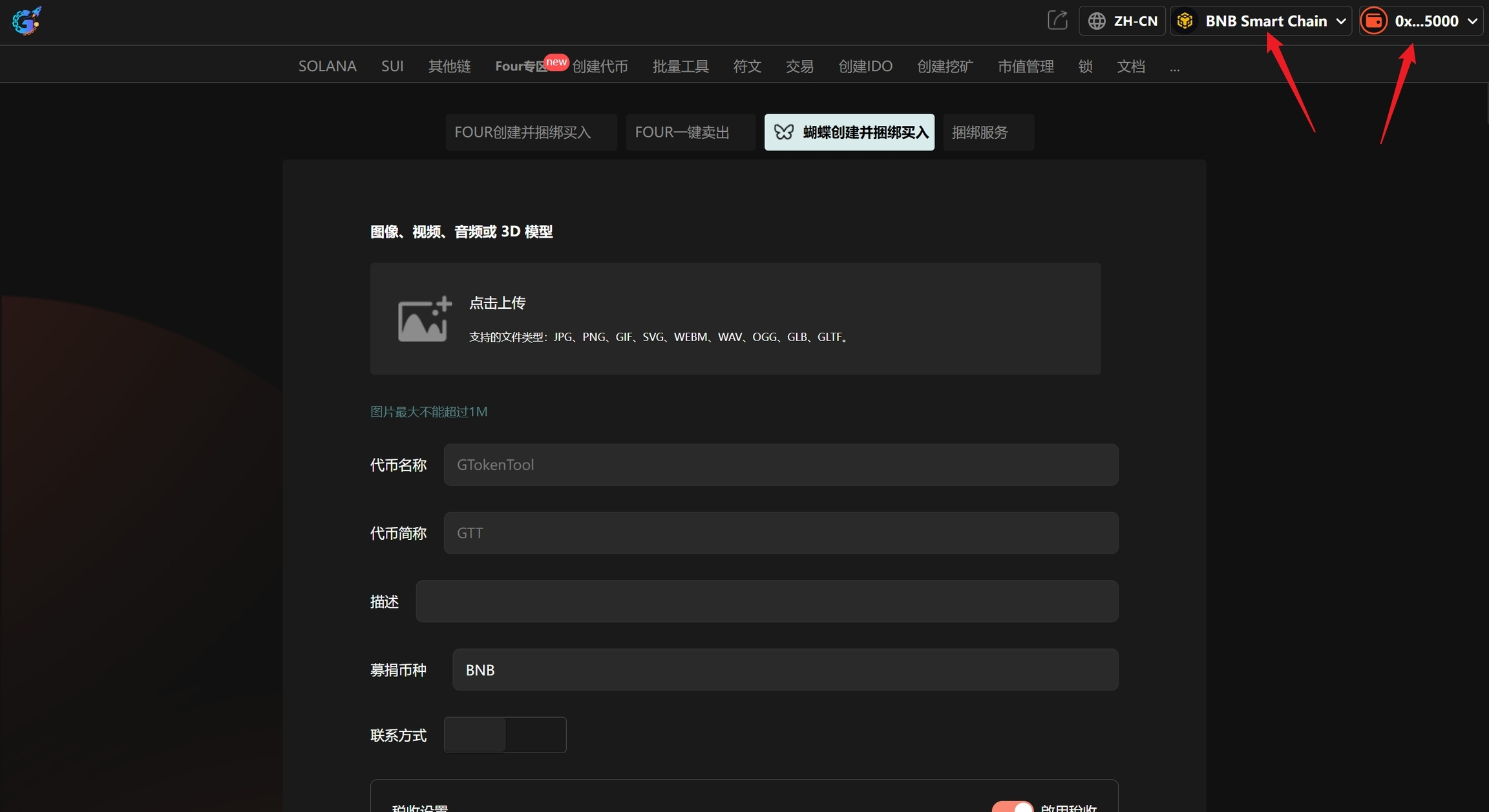
Enter the page: GTokenTool, click the top right corner, connect to the Fox wallet, and switch to the Binance Smart Chain mainnet. Once completed, you will see the 'Chain Name' and your 'Wallet Address', as shown in the image below:
Step 2, fill in the information and upload the image.
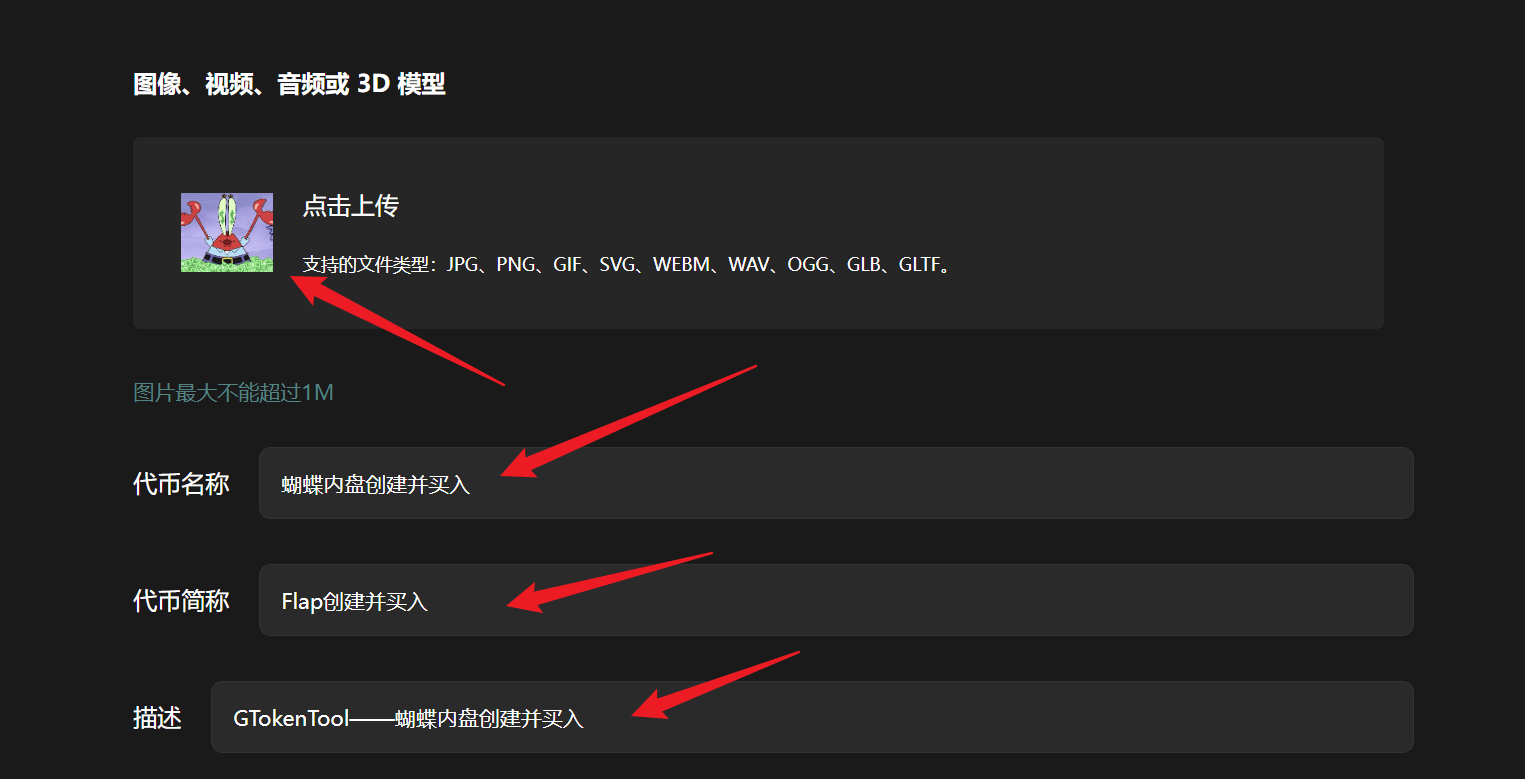
Assuming we create a token named "Butterfly Internal Launch and Buy", fill in the information as follows:
Logo: The image must not exceed 1M.
Token Name: Butterfly Internal Launch and Buy
Token Abbreviation: Flap Launch and Buy
Description: GTokenTool - Butterfly Internal Launch and Buy
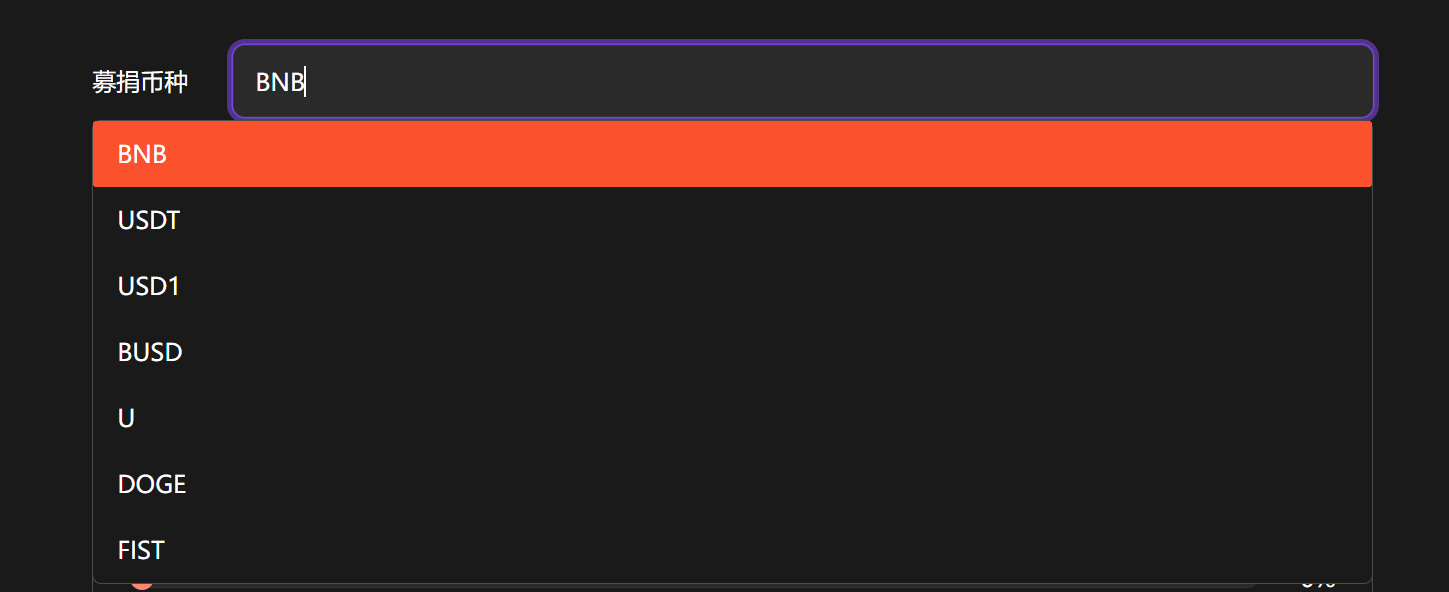
Step 3, choose the donation currency
Here I choose BNB, but other currencies can also be selected (USDT, USD1, BUSD, U, DOGE, FIST).
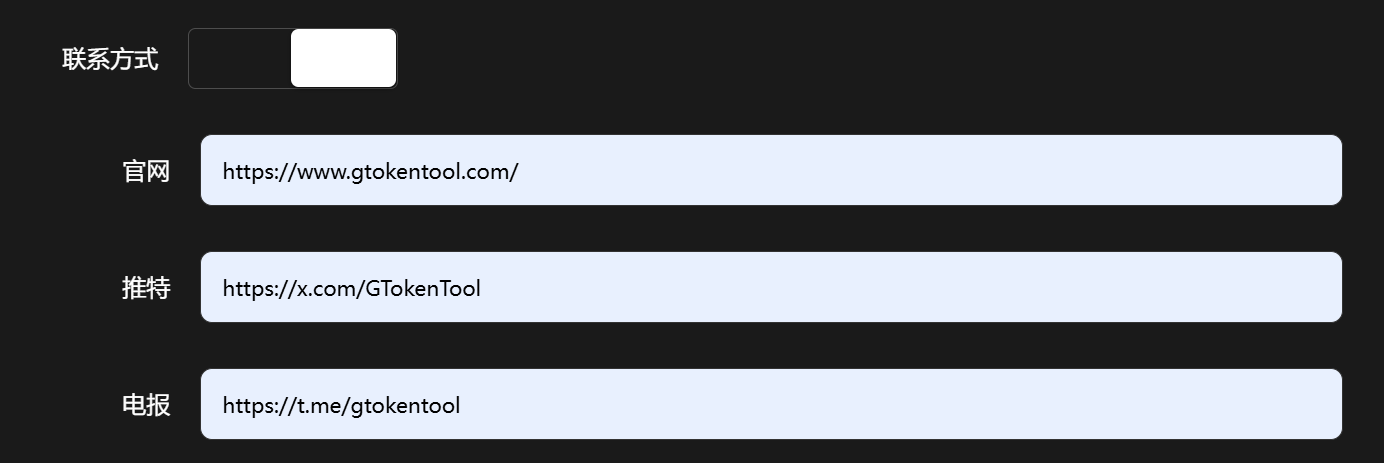
Step 4, add contact information (optional)
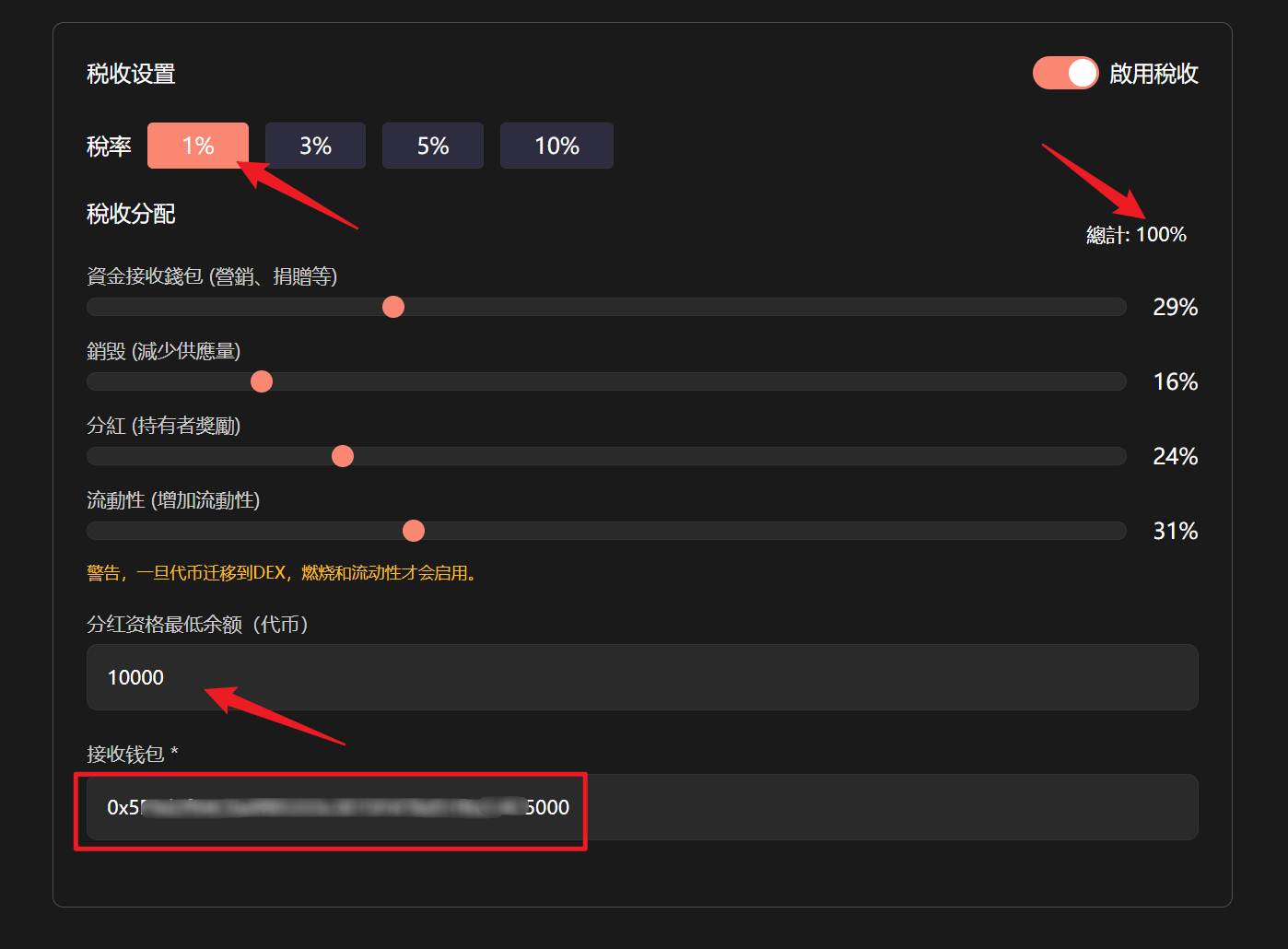
Step 5, tax settings (optional)
The total tax distribution must be 100%, and you can set the minimum balance for dividends and the receiving wallet.
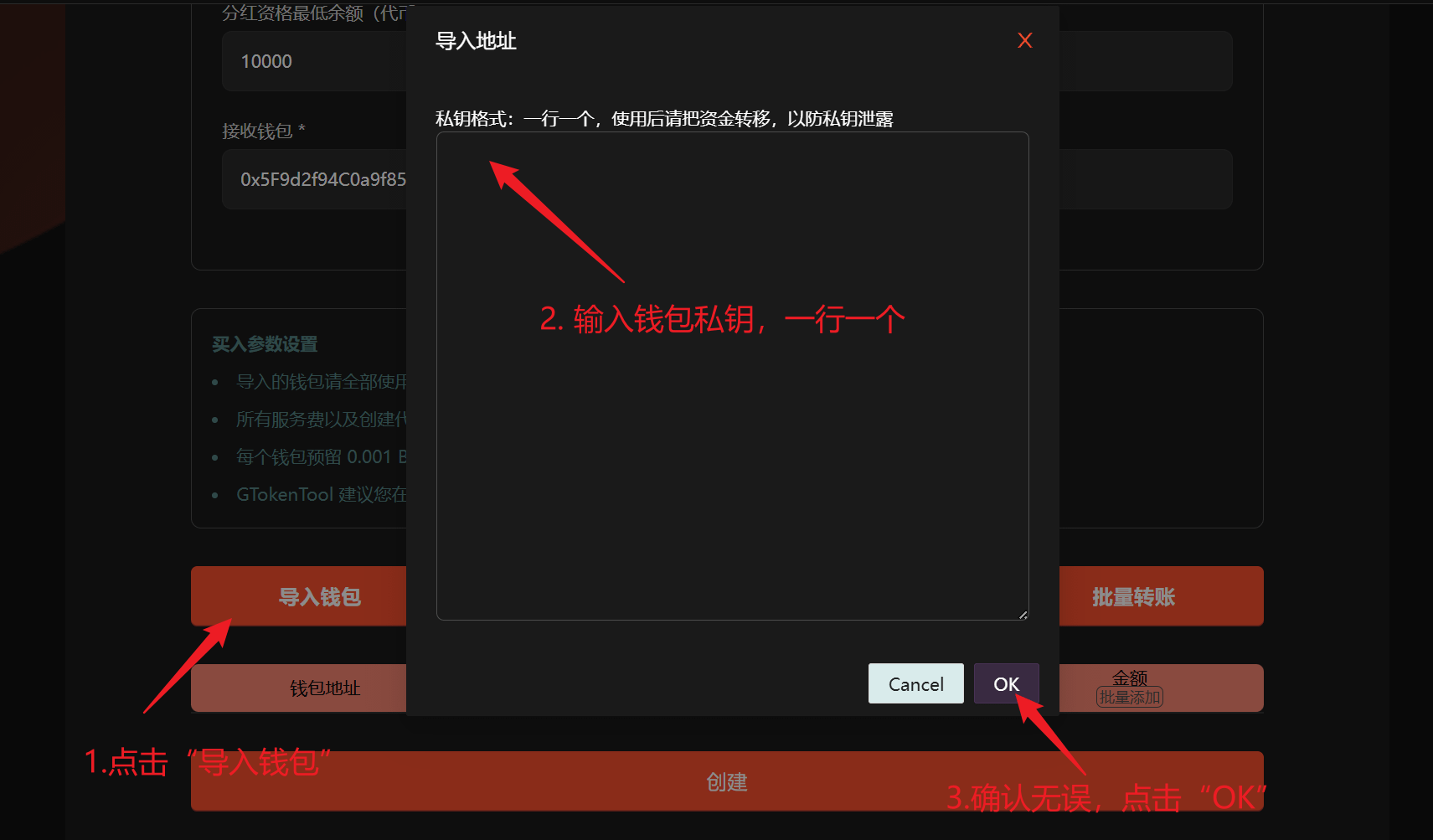
Step 6, import wallet.
Manually copy and fill in, one line per entry.
Purchase parameter settings
Please use all new addresses for the imported wallet.
All service fees and the costs of creating tokens are paid by the first wallet of the imported wallet. Please ensure that the balance is sufficient.
Each wallet reserves 0.001 BNB as buying gas.
It is recommended to change the wallet promptly after using functions that involve private keys.
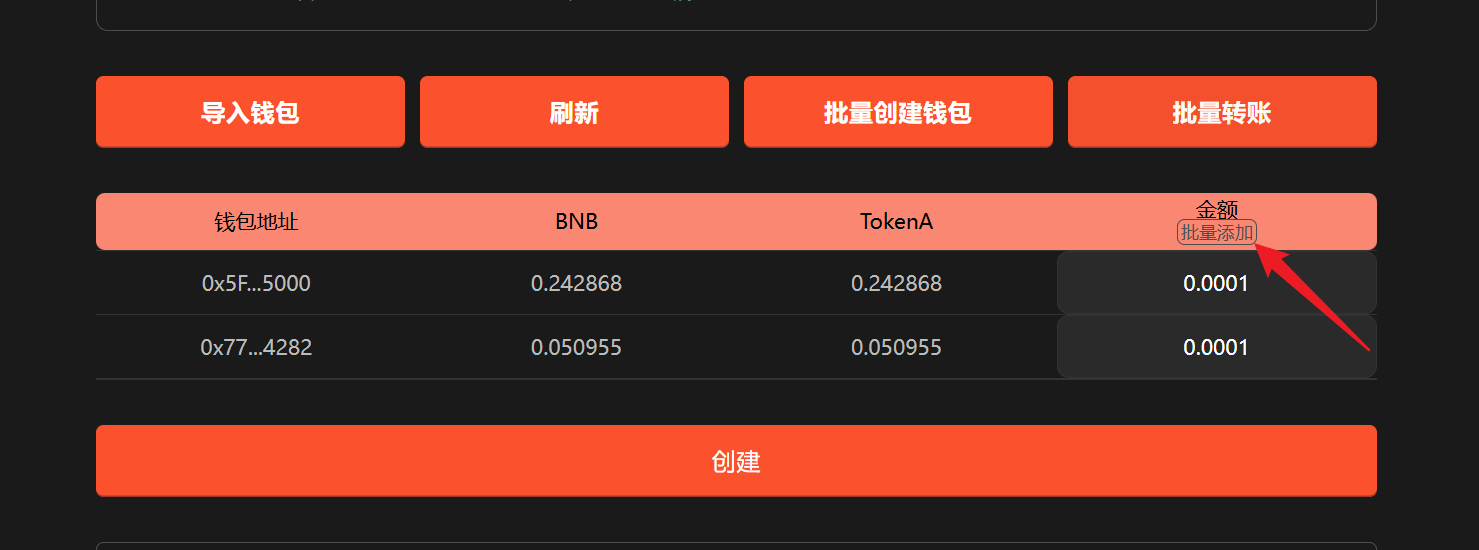
Step 7, set the purchase amount.
Can be set individually or added in bulk.
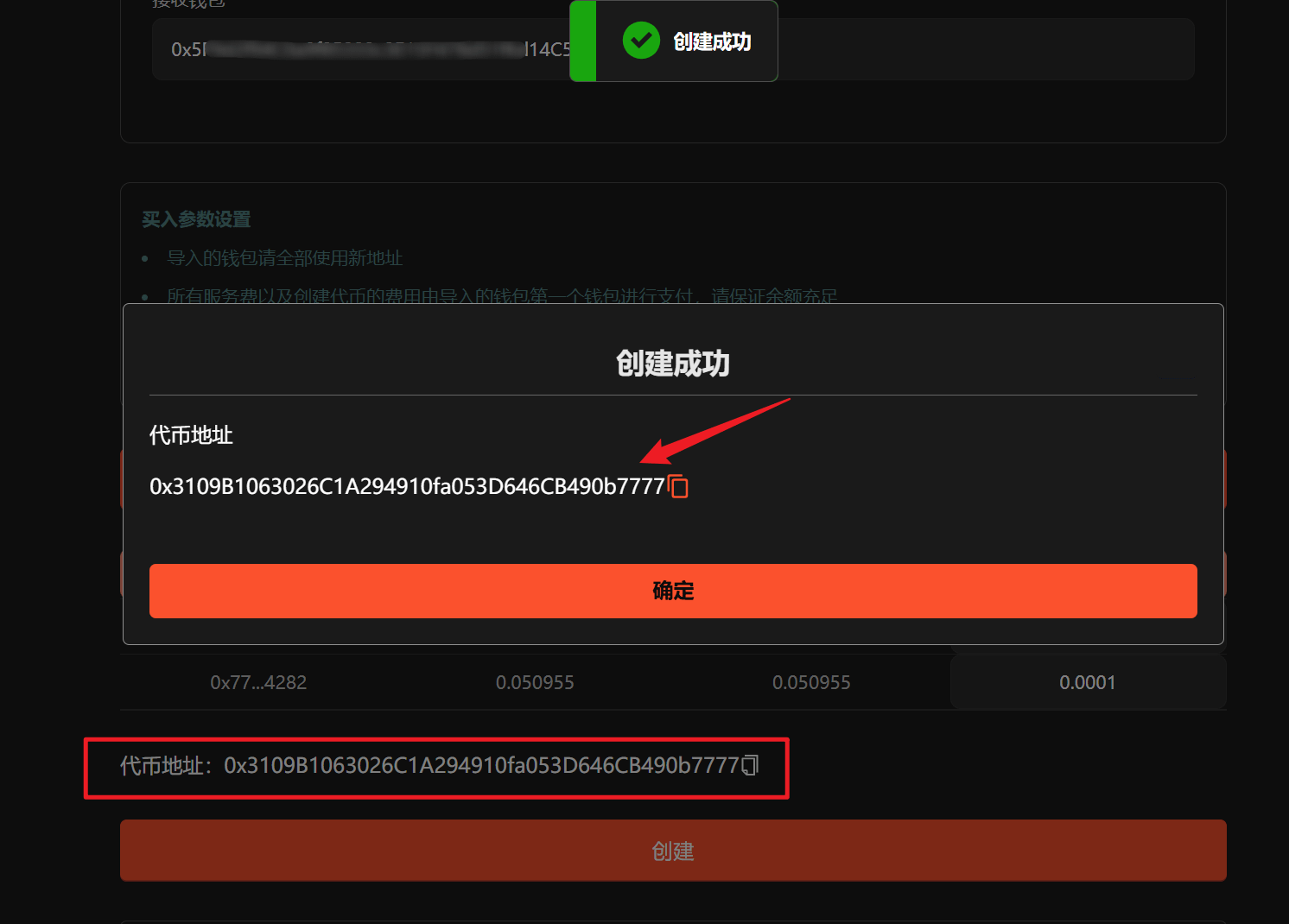
Step 8, click "Create"
Click "Create" and wait a moment. After successful creation, a pop-up will display the token address. The token address will also be displayed below, and you can click the token address below to view token information.
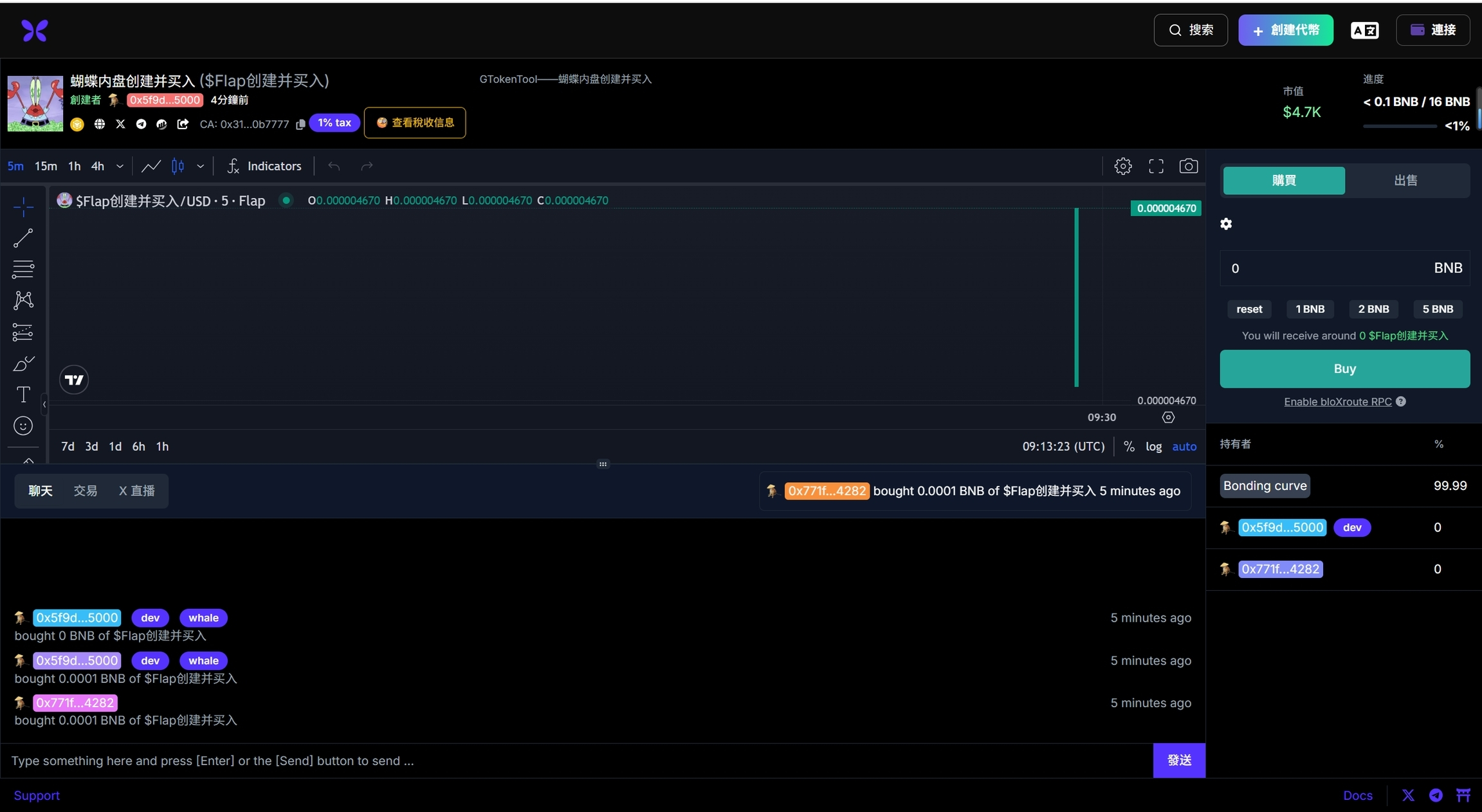
Thus, the entire process of Flap creating and bundling the purchase is completed, and everyone can operate on their own from here!
Frequently Asked Questions:
1. How is this feature charged?
The lowest fees in the entire network, tiered charges as low as 0.005 BNB per address. For fewer than 10 addresses, it's 0.03 BNB per address, and for more than 10 wallets, only 0.005 BNB per address.